Restyle Any Image
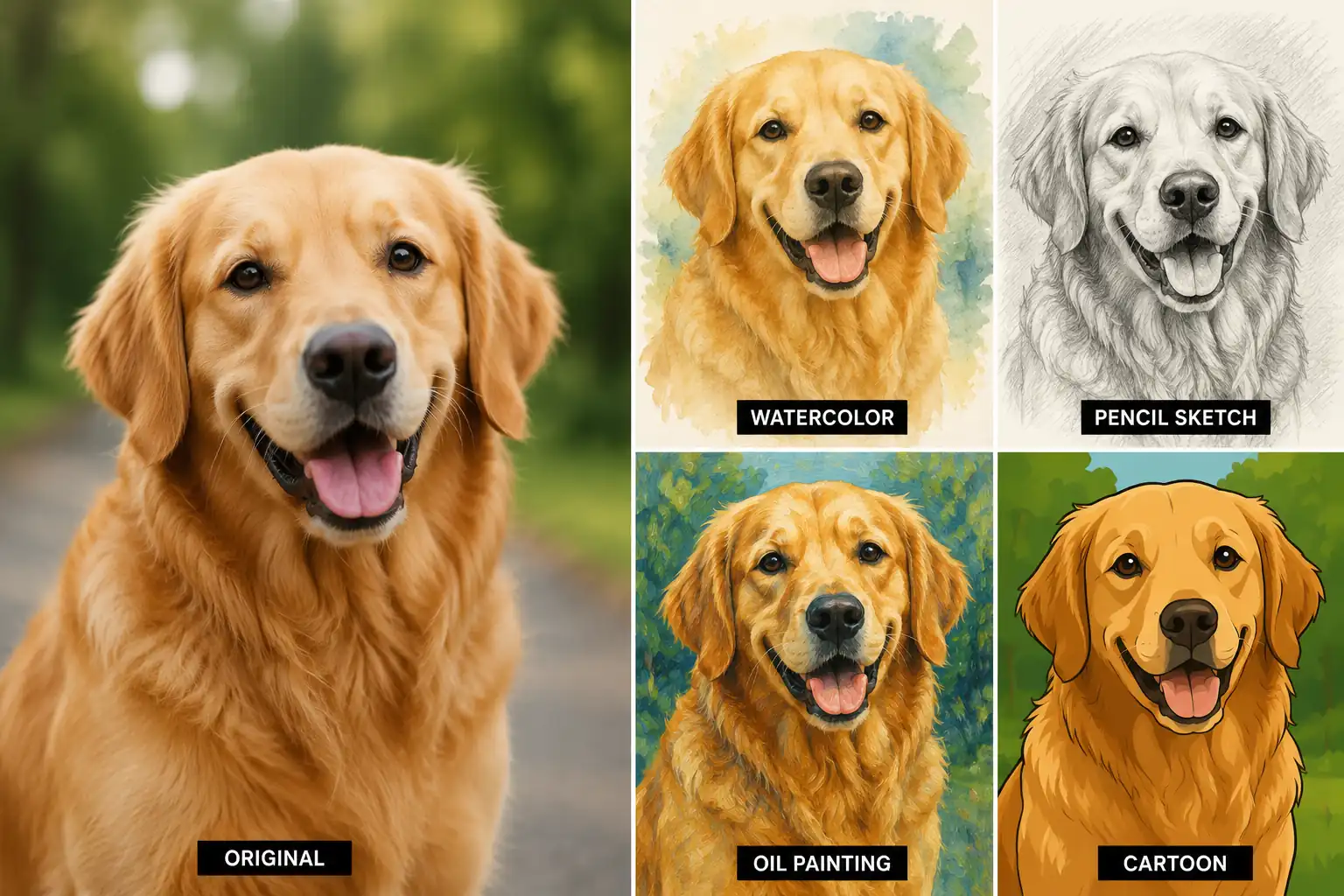
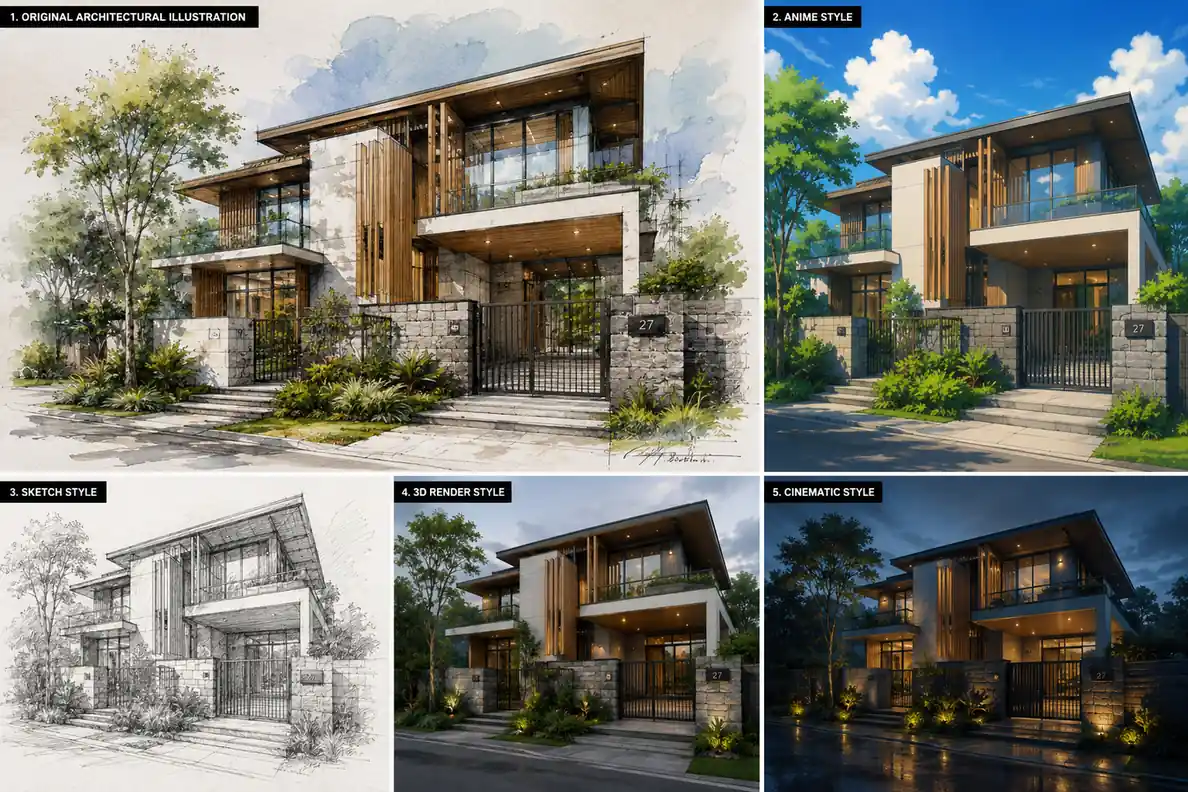
Transform a photo into anime, sketch, 3D, cinematic, or any visual style without recreating it from scratch.
Upload an image, describe the changes you want, and generate a new version with just a few clicks. Restyle, enhance, and create variations while preserving the original composition.
Result

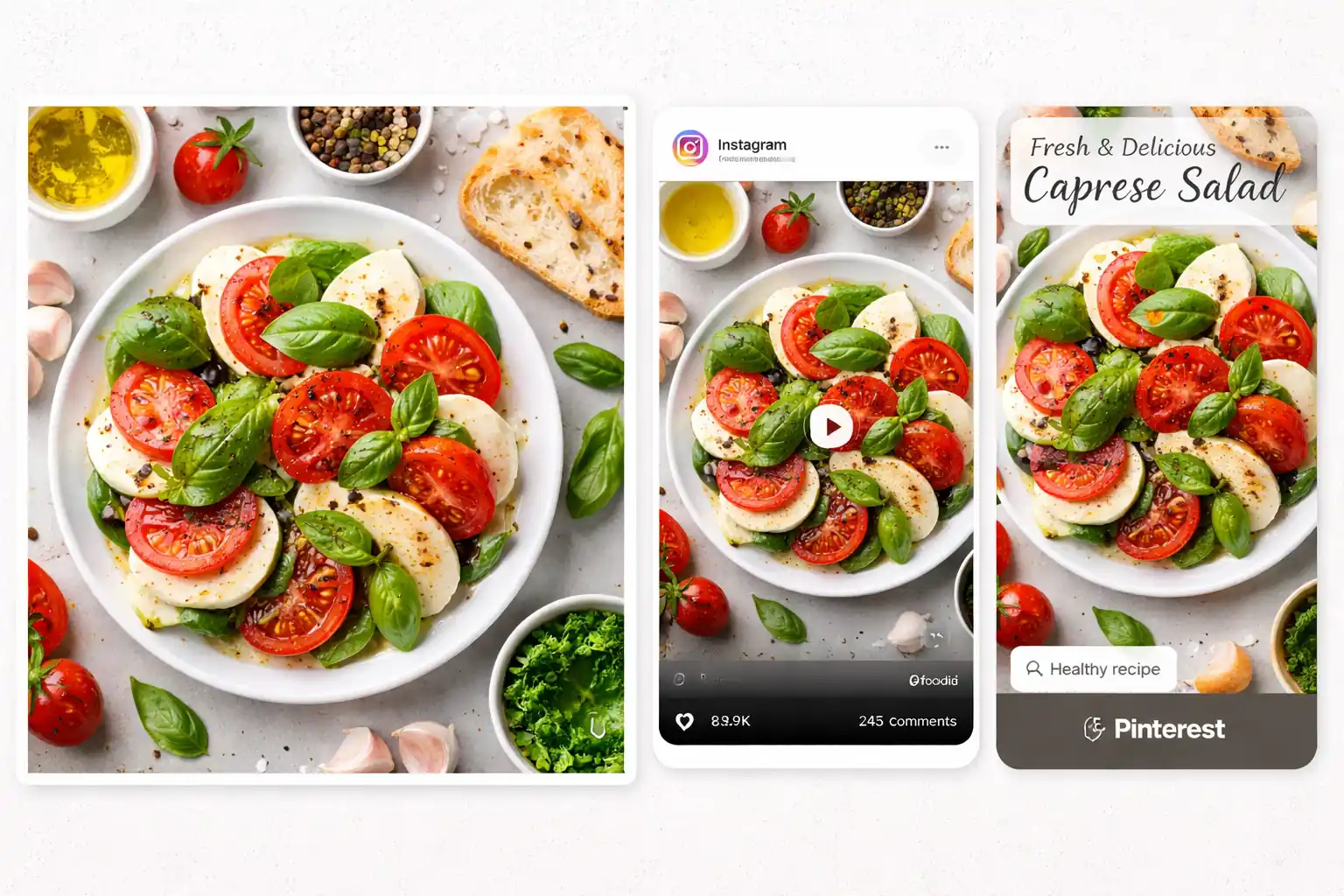
Restyle images, improve details, and create new variations for content, ecommerce, and creative work. Start with one image and quickly generate multiple results for different goals.
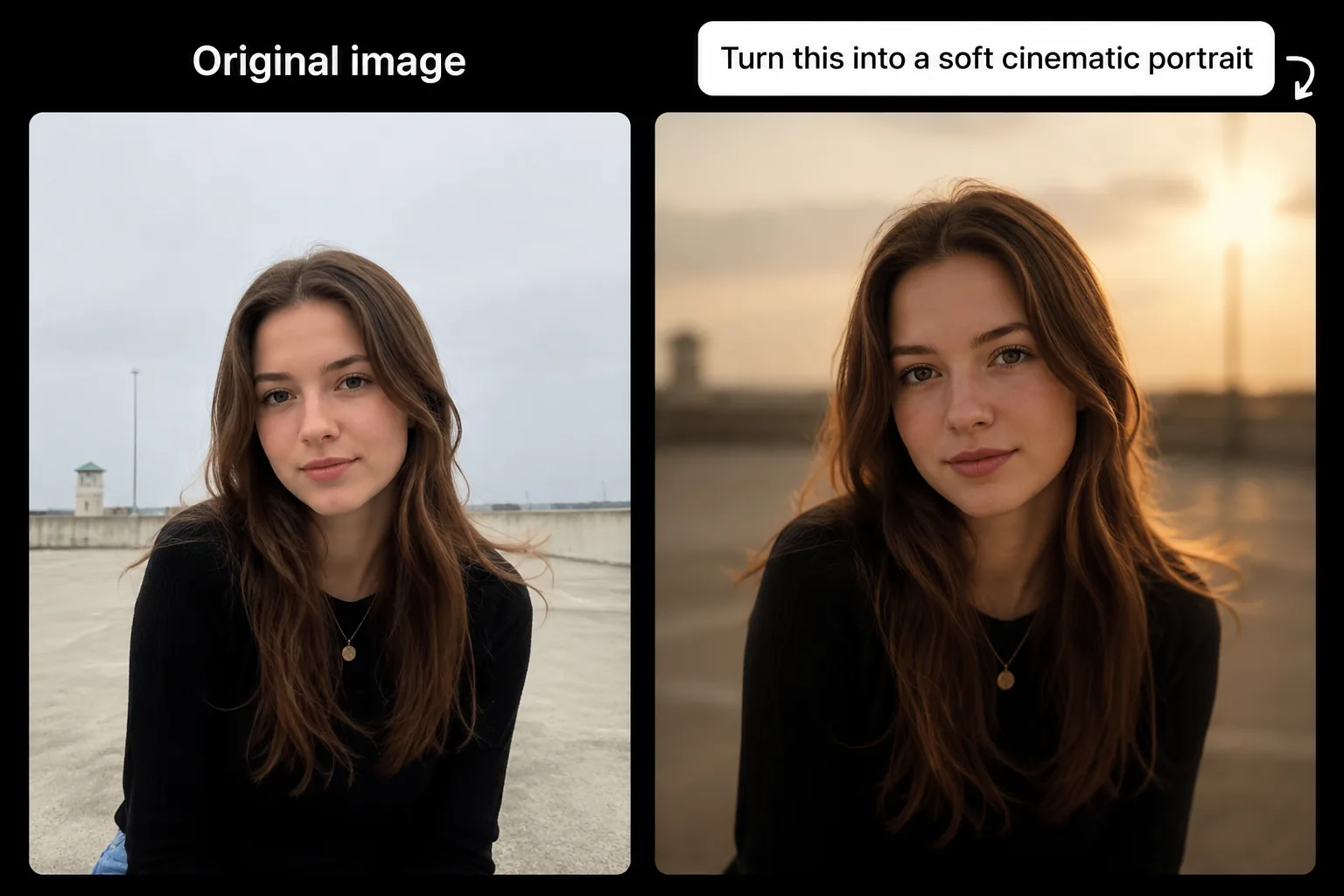
Transform a photo into anime, sketch, 3D, cinematic, or any visual style without recreating it from scratch.
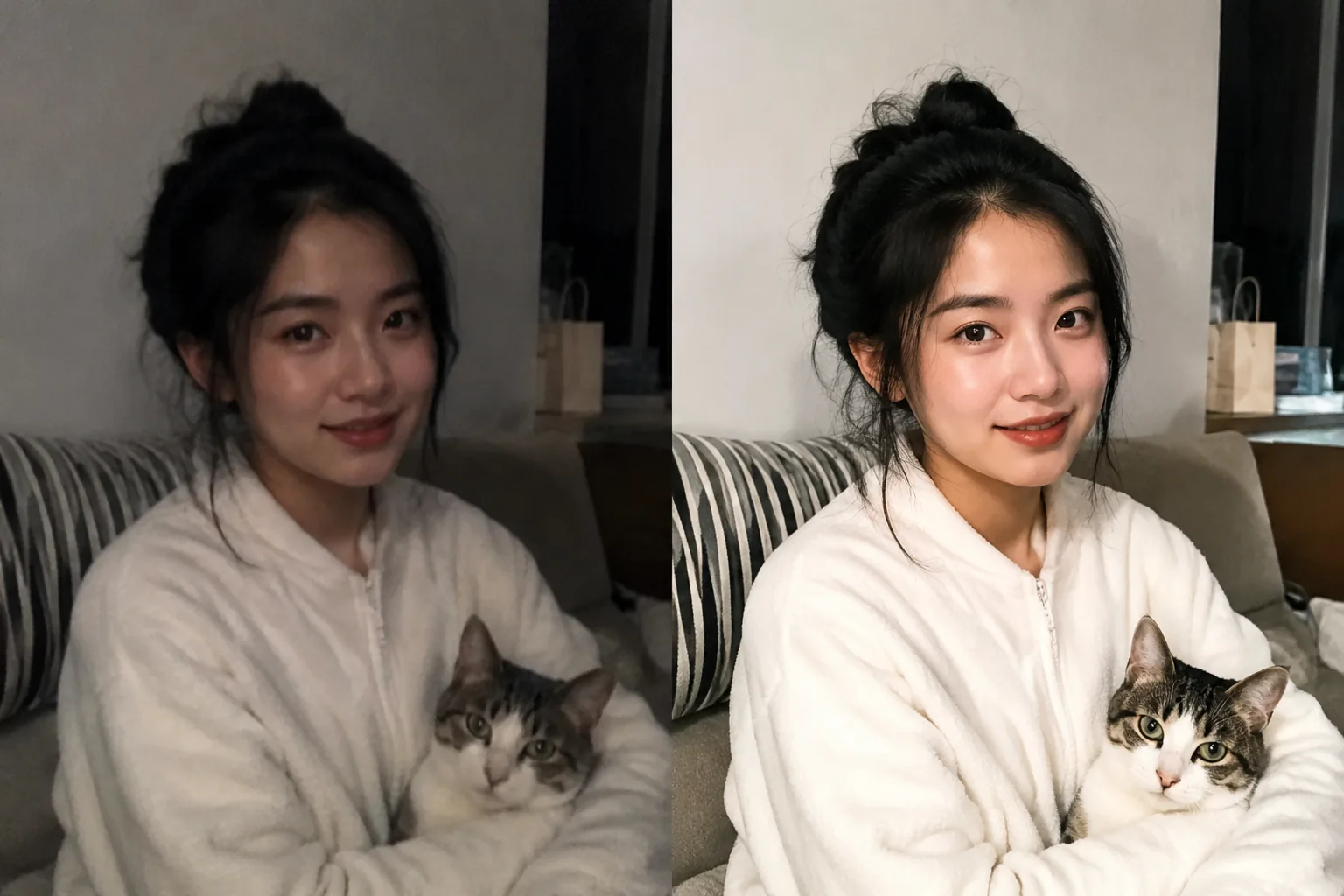
Clean up low-quality images, sharpen details, and make everyday photos look clearer and more polished.
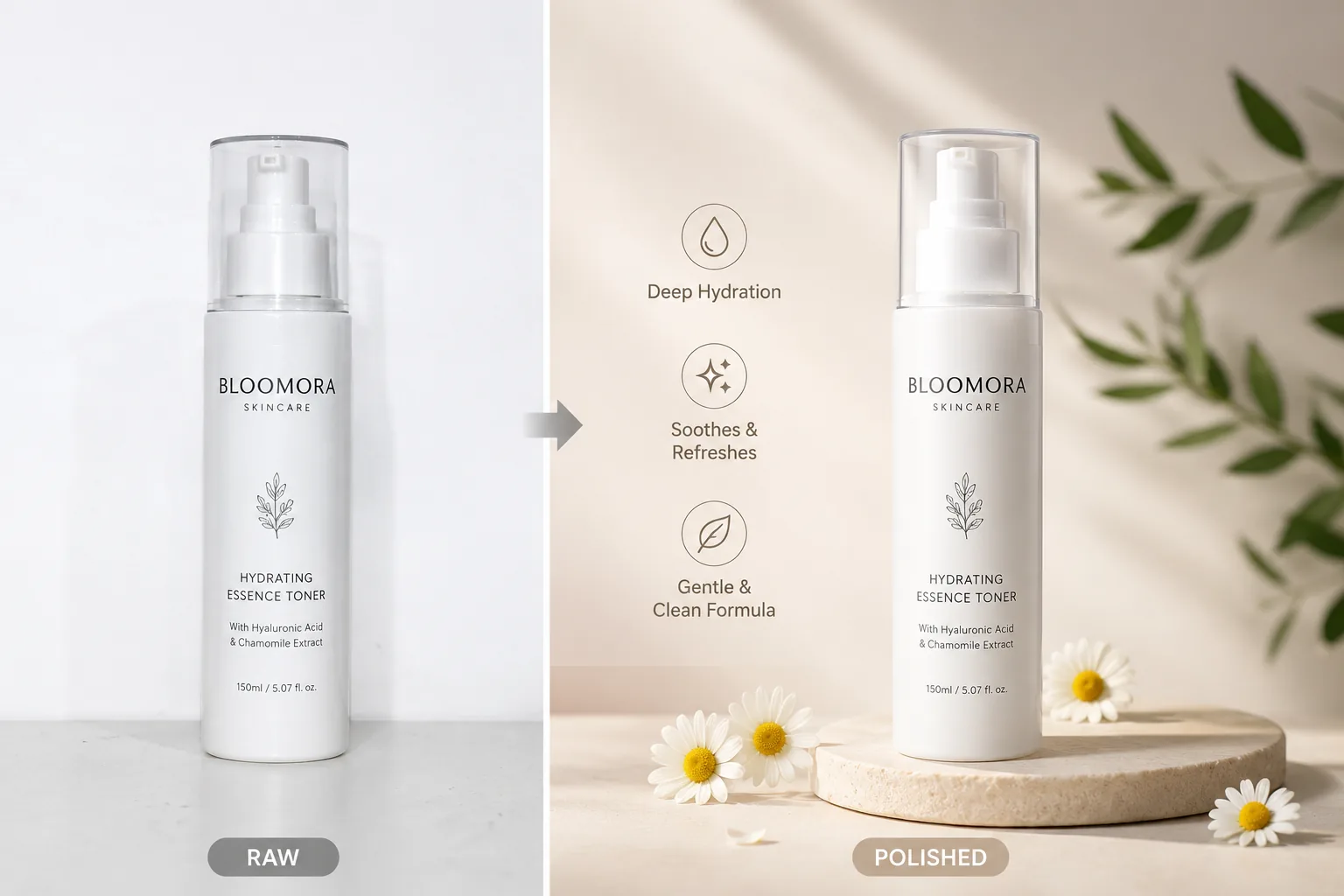
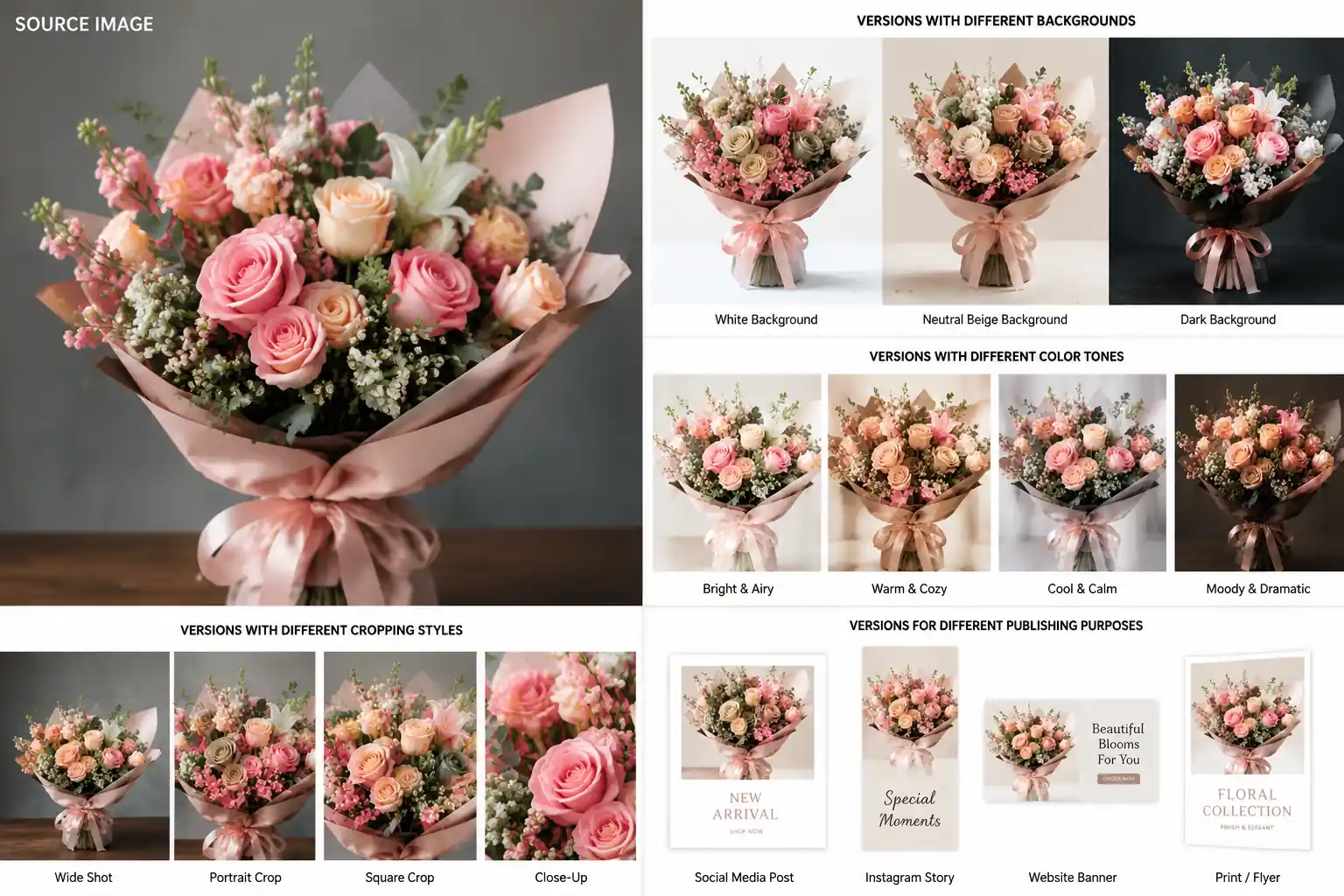
Generate cleaner, more eye-catching product visuals for ecommerce listings, ads, and online stores.
Create multiple versions for posts, thumbnails, campaigns, and short-form content in less time.
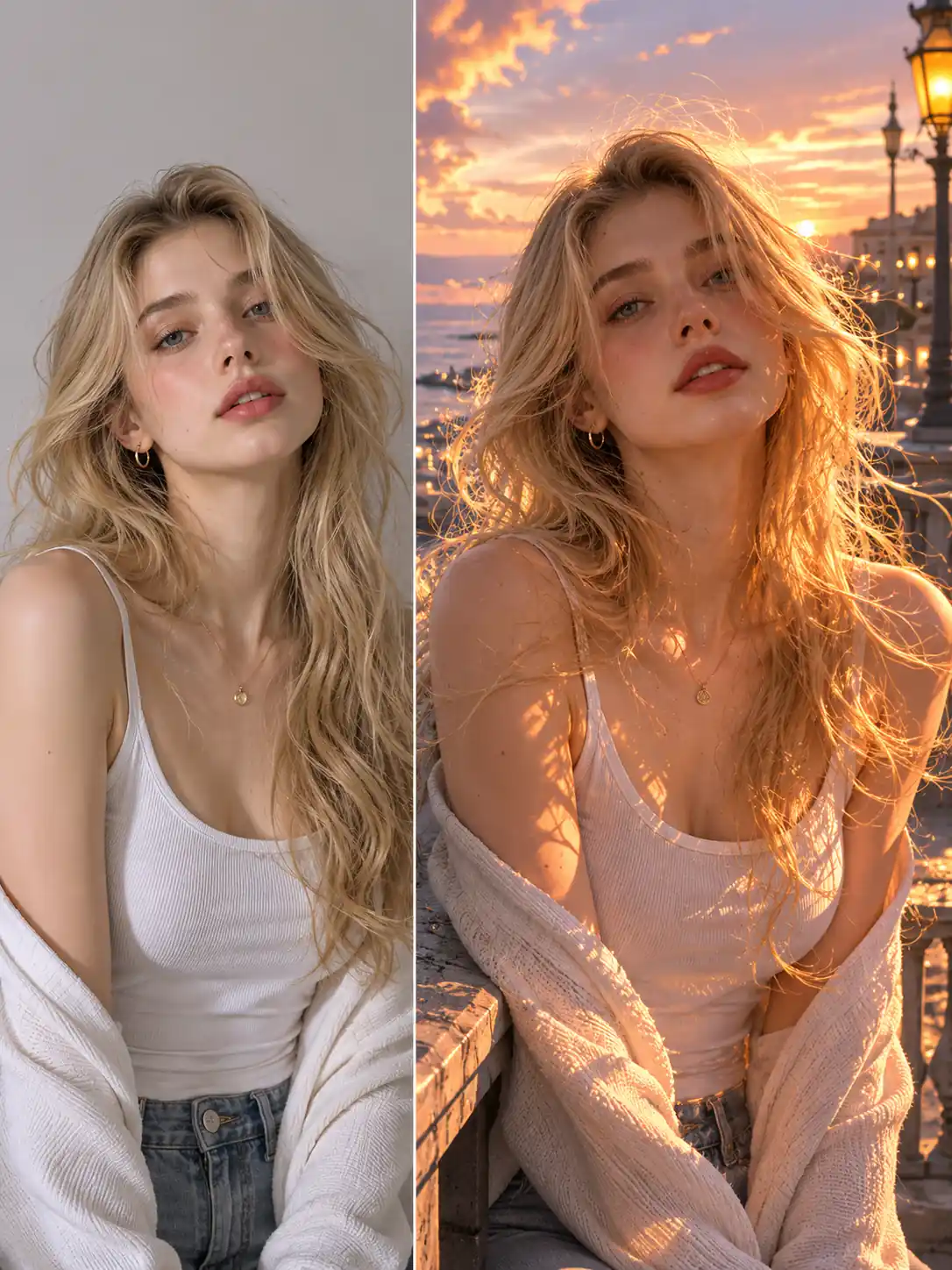
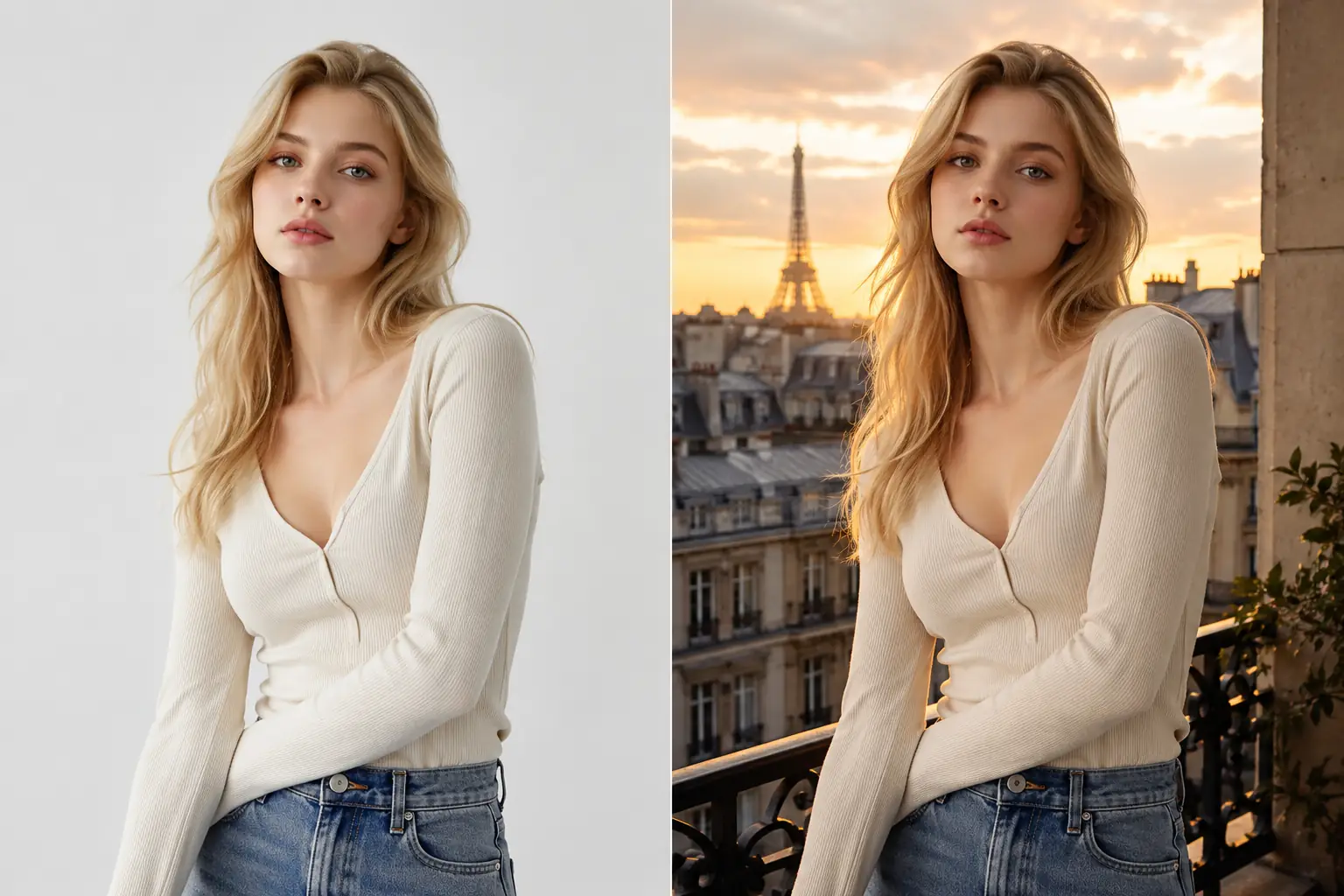
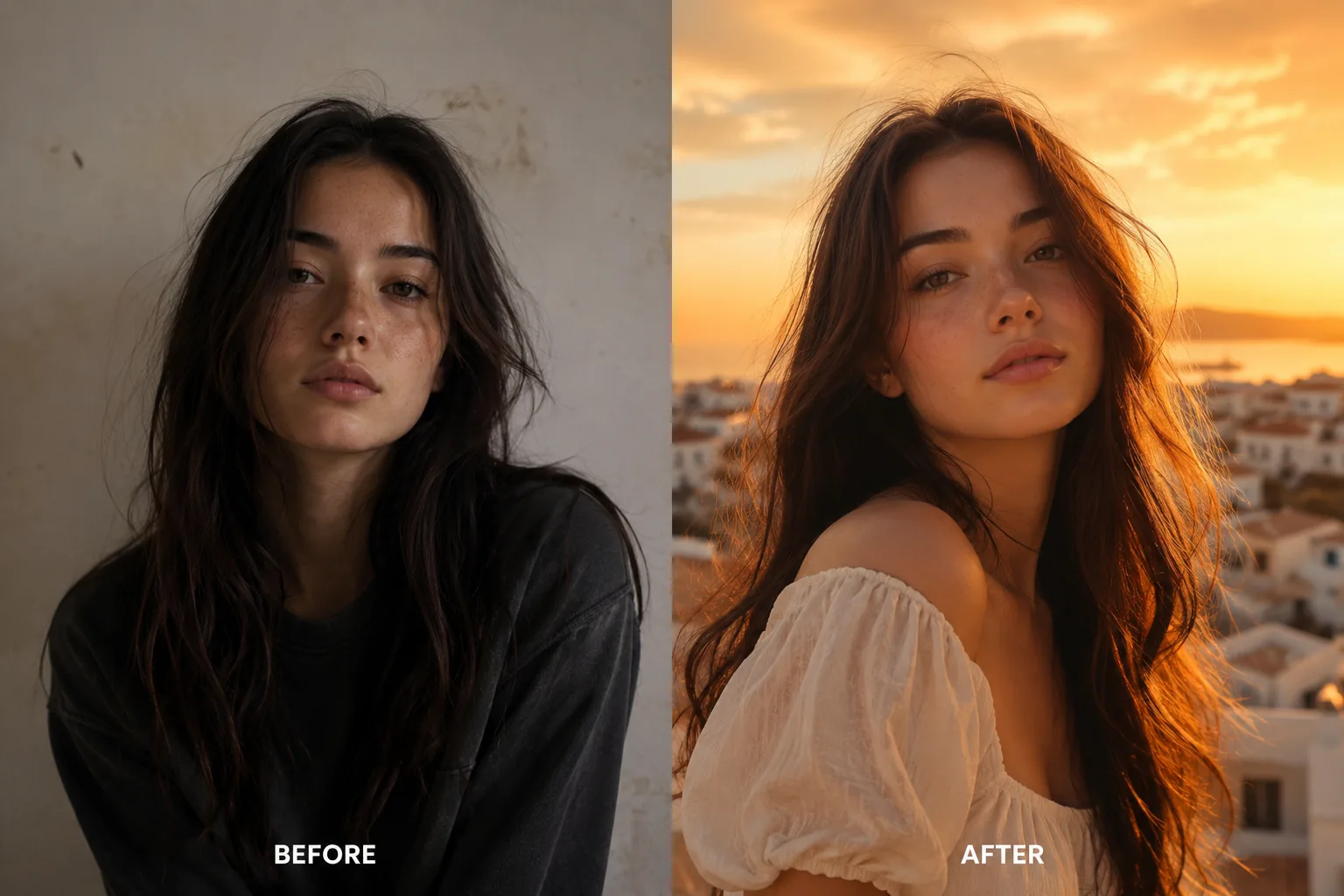
Change the background, style, or mood while preserving the main subject and overall composition.
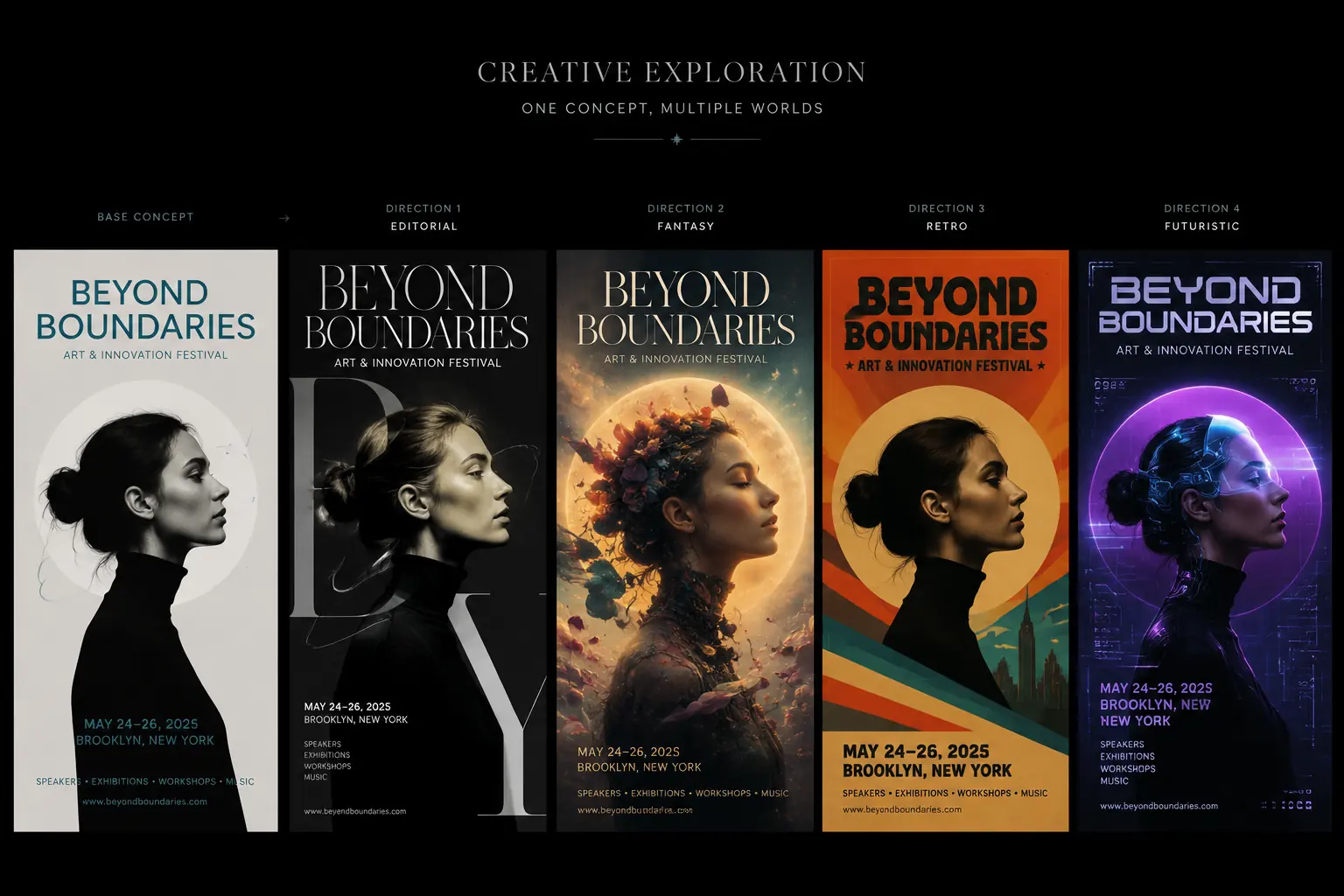
Try different looks from a single image and discover new ideas without repeating the entire design process.
Edit, restyle, and improve images faster with simple prompts. Keep what works in the original image, explore new looks, and create multiple versions without starting from scratch.
Just upload your image and describe what you want to change. You can adjust style, colors, details, lighting, or overall mood using plain language, without learning complicated editing tools or spending time on manual work.
Edit an Image with Text
Make changes while preserving the subject, composition, and important visual details from your original image. This gives you more control over the final result and helps you improve an image without losing what already works.
Preserve Your Image StructureTransform the look of your image into something fresh and visually striking. From realistic enhancements to artistic styles like anime, sketch, cinematic, or illustration, you can quickly create a new look while keeping the original idea.
Try a New Image Style
Generate different versions of the same image for social media, ecommerce, creative projects, or campaign testing. Instead of remaking visuals from scratch, you can explore more directions faster and choose the one that fits best.
Create More Image VariationsTurn your existing image into a new version in just a few simple steps. Upload a photo, describe what you want to change, and let AI generate a result you can preview and download right away.
Start with any image you want to improve, restyle, or transform. You can upload a portrait, product photo, illustration, or any other image you already have.
Enter a prompt to explain how you want the image to look, or choose from preset options to edit faster. You can change the style, mood, background, colors, or visual details with just a few words.
Let the AI generate a new version of your image in a short time. When the result is ready, you can preview it, download it, and use it for content, design, ecommerce, or social media.
Go from idea to finished image faster with a simple workflow, flexible controls, and results you can actually use.
Try image-to-image editing for free and explore different ideas before committing to a more advanced workflow.
Transform an existing image in just a few steps instead of spending time on complex edits or rebuilding everything from scratch.
Download clean images without a watermark, so your results are easier to review, share, and use in creative or commercial work.
Make meaningful changes while preserving the subject, composition, and key details that already work in your image.
See how creators, marketers, and ecommerce teams use Image to Image to edit faster, explore more ideas, and create better visuals with less effort.
"This tool makes image editing much easier."
I can turn one product photo into multiple clean variations in minutes, and the no-watermark result is a big plus.
"I use Image to Image for social content all the time."
It is fast, easy to control, and great when I need a few different looks from the same image.
"What I like most is how well it keeps the main subject intact while changing the style."
It saves a lot of time when I want a fresh creative direction.
"The workflow is simple enough for the whole team to use."
Upload, prompt, generate, download, and we are done. It is exactly what we needed for quick visual testing.
"I love that I can try it for free first."
The results look polished, and I do not have to deal with watermarks when I want to share or review the images.
Image to Image AI is a tool that transforms an existing image into a new version using artificial intelligence. Instead of starting with a blank canvas, you upload an image and use prompts or preset options to change its style, details, background, or overall look.
It works in three simple steps. First, upload the image you want to edit or transform. Next, enter a prompt or choose preset options to describe the changes you want. Then the AI generates a new version of your image that you can preview and download.
Yes. One of the biggest advantages of Image to Image is that it can preserve the parts of the image that matter most, such as the main subject, overall composition, or key visual details, while still allowing you to change style, mood, background, or other elements.
Yes. You can use our Image to Image AI for free, which makes it easy to test ideas, explore different looks, and see how the tool fits your workflow before making any commitment.
Yes. Downloaded results are watermark-free, so they are easier to review, share, and use in your projects.
You can create many types of results, including restyled portraits, enhanced photos, product image variations, social media visuals, background changes, and creative reinterpretations of your original image.
Join creators already using MindPic AI to speed up visual production, test more ideas, and move from one source image to many polished outcomes.
Generate from Image No credit card required to start.