
See Yourself at Any Age with Our Free AI Age Filter
Change age in photos in a few clicks with MindPic’s AI Age Filter. Choose from baby to elderly, or enter a custom age to create natural age progression photos while keeping your facial features recognizable and your skin tone consistent.
Try AI Age Filter Free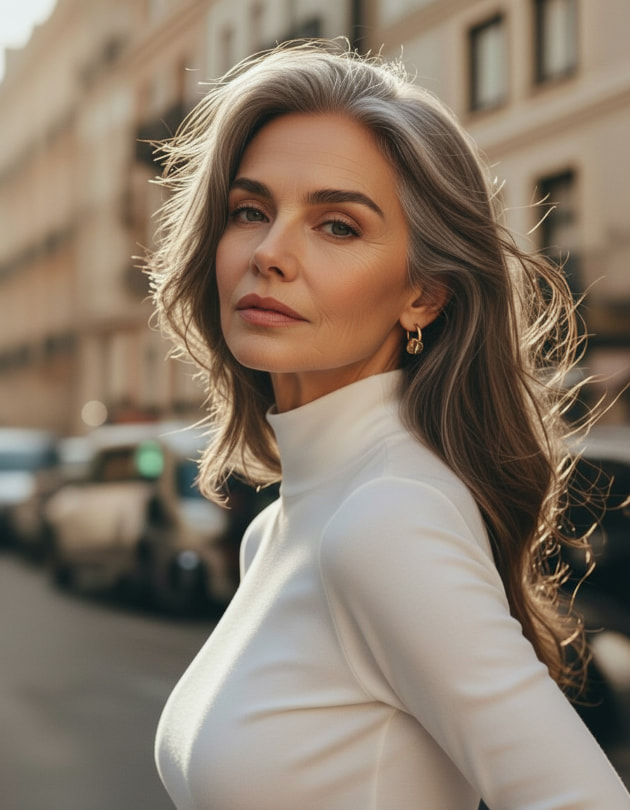
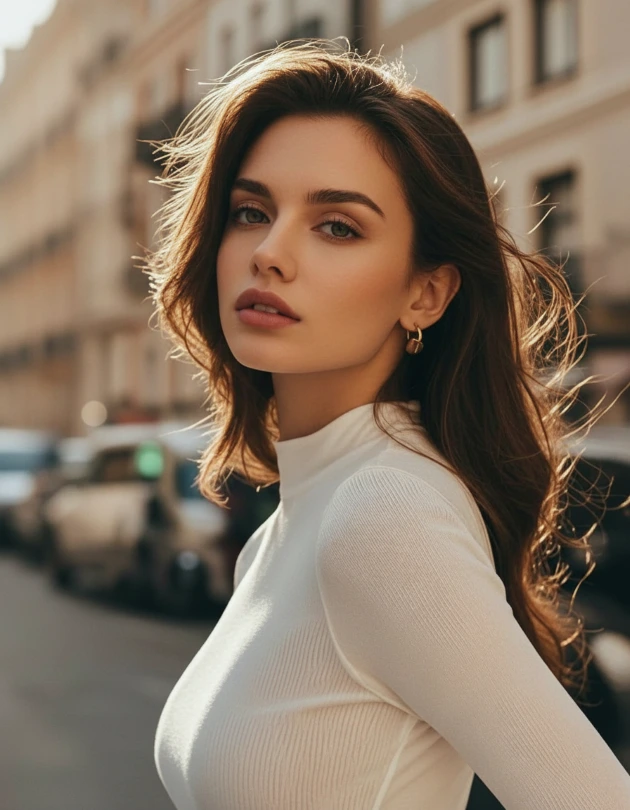
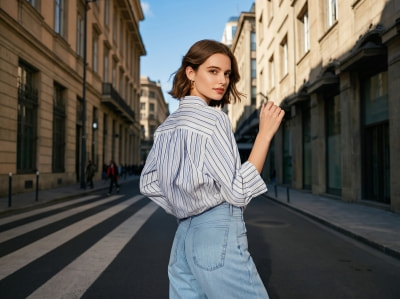
Original
Age 25
AI Filter
Age 65
Try the AI Filter to Change Age in Photos Now
Ready to travel through time? Upload a photo, choose an age stage, and get your realistic age transformation in seconds.
Result
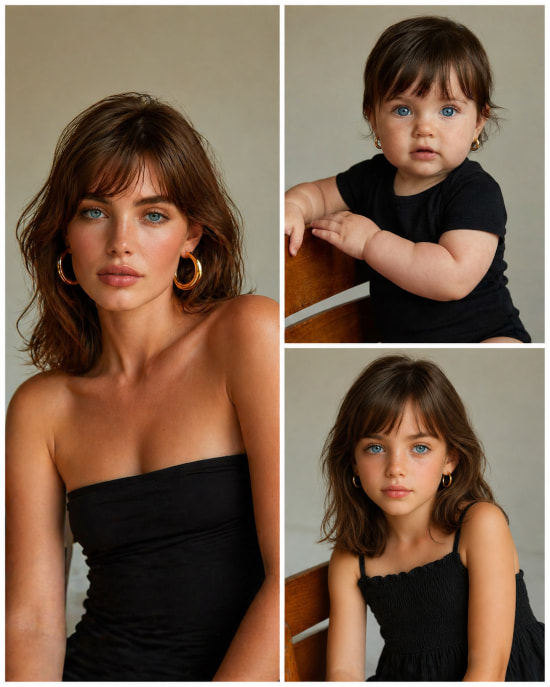
See Real AI Age Transformations Across Different Life Stages
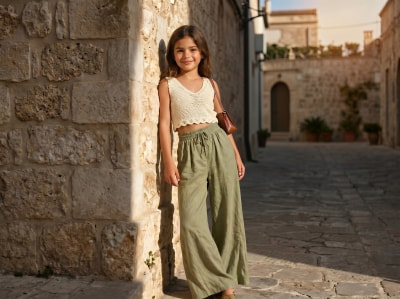
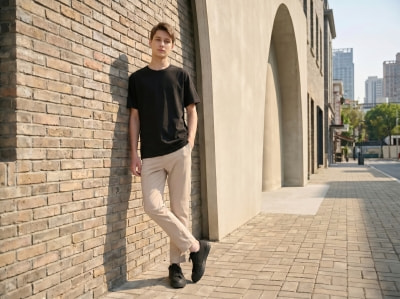
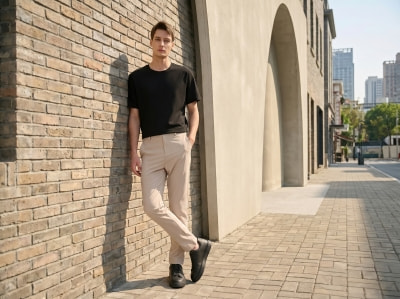
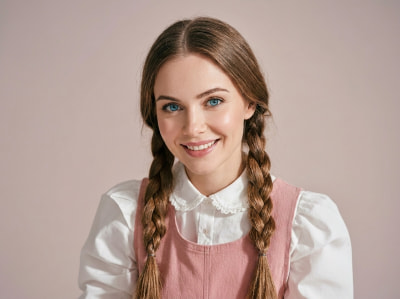
Browse the before-and-after examples below to see how our AI Age Filter changes age in photos with lifelike results across different faces and life stages.
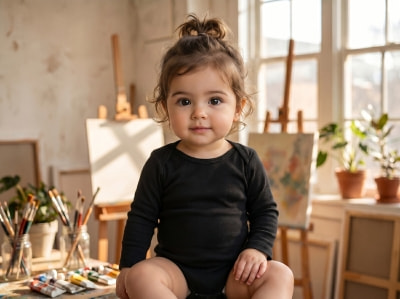

Stage 01
Baby

Stage 02
Childhood
Stage 03
Teenager
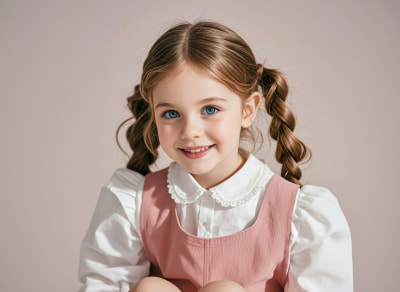
Stage 04
Adult


Stage 05
Middle Age
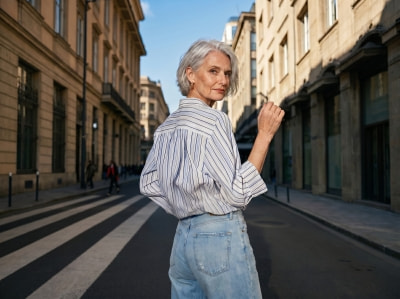
Stage 06
Elderly
How to Change Age in Photos with AI in 3 Simple Steps
Creating age progression photos is simple. Just follow these three steps to change your age in seconds. No editing skills needed.
Step 1: Upload Your Photo
Upload the photo you want to transform. To get a better result, use a good-lighting, front-facing and high-resolution image where the face is clearly visible.
Step 2: Select or Enter a Target Age
Choose your desired age from our six preset stages, or enter a custom age. The tool will adjust the transformation to match your selected life stage while keeping your face recognizable.
Step 3: Generate and Download
Click “Generate” to create your age transformation photo within seconds. You can download the watermark-free image for sharing or for social media posts.
What You Can Do with Our AI Age Progression Tool
Our AI Age Filter does more than simply change the age in photos. Whether you want to have fun, tell a story, or create engaging visual content, it makes age transformation entertaining and easy.
See Your Past or Future Self with AI Age Filter
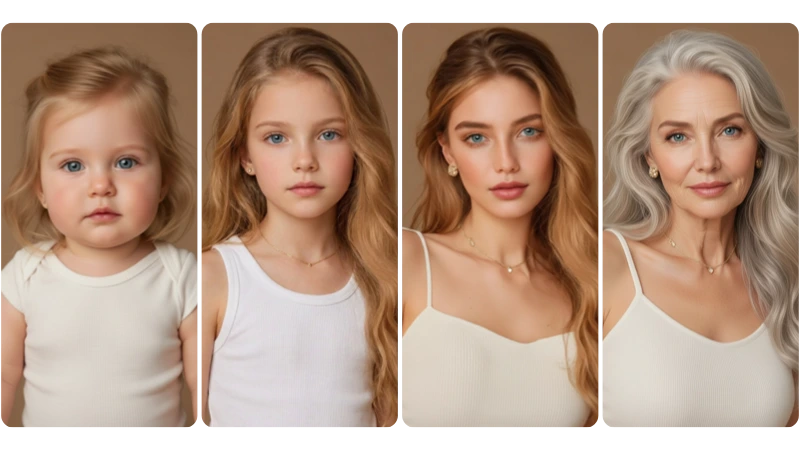
Curious about what you may have looked like as a baby, or how you might appear years from now? With our AI age transformation tool, you can explore different life stages, from baby age to elderly age. The tool adds age-appropriate details like skin texture and hair changes while keeping your key facial features recognizable.
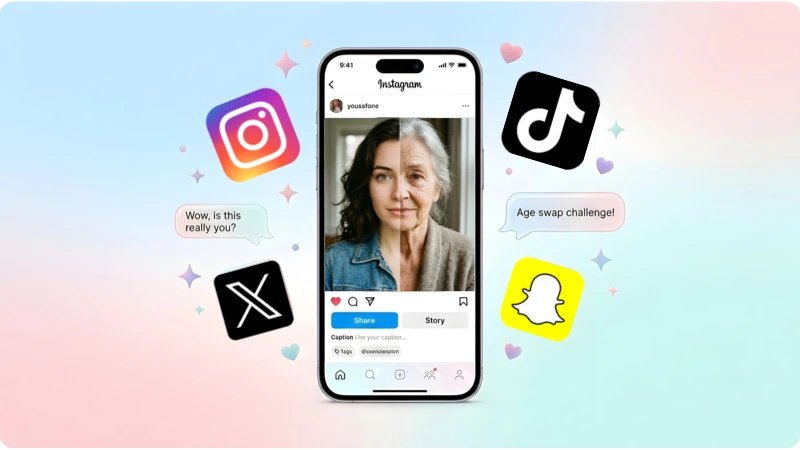
Join the Time Travel Trend on Social Media
Don’t miss out on the viral “Time Travel” trend across social media platforms. With our AI age filter, you can create authentic photos of yourself at any age. Whether you want to start a conversation, post comparison photos, or simply share with your followers, it helps make your content more engaging and fun.
Create an Age Transformation PostCreate AI Age Progression Photos for Your Loved Ones
The age progression tool is more than just an entertaining filter. You can use this effect to imagine your child as they grow up, see what you and your partner might look like growing old together, or picture your parents and grandparents in their younger years. It’s a touching way to create meaningful age progression photos for people you care about.
See Your Loved Ones Across Time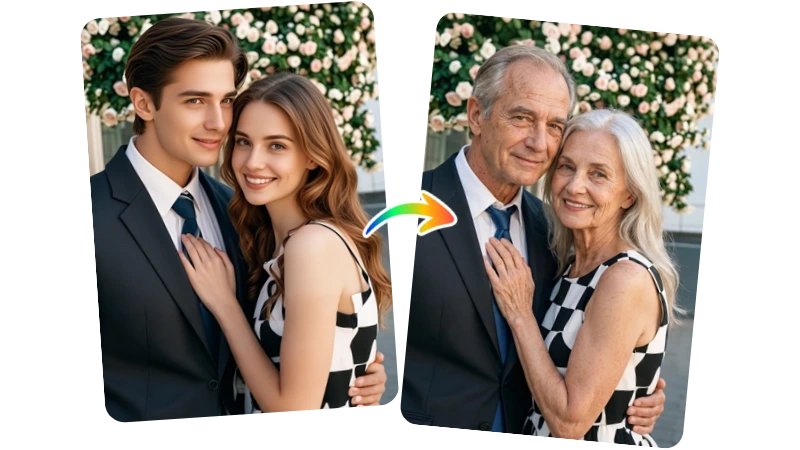
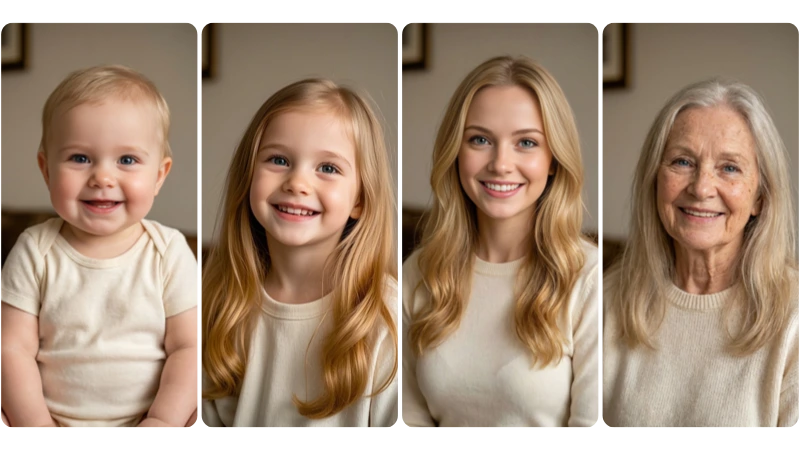
Keep Virtual Character Consistent Across Ages
Need the same character at different ages? Our AI age transformation effect preserves recognizable facial features and visual identity while changing the age. Whether aging up or down, your character stays consistent, making it easy to create cohesive age progression photos for social media, storytelling, and long-term content creation.
Create Consistent CharacterWhy Choose Our AI Age Progression Effect?
Here’s why users choose MindPic AI when they want to change age in photos online.
5 Free Tries Every Day
Our tool offers 5 free generations per day, with no sign-up or subscription required. It works entirely online, so you can start right from your browser without installing any software.
Natural-Looking Age Changes
Our age filter preserves your facial features, skin tone, background, and other details. It makes subtle adjustments to your physique, clothing, and skin condition, so the final result still looks like you.
Simple and Fast to Use
Designed with an intuitive interface, our AI is super easy to use. Just upload your photo, select or enter your target age, and generate your transformation photo in an instant. No editing experience is required.
Watermark-Free Downloads
We provide watermark-free downloads. Every photo you create is clean and free of logos, ready to be shared with family, friends, or on social media.
Private and Secure Processing
Your uploaded photos are processed securely and removed shortly after generation. You can try the tool without creating an account or keeping files stored longer than needed.
6 Age Stages + Custom Age Input
We provide 6 preset life stages, from baby to elderly. You can also enter a custom age for more control over your final result.
What Users Are Saying About Our AI Age Filter
See how people from all over the world are using MindPic AI to explore different life stages and jump on the age progression trend.
"I tried several age filter apps for TikTok, and most added a large watermark unless I paid. MindPic let me download a clean image for free, and the older-age result looked surprisingly natural."
"What stood out to me was how well it kept my bone structure and skin tone. A lot of tools make everyone look the same, but this result still looked like me, just older."
"I use it to explore how my original characters might look at different ages. It saves me time when I need visual references before drawing."
"I like that it works right in the browser, so I don’t need to download another app. The simple workflow and privacy-friendly setup make it easy to try."
"I tried the baby filter with a family photo just for fun, and the result felt surprisingly believable. It turned into a fun evening for everyone."
"It’s very straightforward. You upload a photo, choose an age, and the result is ready quickly. I also like that the download comes without a watermark."
"Five free tries a day is enough to experiment with different looks. For a free tool, the results were better than I expected."
"Most age filters only give you a basic young-or-old option. Being able to enter a custom age makes the result much more flexible."
"I tested it with facial hair, and the result held up better than many similar tools I’ve tried. The age change looked more natural than I expected."
"I’m not familiar with photo editing, so I liked how easy this was to use. I used it to make a growing-up collage idea for my family, and the process felt simple from start to finish."
FAQs About Our AI Age Progression Photo Generator
Explore More AI Face Filters on MindPic
Try more AI face transformation tools from MindPic AI, including smiling, gender swap, crying, and other creative face effects
Start Your Time Travel Journey with Our AI Age Filter for Free!
Upload your photo and see yourself at any life stage, from baby to elderly, completely free and safe!
Start Your Journey Now