
Free ChatGPT Image 2.0 for Online Image Creation and Editing
ChatGPT Image 2.0 is OpenAI's latest image generation model. On MindPic AI, you can instantly use it to create posters, product shots, social media content, and multilingual photos—all for free.
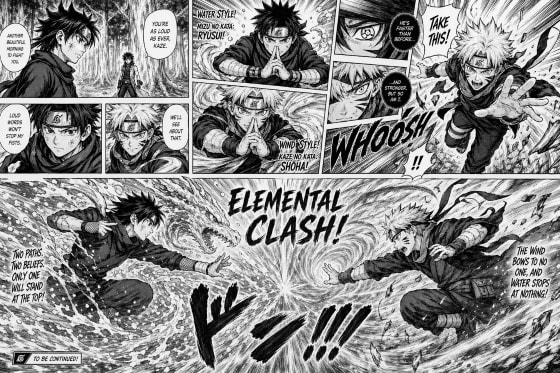
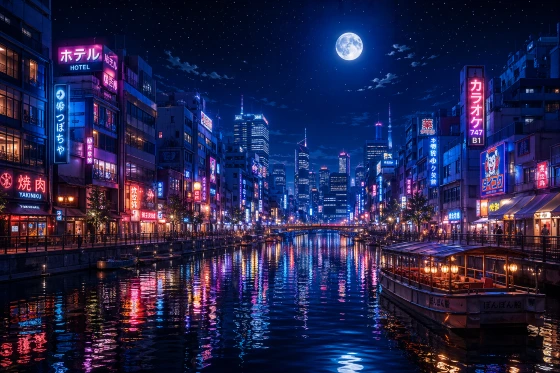
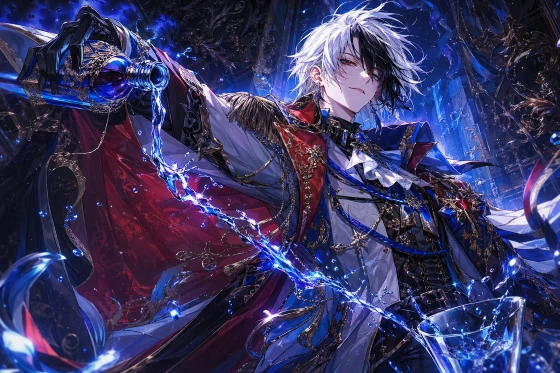
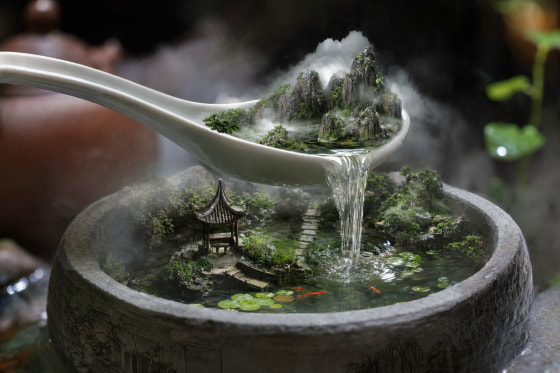
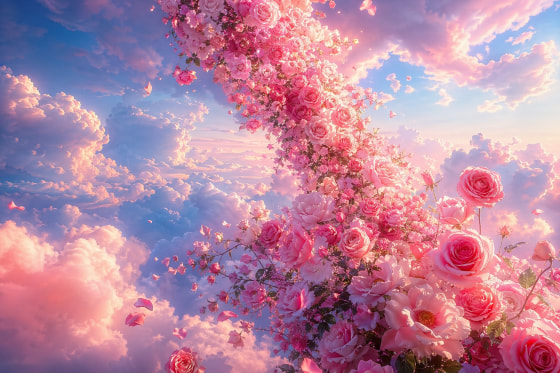
Try ChatGPT Image 2.0 Online
Start from a prompt, choose an aspect ratio, and create a polished AI image in seconds.
Result
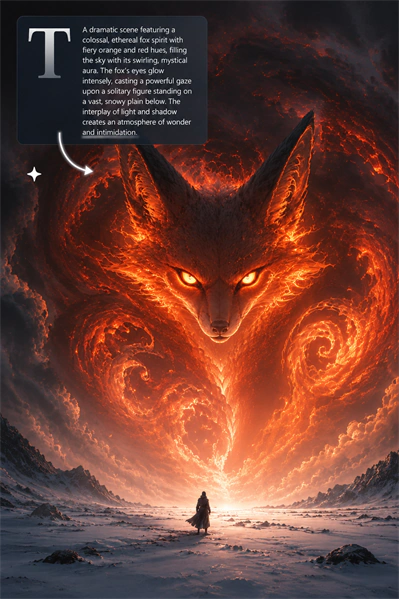
ChatGPT Image 2.0 vs Nano Banana Pro
We tested both this model and Nano Banana Pro using the same prompts to compare text rendering, style consistency, non-Latin script handling, and structured compositions. Review the outputs side by side and see which result fits your workflow better.
Comparison Summary
| Comparison Area | ChatGPT Image 2.0 | Nano Banana Pro |
|---|---|---|
| Text rendering and typography | Stronger English text rendering and slightly better layout control in our poster-style tests. | Clear in many cases, but poster layouts may need more retries before they feel polished. |
| Style range and reproduction | Covers a broader range of styles with steadier consistency in those examples. | Handles several visual styles well and performs reliably in general creative tasks. |
| Understanding and rendering of non-Latin languages | More reliable on multilingual prompts and non-Latin text, especially in structured visual tasks. | Can follow multilingual prompts, but non-Latin text and page structure may need more adjustment. |
| Prompt understanding | Stable overall, with a slight edge on tasks that need stronger layout continuity or structure. | Stable and capable for general image generation needs. |
| Best for | Posters with text, multilingual visuals, stylized design work, and tasks that need more structure or consistency. | General image generation, portraits, and basic creative work. |
Note: This comparison uses the same prompts for both models. Results may vary based on prompt wording, settings, and reruns.
Key Features of ChatGPT Image 2.0 Generator
This isn’t just another AI image generator. By improving common issues like messy text and awkward layouts, you can create visuals that are almost ready-to-use, with much less editing.
Better Text Rendering and Layout
Tired of messy text, spelling mistakes, or misaligned layouts? ChatGPT Image 2.0 makes significant improvements in this area. Whether you’re designing promo graphics, event posters, or product covers, you can get more reliably typography.
Start Creating Now
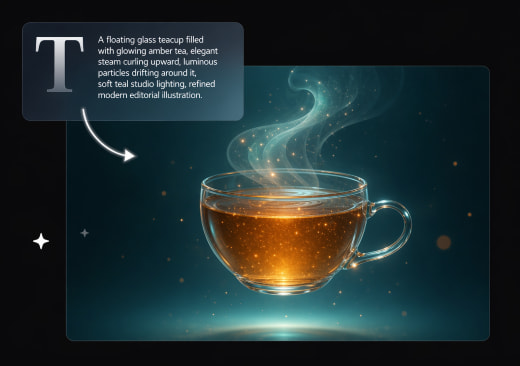
Easier Prompt Understanding for Real Tasks
You shouldn’t need a degree in “prompt engineering” to get a good picture. The tool offers more stable understanding of descriptions, scene composition, and detail rendering. Even with a basic description, you can get images that more closely match your expectations.
Try It for FreeMore Style Options and Better Consistency
From photorealism and pixel art to anime, comic styles, watercolor, cyberpunk, oil painting, and architectural visualization, this AI covers a wide range of aesthetic styles. It captures their true textures and lighting well, so you can produce consistent visuals for cohesive campaigns or image editing tasks.
Explore Style Options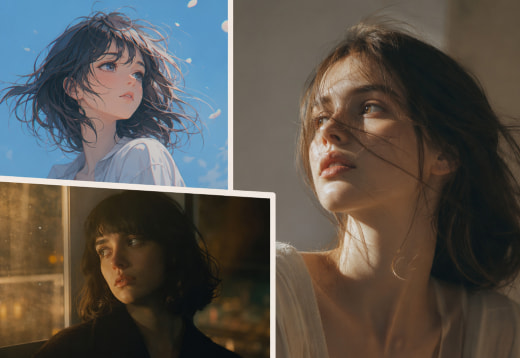
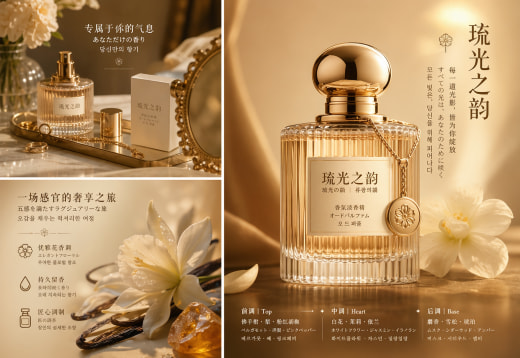
Stronger Cross-Language Capabilities and Non-Latin Scripts Rendering
ChatGPT Image 2.0 handles different languages much more smoothly. It works more reliably with non-Latin text, including Chinese, Japanese, Korean, Hindi, and Bengali. Ideal for users who need to create marketing materials and visual content for different countries and regions.
Generate Multilingual VisualsWhat Can You Use ChatGPT Image 2.0 For?
This AI image generator helps you quickly create polished visuals, saving you time on editing text, layout, or style. These are some of the most practical uses of MindPic AI.
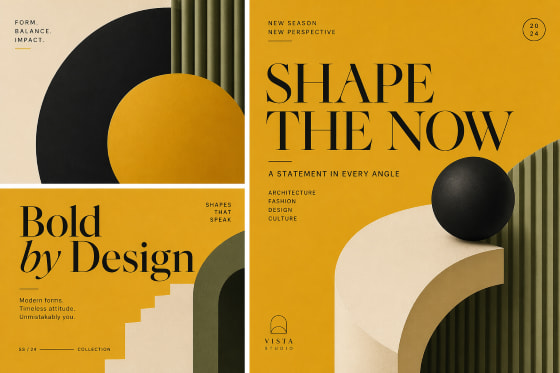
Posters, Social Media Content, and Marketing Visuals
It offers stronger text rendering, better layout control, and more consistent styling, which helps users create publish-ready content with less manual editing. Ideal for event posters, social media graphics, ad creatives, and brand visuals.
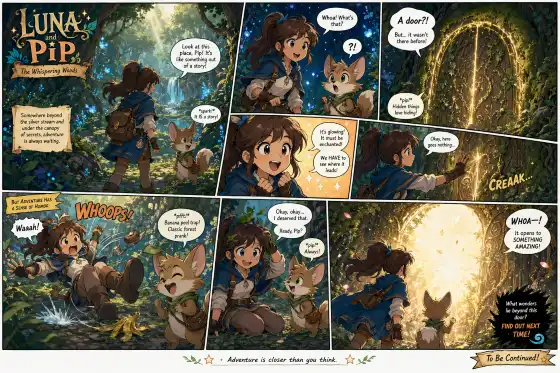
Comic Pages, Poster Series, and Consistent Visual Sets
This model works better for tasks that need visual consistency, such as comic panels, storyboards, poster series, lesson visuals, or themed content sets.
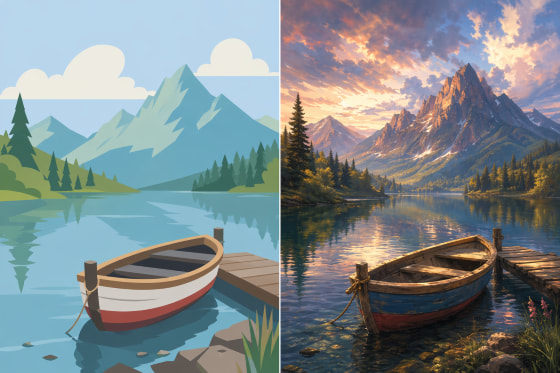
Image Restyling, Visual Editing, and Creative Variations
Use it as an AI image editor if you don't want to start from scratch. Upload a photo to change the style or tweak details, while keeping the original feeling intact.
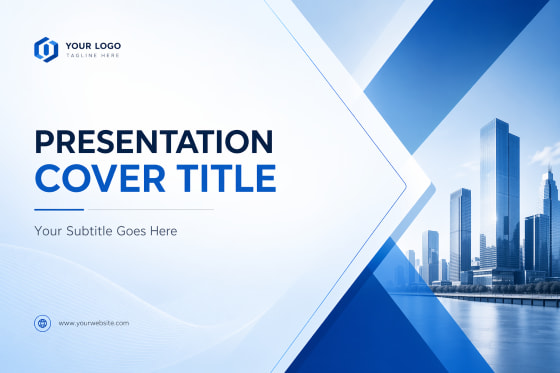
Presentation Covers, Learning Materials, and Informational Images
This model produces images that are more relevant and contextually accurate, making it easy for non-designers to create presentation covers, educational materials, and simple visual explanations.
Why Use ChatGPT Image 2.0 Model on MindPic AI?
Free to Try Online
OpenAI’s latest image model is available to try on MindPic, so you can explore AI image creation before committing to a workflow.
Online Access with No Login
No app download or login needed—just use ChatGPT Image 2.0 directly in your browser, anytime and anywhere.
Watermark-Free Results
MindPic AI gives you watermark-free, ready-to-go results, so you can instantly use them for Instagram, your website, or any other promo.
How to Use ChatGPT Image 2.0 on MindPic
Using ChatGPT Image 2.0 on MindPic is easy. You can create or edit images online in just a few steps.
Step 1. Tell the AI What You Want
Just describe what you want to make. The AI model understands natural language well, but you’ll get better results if you’re specific about the main subject, visual style, and whether you need text or multilingual content.
Step 2. Upload an Image (Optional)
If you are working on an image editing task, such as changing styles or fixing details, please upload your existing image as a reference. To get the best results, make sure the image has a clear subject, complete framing, and normal lighting.
Step 3. Generate and Download
Click “Generate” to get your results quickly. If you’re not satisfied with the first image, try adding more details, such as style, layout, colors, or text, to your prompt and generate again. You can download watermark-free images for sharing or personal projects.
What Users Say About ChatGPT Image 2.0 on MindPic
Feedback from designers, marketers, ecommerce sellers, and creators.
Freelance Graphic Designer
Text-heavy posters are usually where AI tools fall apart. This one handles headlines and layout way better, which saves me a lot of rework.
Etsy Seller
I use it for product images and promo graphics. It’s fast, and it makes it easier to test different looks without wasting time.
Social Media Manager
For social campaigns, consistency matters a lot. This does a better job keeping the style aligned across multiple visuals.
Architect
I use it for concept references. It understands abstract direction better than I expected, which makes early-stage ideas easier to show.
Cross-border Ecommerce Operator
I work with both Portuguese and English visuals. The multilingual output feels more reliable, and that makes a real difference.
Content Creator
What I like most is how easy it is to use. No app download, no login, and it’s quick for thumbnails and social visuals.
Frequently Asked Questions
Find quick answers about ChatGPT Image 2.0, how it works on MindPic, and what users should know before getting started.
What is ChatGPT Image 2.0?
It is OpenAI’s latest AI image model for image generation and editing. It supports text to image creation and can also be used for image to image tasks. It offers clearer text rendering, stronger style control, multilingual visuals, and more stable results from detailed prompts. It can be used for posters, product images, social content, and other visual materials.
What are the main improvements in ChatGPT Image 2.0?
The main upgrades in this new version are focused on a few practical areas:
• It renders text more clearly and handles layouts more reliably.
• It has a better understanding of prompts, so even simple descriptions can lead to results that are closer to what users want.
• It supports a wider range of visual styles with better style consistency.
• Multilingual output, including non-Latin scripts, is more reliable as well.
• It is suitable for tasks that need continuity or structure, such as poster series, comic-style pages, or related image sets.
That said, like any AI model, the final result still depends on prompt quality and the input image when one is used.
• It renders text more clearly and handles layouts more reliably.
• It has a better understanding of prompts, so even simple descriptions can lead to results that are closer to what users want.
• It supports a wider range of visual styles with better style consistency.
• Multilingual output, including non-Latin scripts, is more reliable as well.
• It is suitable for tasks that need continuity or structure, such as poster series, comic-style pages, or related image sets.
That said, like any AI model, the final result still depends on prompt quality and the input image when one is used.
Can I try ChatGPT Image 2.0 for free on MindPic?
Yes. MindPic lets users try the AI generator online for free. There is no app download required, and you do not need to log in to get started.
Can I upload an image for editing or style changes?
Yes. You can upload an existing image as a reference for image to image tasks, style changes, visual improvements, or creating a new variation based on the original.
Will images made on MindPic have a watermark?
No. We give users watermark-free results. That makes the images easier to use for social media, product pages, marketing visuals, or personal creative projects.
Try ChatGPT Image 2.0 on MindPic AI for Free Today
Ready to create? Whether you need event posters, product visuals, or just want to play with the image editor, turn your ideas into reality right now.
No app download
Free to try
No watermark