Remove photo backgrounds in one click and download a clean transparent PNG in seconds. Ideal for product photos, profile pictures, social media posts, and any image that needs a polished cutout.
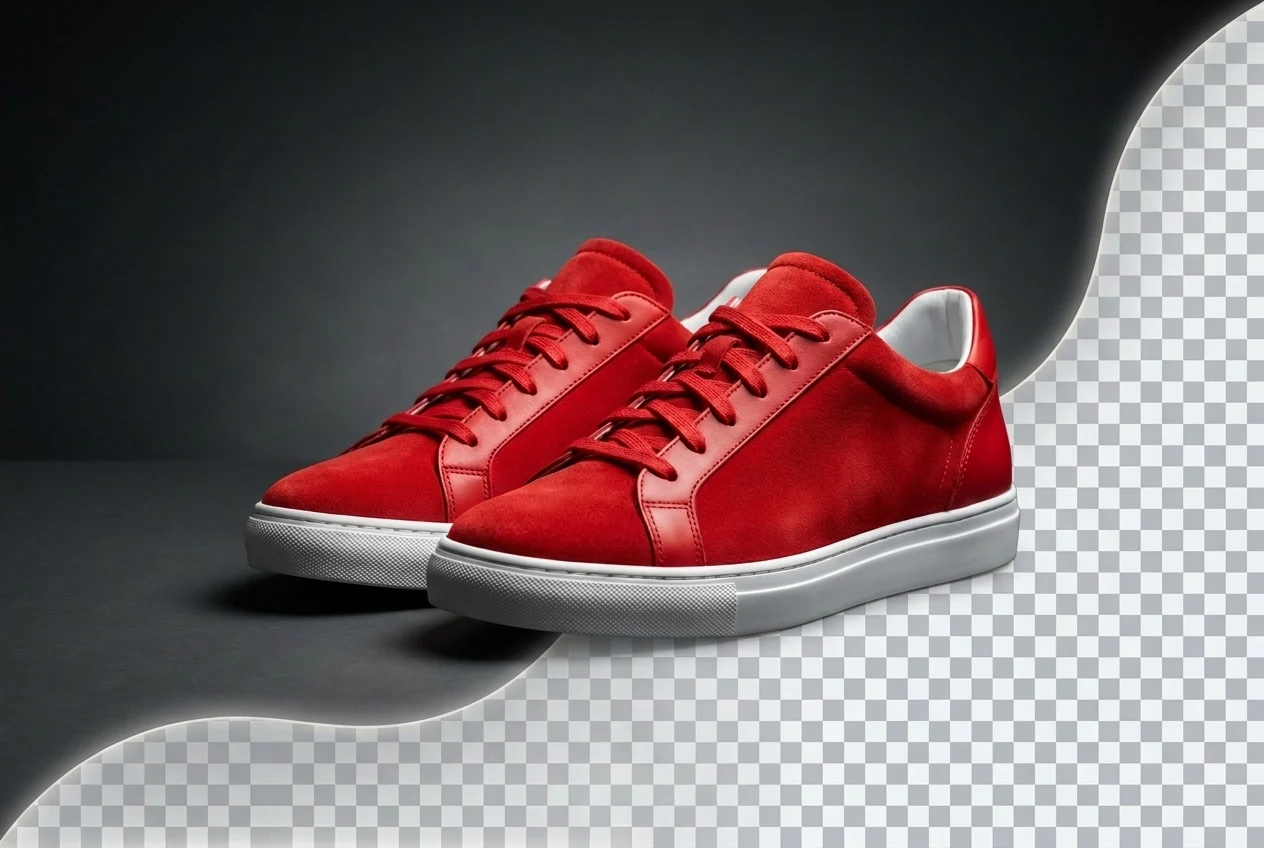
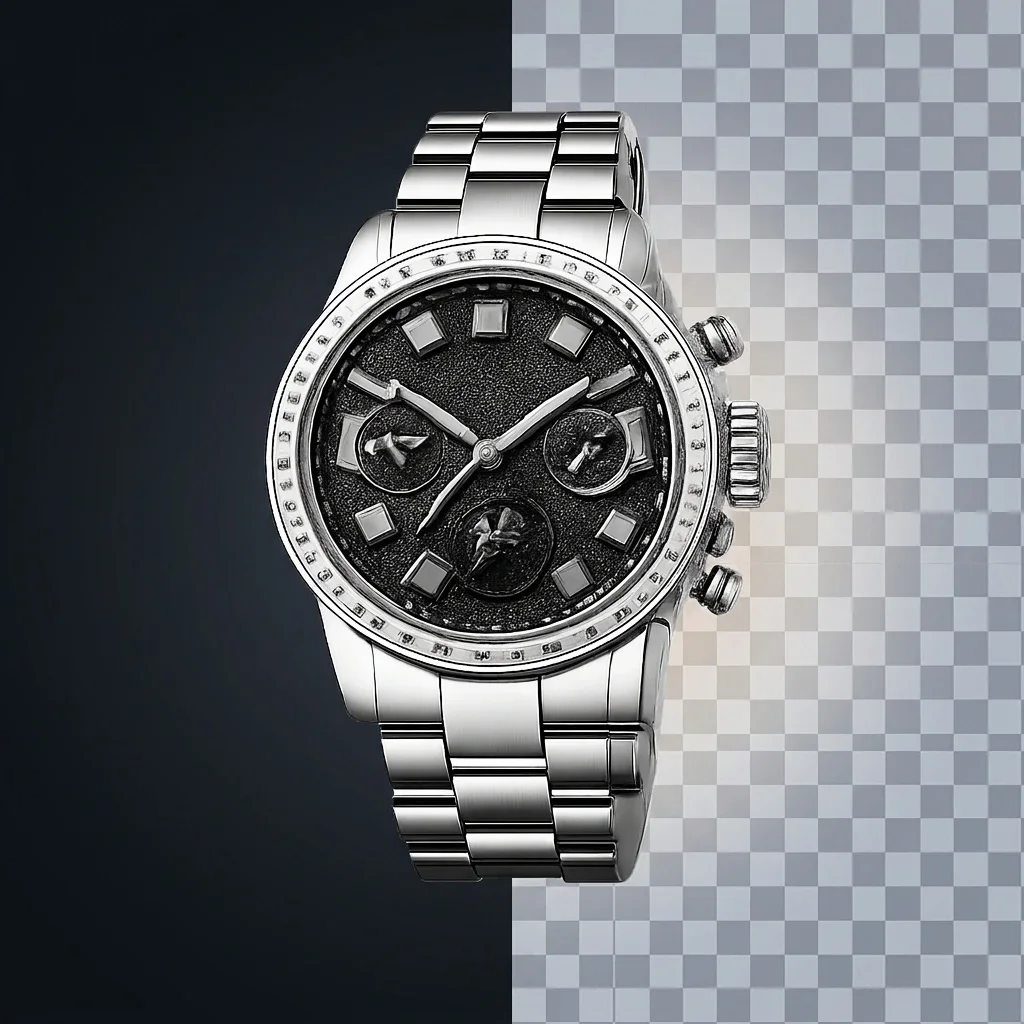

Compare the before and after results on different image types. From product photos to portraits and pets, MindPic removes backgrounds automatically and keeps the main subject clear and ready to use.

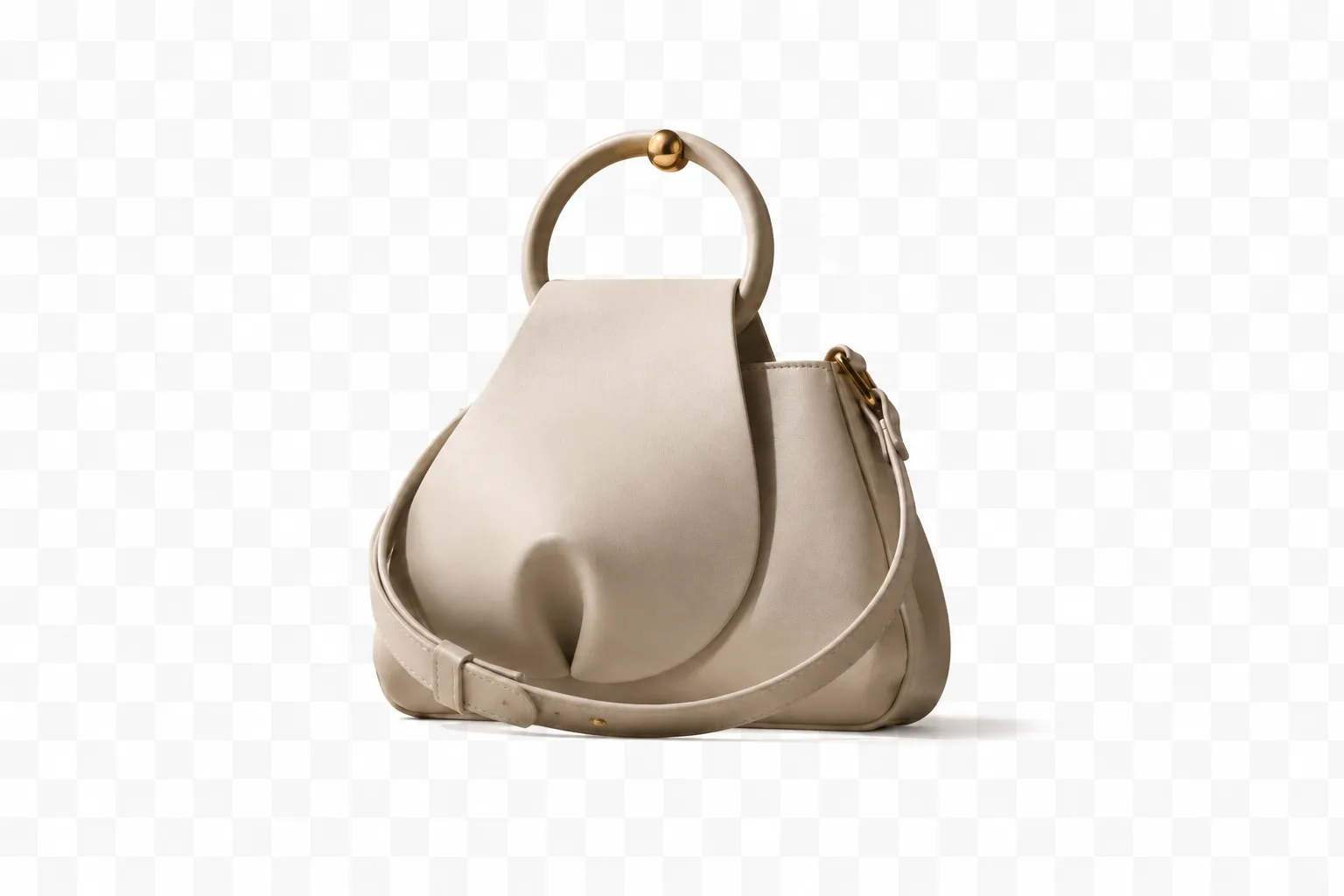
Remove backgrounds automatically, then keep editing your image the way you want. MindPic helps you create clean cutouts, swap in solid colors, upload a custom background, or generate a brand-new scene with AI.

Upload your image and let AI detect the subject automatically. MindPic removes the background in seconds and keeps the main subject clear, including harder edges like hair, clothing, and small details. Your result is ready as a transparent PNG, so you can use it right away in designs, online stores, profile images, or marketing materials.
Remove Background Now arrow_forward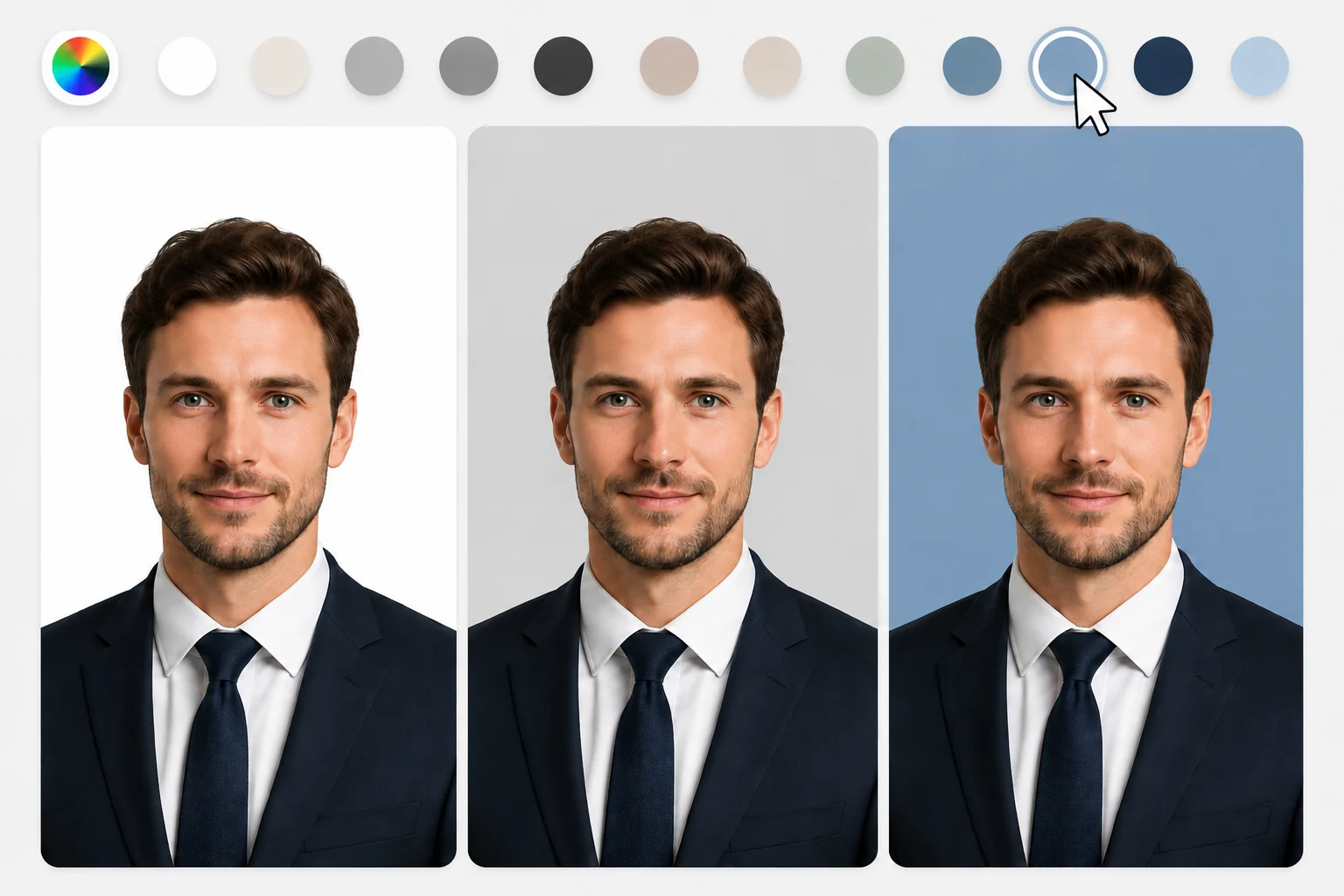
Replace the original background with a clean solid color in one click. This is useful when you want a simple, professional look for product images, profile photos, team headshots, resumes, or marketplace listings. Instead of spending time editing by hand, you can quickly create a neat background that fits your style or brand.
Try Solid Backgrounds arrow_forward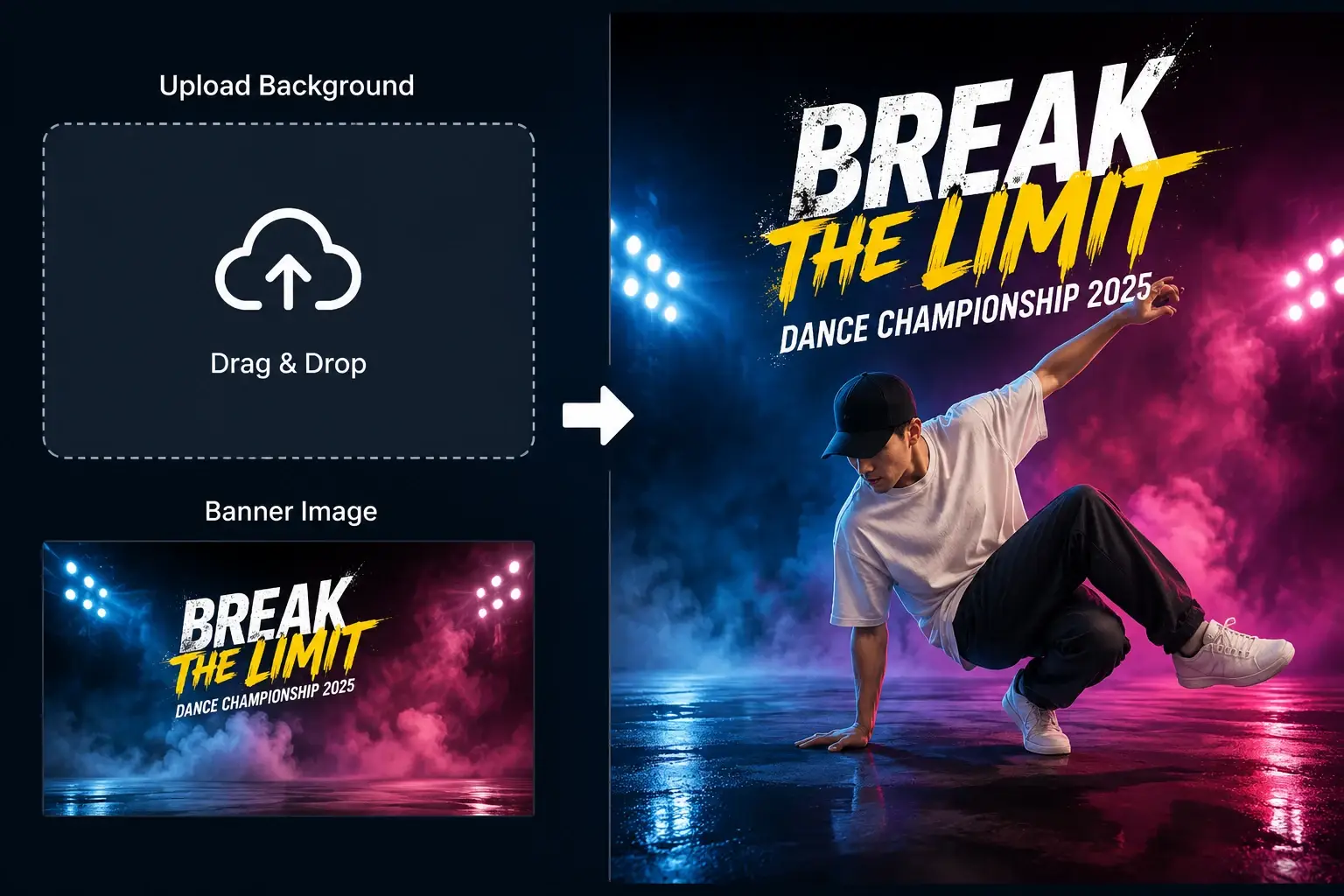
Add a custom background that matches your project, campaign, or personal style. You can place your subject into a studio scene, a lifestyle setting, a branded banner, or any image you upload yourself. This makes it easy to create social media graphics, ecommerce visuals, promotional images, and personalized edits without starting from scratch.
Upload a New Background arrow_forward
"Place a plain white ceramic mug on a wooden cafe table with warm sunlight, indoor plants, and a cozy coffee shop background"
Describe the background you want, and let AI create it for you. Turn a simple cutout into a beach photo, a cozy cafe scene, a clean office setting, or a fantasy-style visual in just a few steps. This is a simple way to make your images more creative, more eye-catching, and more useful for content, ads, and storytelling.
Generate Background with AI arrow_forwardUpload your photo, remove the original background automatically, and choose how you want the final image to look.
Start with a JPG, PNG, or WEBP image from your device. Upload portraits, product photos, social media pictures, or any images you want to clean up or redesign.
AI detects the main subject and removes the background in seconds, creating a clean cutout automatically.
Keep the transparent PNG, switch to a solid color, upload your own background image, or describe a new scene for AI to generate.
Download the finished image and use it for ecommerce, social media, profile pictures, marketing materials, or personal projects.
MindPic makes background editing simple. Remove the background, clean up your image, and create the version you need without extra steps or complicated software.
Try It Free NowUpload your image and let AI handle the background removal in seconds. There is no need to trace the subject by hand or spend time learning complicated editing software.
Keep the transparent PNG, switch to a solid color, upload your own background, or generate a new one with AI. MindPic gives you more ways to finish the image after the background is removed.
Use MindPic for product photos, profile pictures, online listings, social posts, marketing visuals, and other images you want to clean up quickly.
Open the tool, upload your image, and start editing right away. There is no software to install and no login required before you try it.
People use MindPic for product photos, profile pictures, social content, and quick image edits. These reviews reflect the kinds of tasks users want to finish faster and more easily.
"I sell handmade accessories online, so I鈥檓 always fixing product photos before I upload them. This made background removal a lot quicker, and most of the images looked clean enough to use right away."
Mia Lopez
Ecommerce Store Owner
"I just wanted a simple way to clean up a profile photo without figuring out Photoshop. It removed the background really fast, and switching to a plain color instantly made the photo look more polished."
Daniel Rivera
Freelancer
"I use it mostly for social posts, and I liked being able to upload my own background after removing the original one. It made it much easier to create graphics that actually fit my brand style."
Sophie Turner
Content Creator
An AI background remover is a tool that detects the main subject in an image and removes the background automatically. It helps you create clean cutouts much faster than manual editing.
Upload your image, and MindPic will detect the subject and remove the background in seconds. You can then download the transparent result or continue editing the background.
Yes, you can use MindPic Background Remover online for free and try it without complicated editing steps.
No. You can start removing backgrounds without signing up or logging in.
MindPic supports common image formats including JPG, PNG, and WEBP. After removing the background, the default output is a transparent PNG.
Yes. You can keep the transparent image, switch to a solid color, upload your own background, or create a new one with AI.
The tool works well for portraits, product photos, profile pictures, social media images, and many everyday photos. Images with a clear subject usually produce the best results.
Yes. You can describe the background you want, and AI will create a new scene for your image.
AI Photo Enhancer
Photo Retouching
AI Photo Editor
Object Remover
Image Upscaler
Upload your photo and create a clean transparent cutout in seconds. You can also change the background, add a custom image, or generate a new one with AI.
