
1
Upload Your Photo
Upload the image you want to edit. Clear portrait, outfit, and upper-body photos usually work best for natural-looking results.
Enhance breast size in photos with natural-looking AI breast expansion. Upload an image, adjust the intensity, and generate realistic results in seconds while preserving clothing, pose, lighting, and fine details.
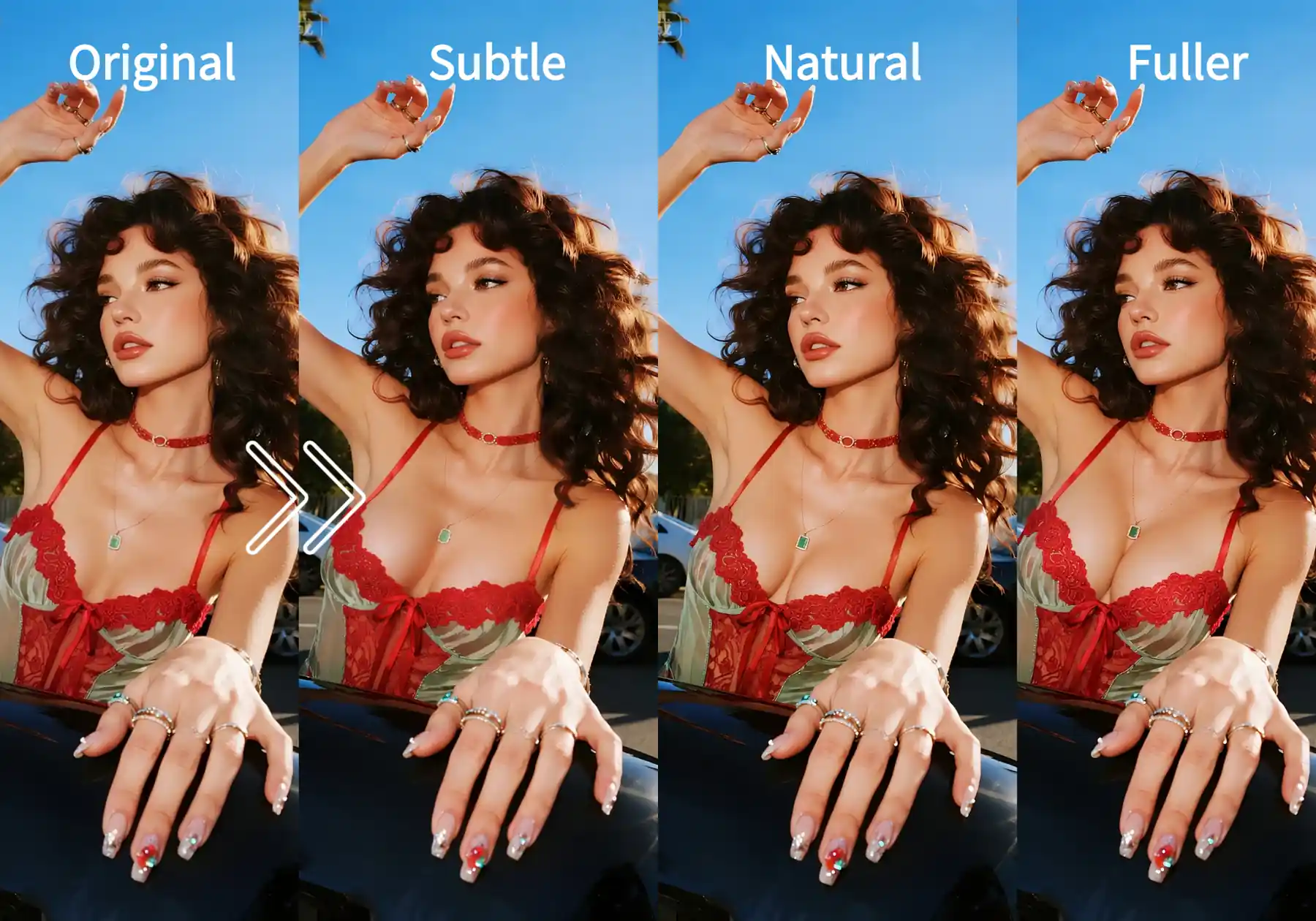
Upload a photo and adjust the enhancement intensity to match your preferred look. From subtle changes to a fuller effect, the AI keeps each result realistic.
Result
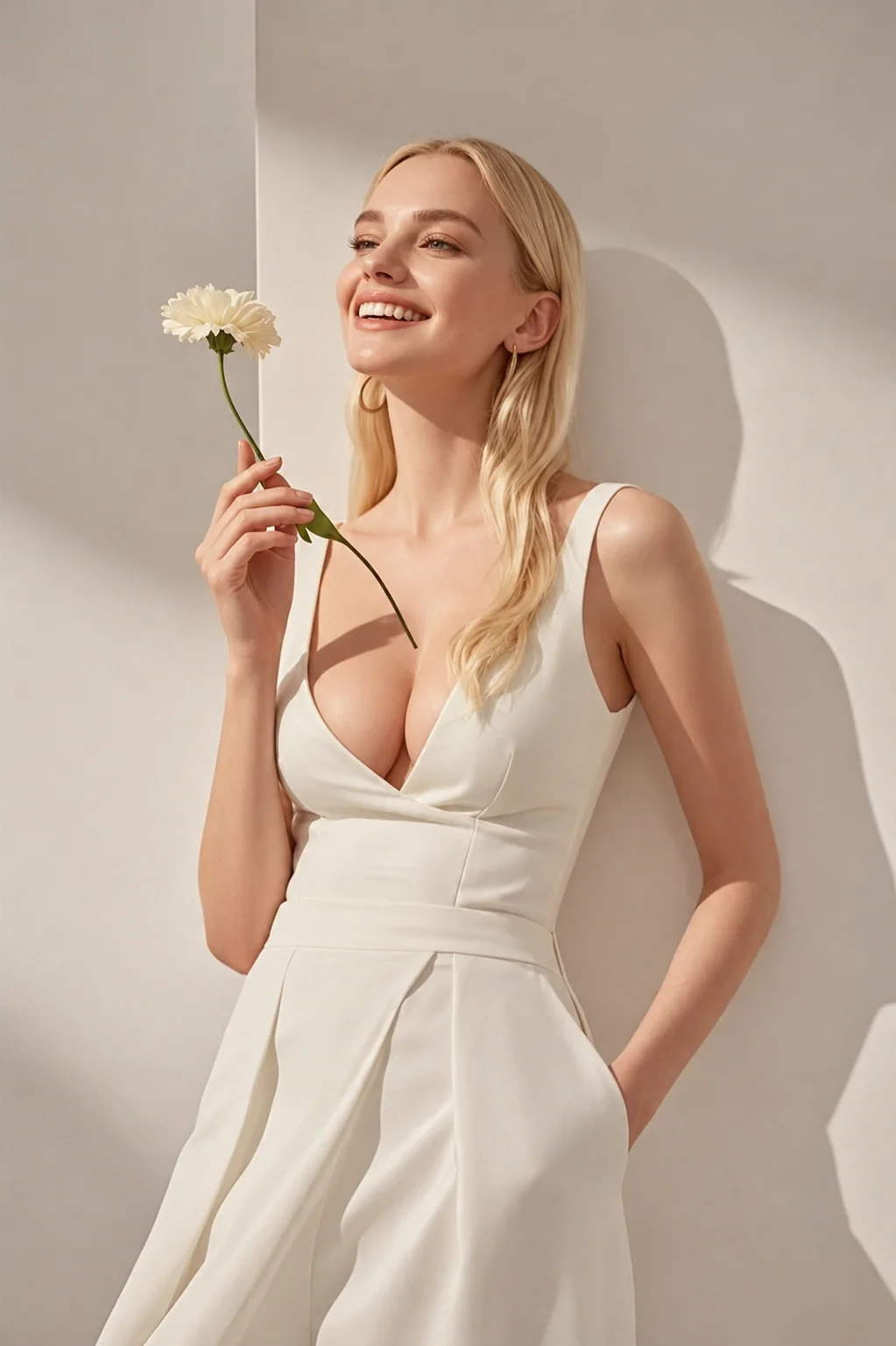
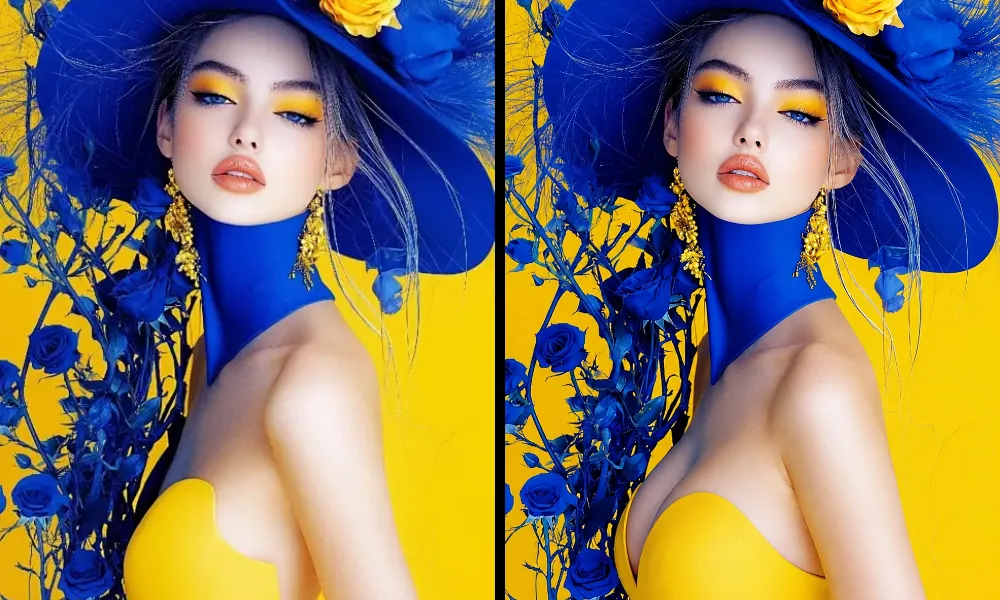
Explore results across different poses, outfits, and photo styles to see how the AI keeps each edit natural, balanced, and consistent.
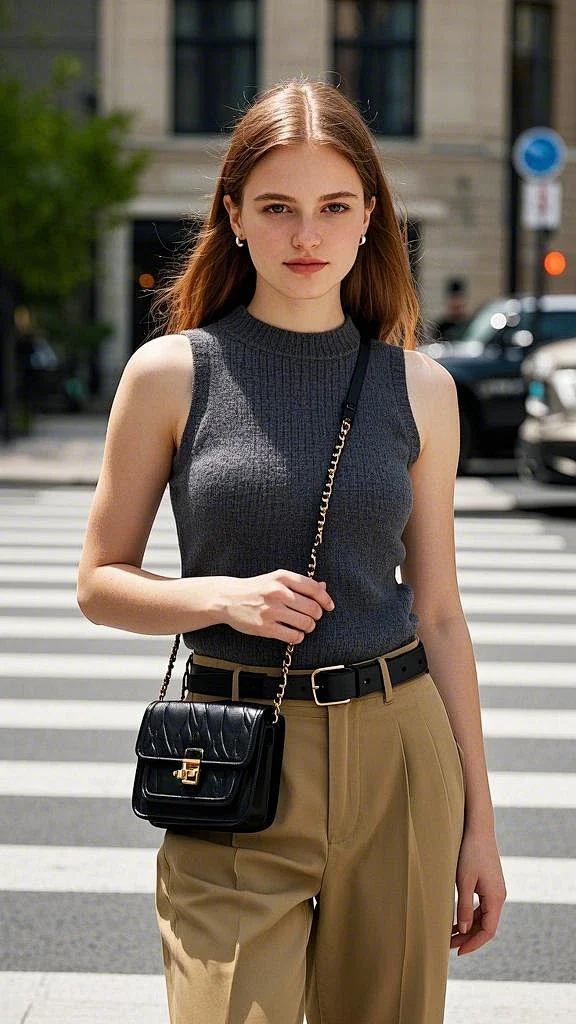
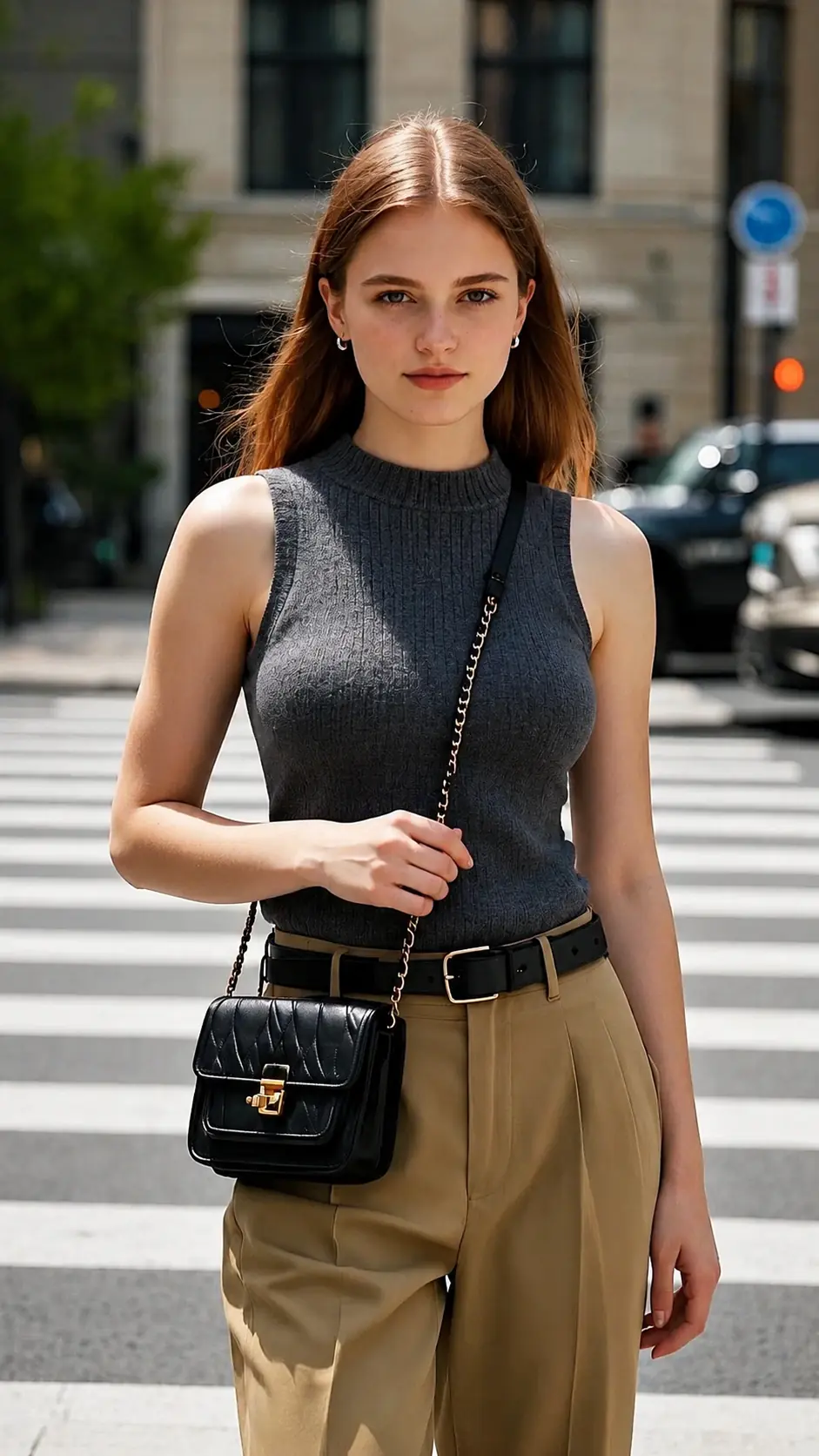
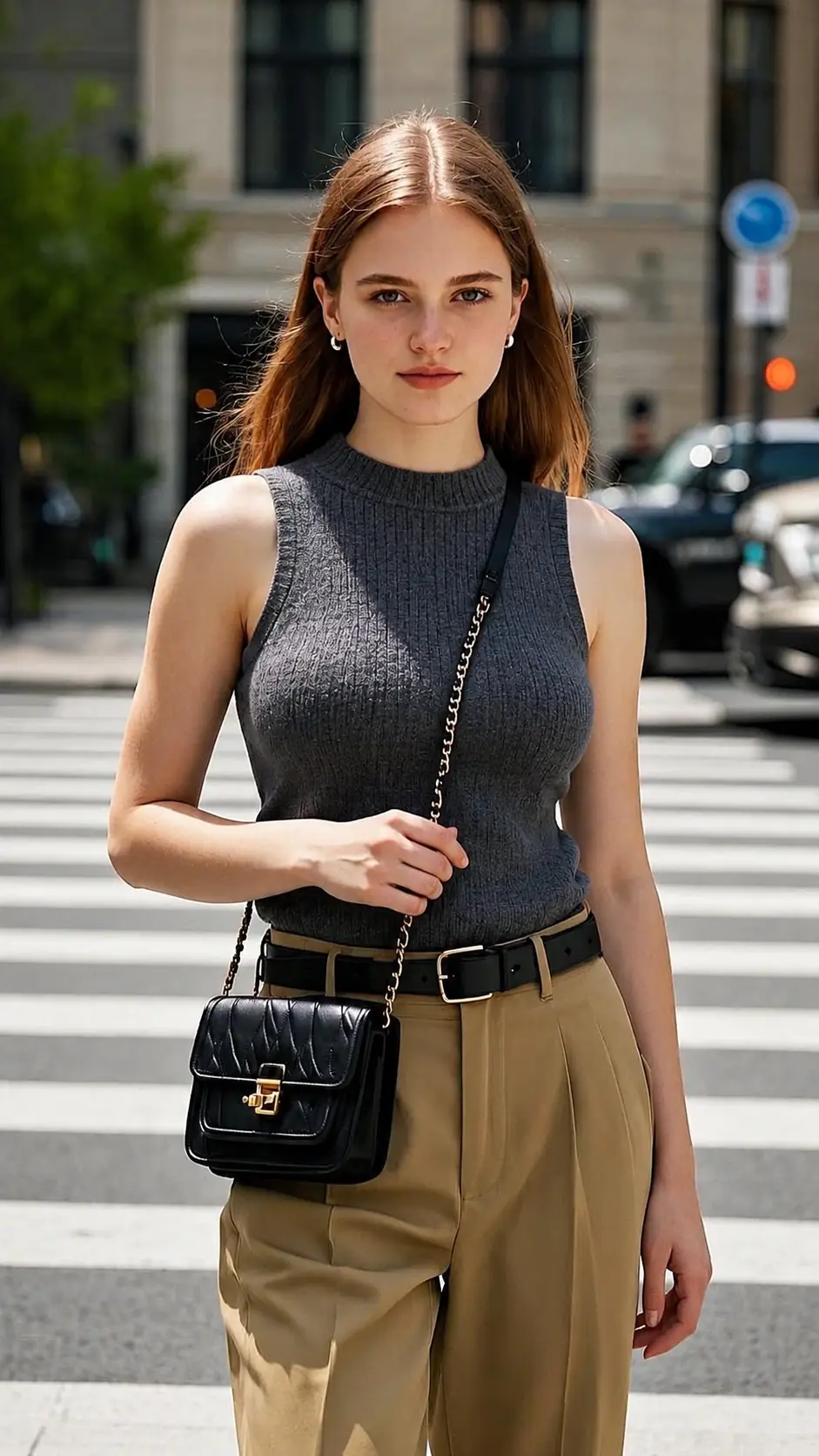
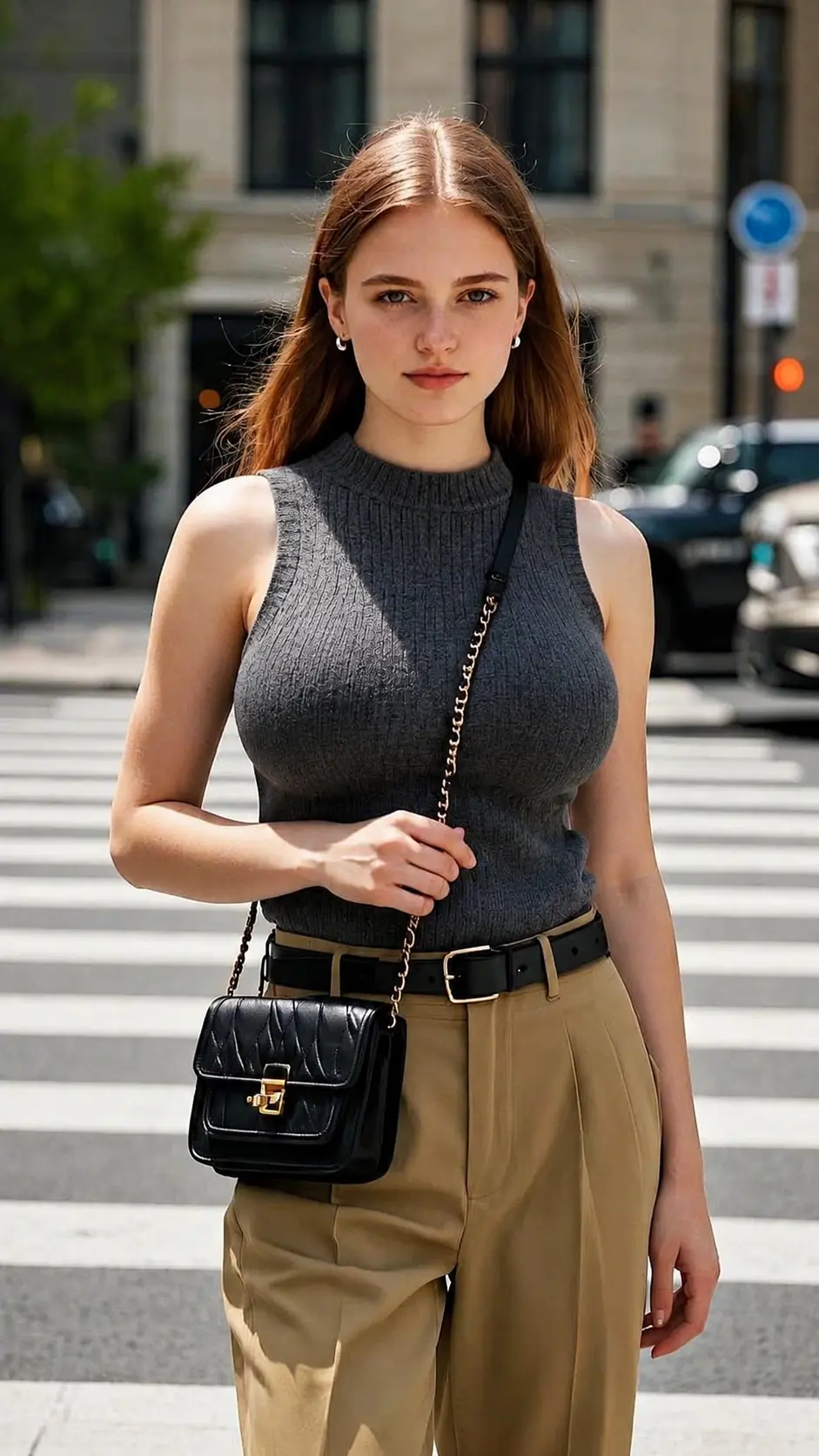
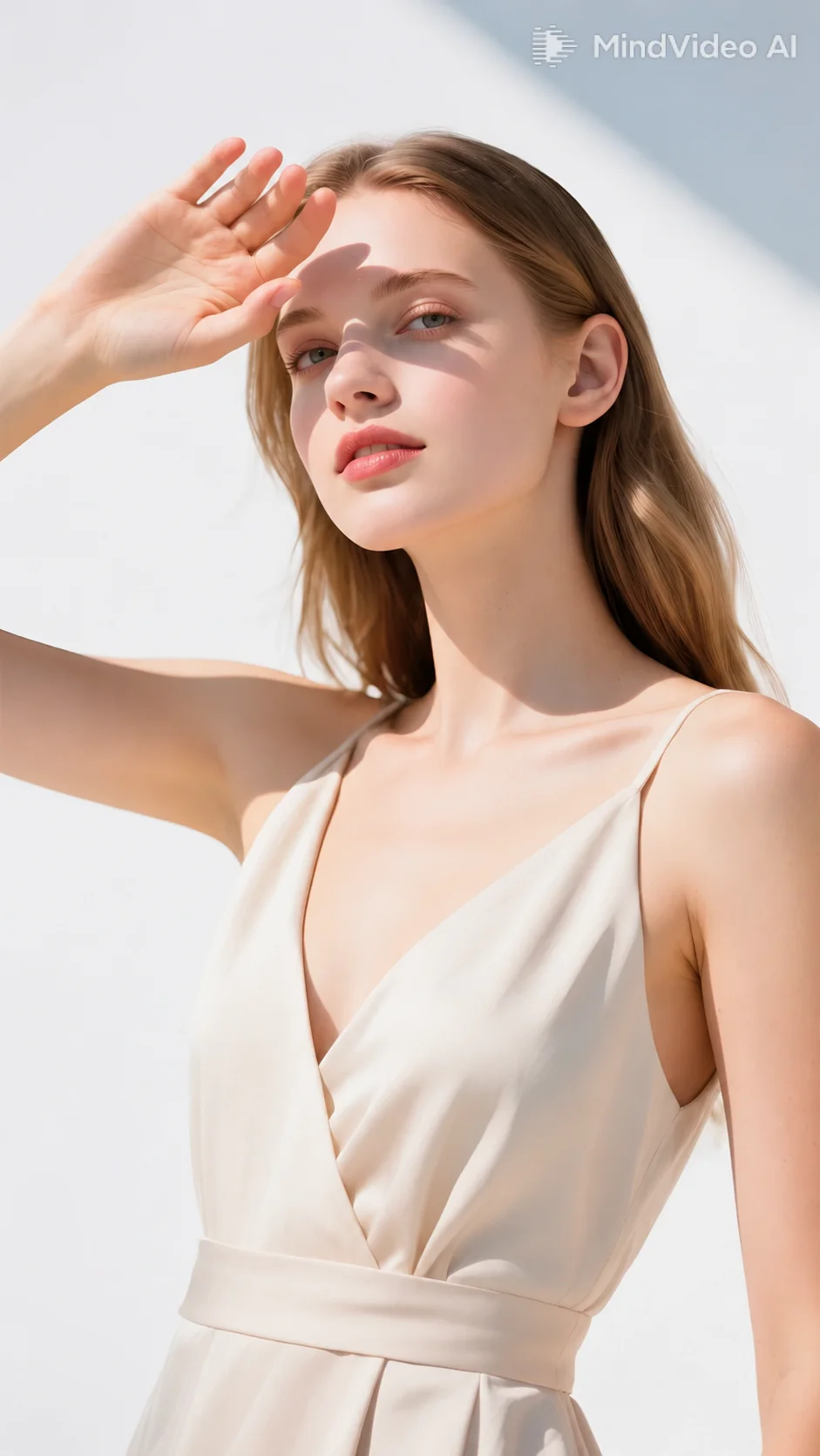
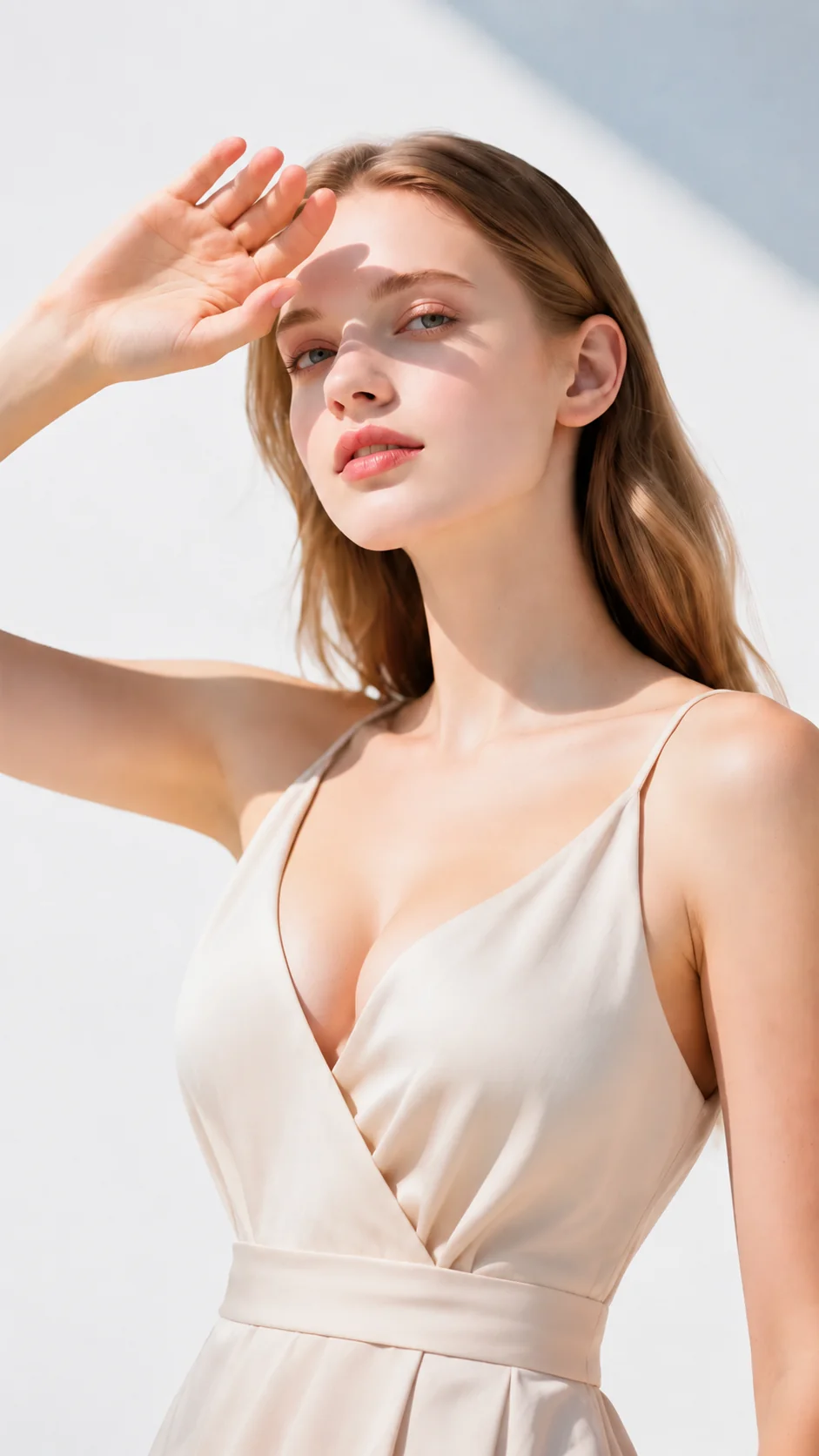
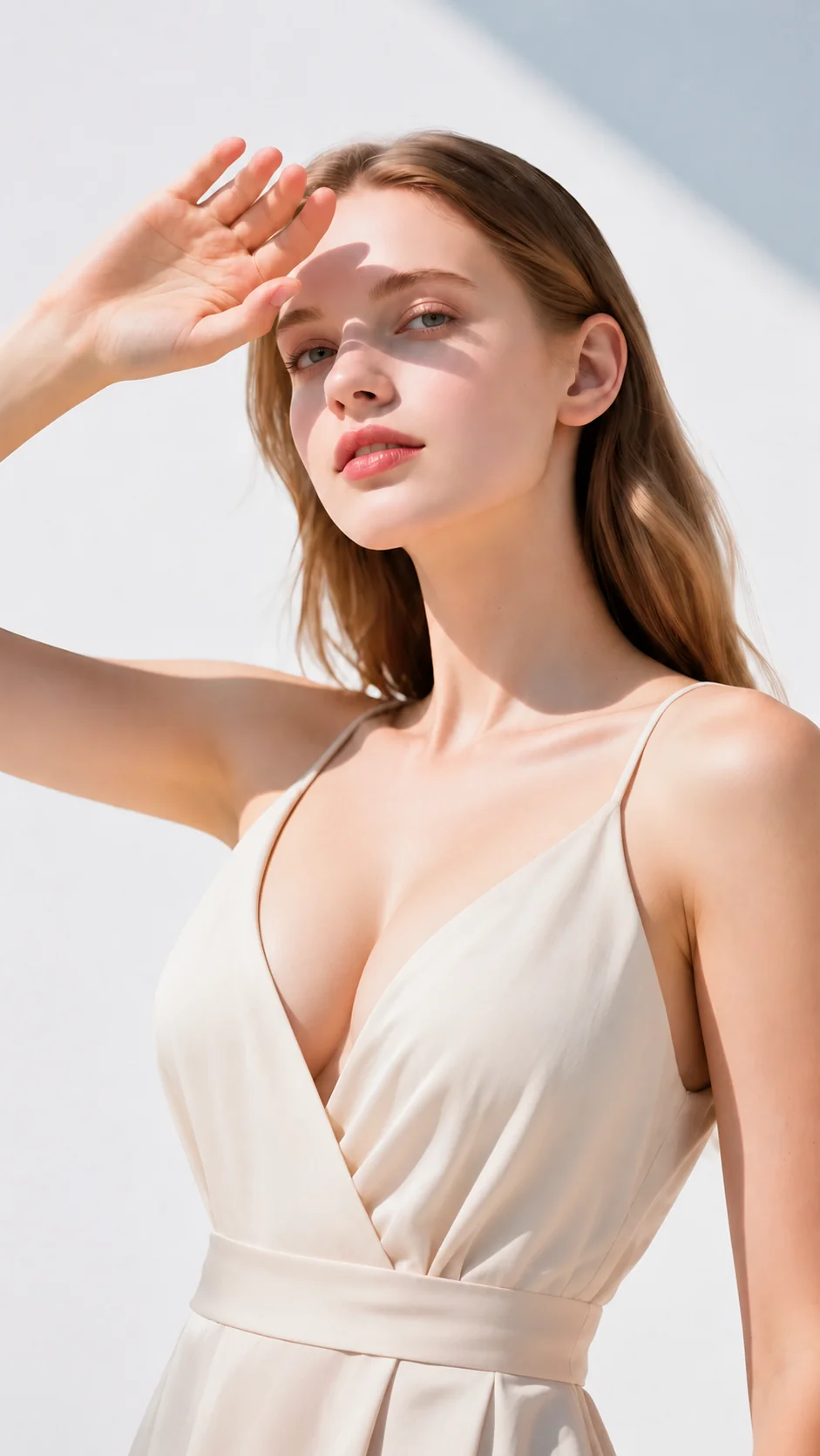
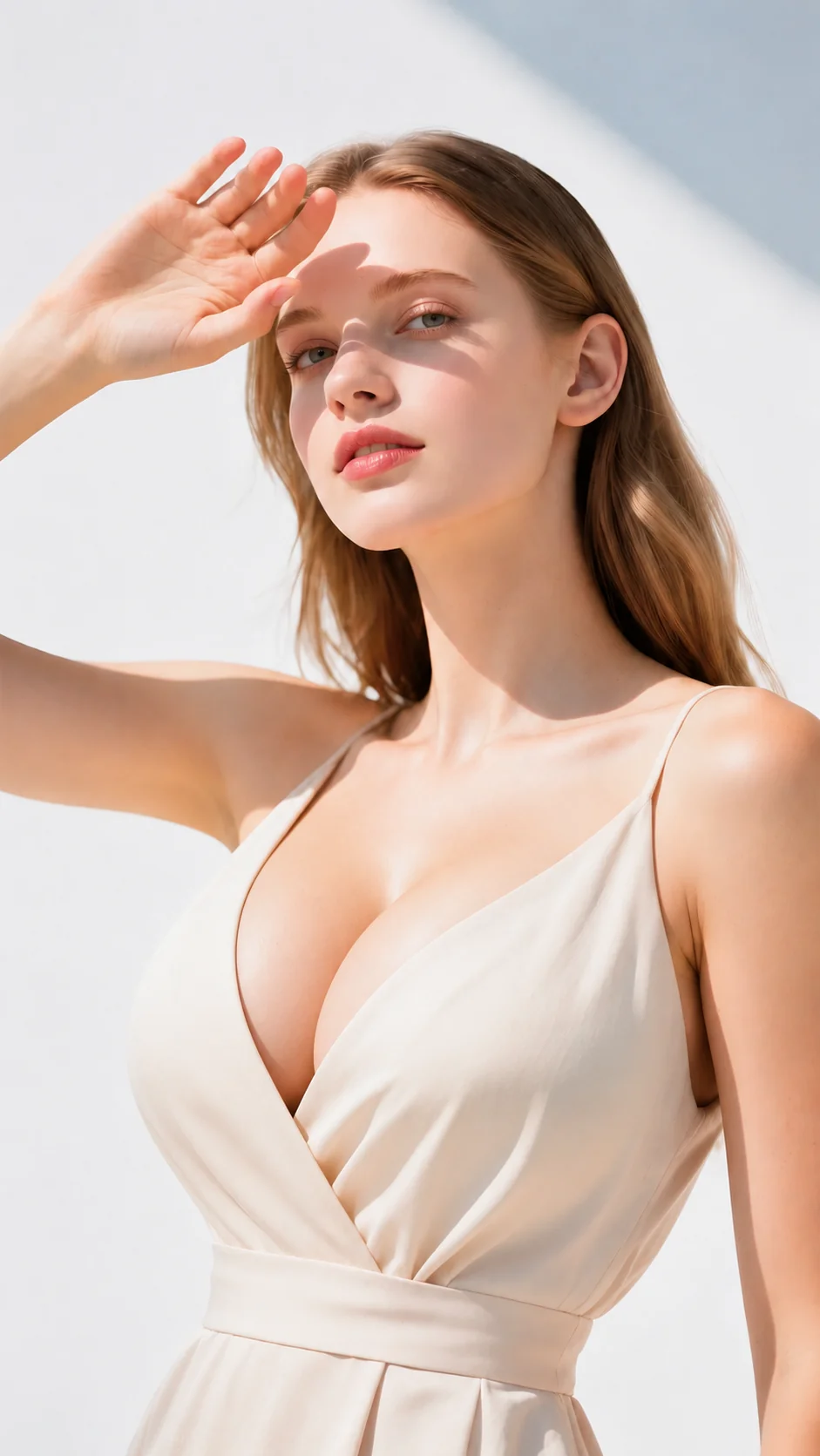
Use AI breast enhancement for portraits, outfit photos, social content, and styling previews. Adjust the effect you want and create realistic results with less manual editing.
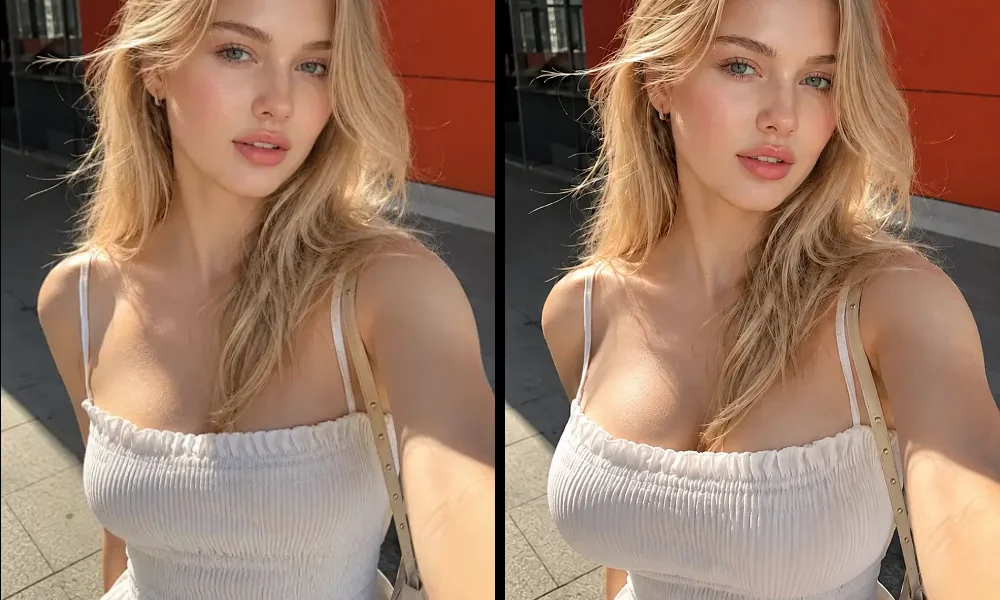
Adjust breast size in portrait photos based on the look you want to create. This works well for selfies, half-body shots, and beauty portraits, where a small change in the chest area can make the upper-body silhouette look fuller and more balanced. Instead of spending time on complex manual retouching, users can achieve a natural or more noticeable result in just a few simple steps.
Edit Portrait Photos arrow_forwardApply AI breast enhancement to fashion and outfit photos while keeping the clothing shape visually natural. This is especially useful for dresses, tops, swimwear, and fitted outfits, where breast fullness can affect how the clothing looks in the final image. The tool helps improve fullness while avoiding obvious distortion in fabric lines, edges, or surrounding details.
Enhance Outfit Photos arrow_forward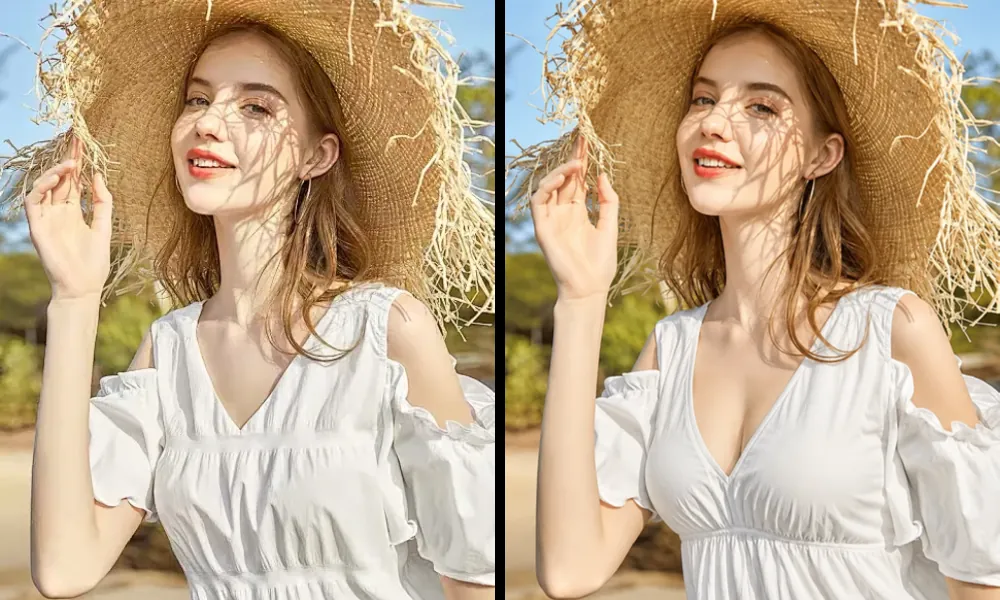
Generate breast-enhanced photos quickly for social posts, profile pictures, and creator content. A simple size adjustment can make an image feel more styled, more confident, or more visually striking without changing the rest of the photo too much. The workflow is fast and easy, so users can try different looks and create a share-ready result in seconds.
Create Social-Ready Edits arrow_forwardSee how fuller breasts can change the overall balance of a photo before saving or posting it. This is helpful for styling references, beauty edits, outfit planning, and visual concept testing, where breast size can influence how the waistline, neckline, and upper-body proportions appear on camera. It gives users a more useful preview when exploring shape, styling, and silhouette changes in photos.
Preview Styling Results arrow_forward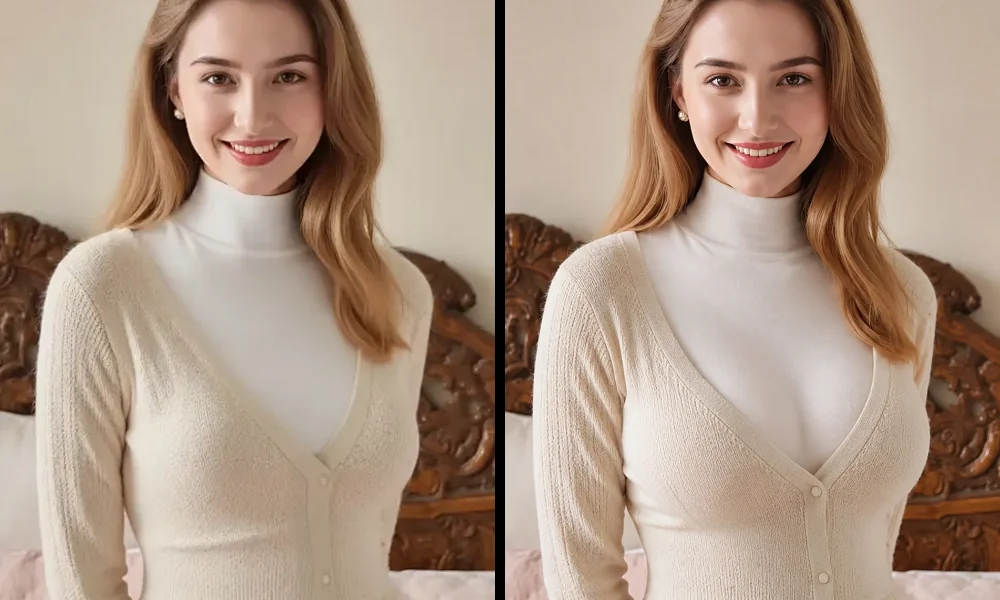
Upload a photo, choose the breast size effect you want, and generate a preview in seconds.
Upload the image you want to edit. Clear portrait, outfit, and upper-body photos usually work best for natural-looking results.
Select the effect that matches your goal, from Subtle to Natural to Fuller, depending on how noticeable you want the result to be.
Let the AI create your result, preview the edited image, and download it once you are happy with the final look.
Enjoy a faster, more natural way to enhance photos online with adjustable results, a simple workflow, and a privacy-friendly editing experience.
Try the effect online in just a few steps with no complicated setup.
Keep the edited photo soft, balanced, and consistent with the original image.
Control the effect strength to match the look you want.
Edit personal photos in a more comfortable and privacy-friendly way.
Learn more about how the AI breast enhancement tool works, what results to expect, and how to use it with confidence.