Precise Iris Detection
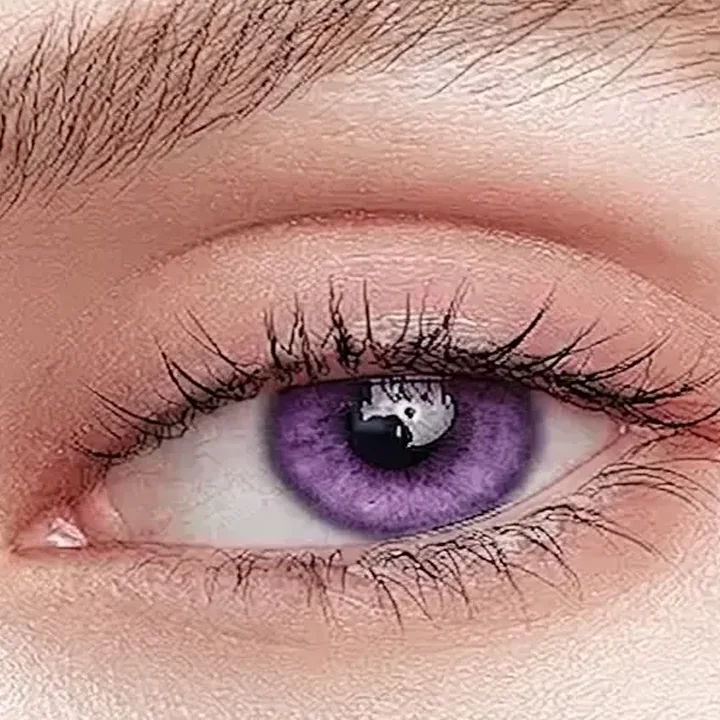
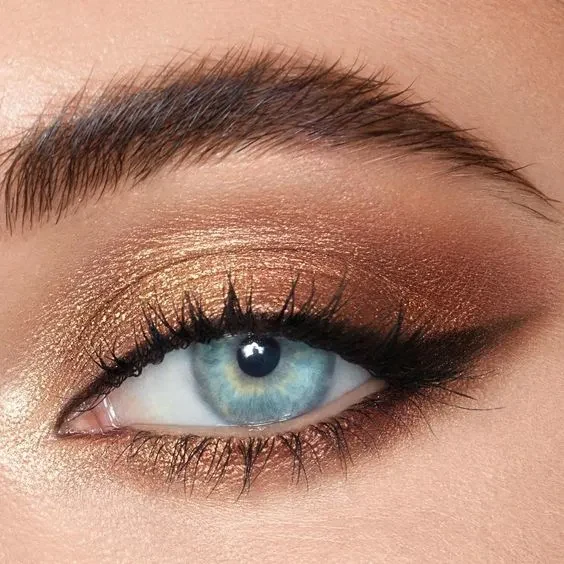
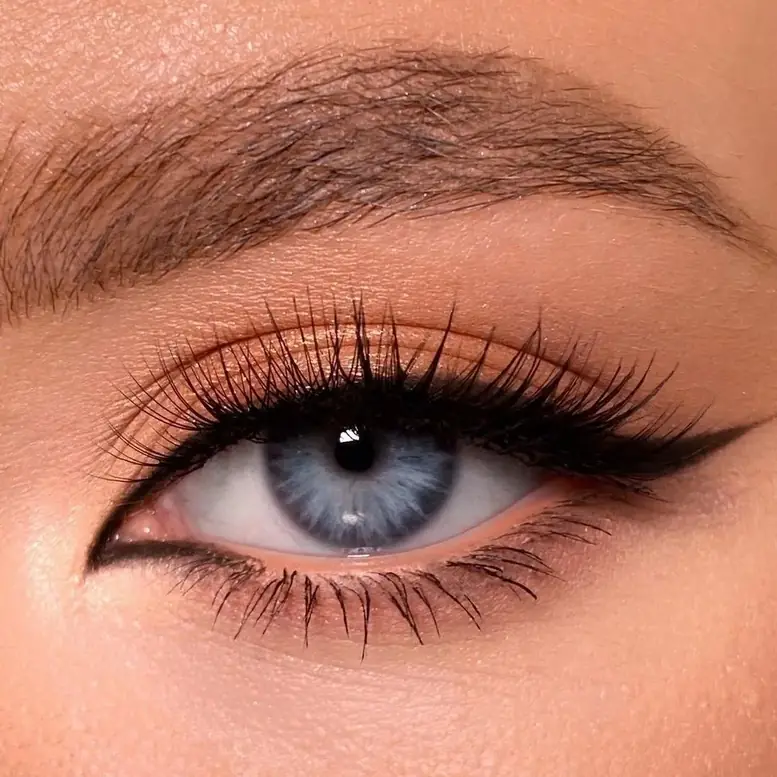
The tool automatically identifies the iris area, so you can change eye color more accurately without affecting the surrounding skin, makeup, or facial details.
Change eye color in photos online with realistic, natural-looking results. Try blue, green, hazel, gray, or creative eye color effects in seconds.
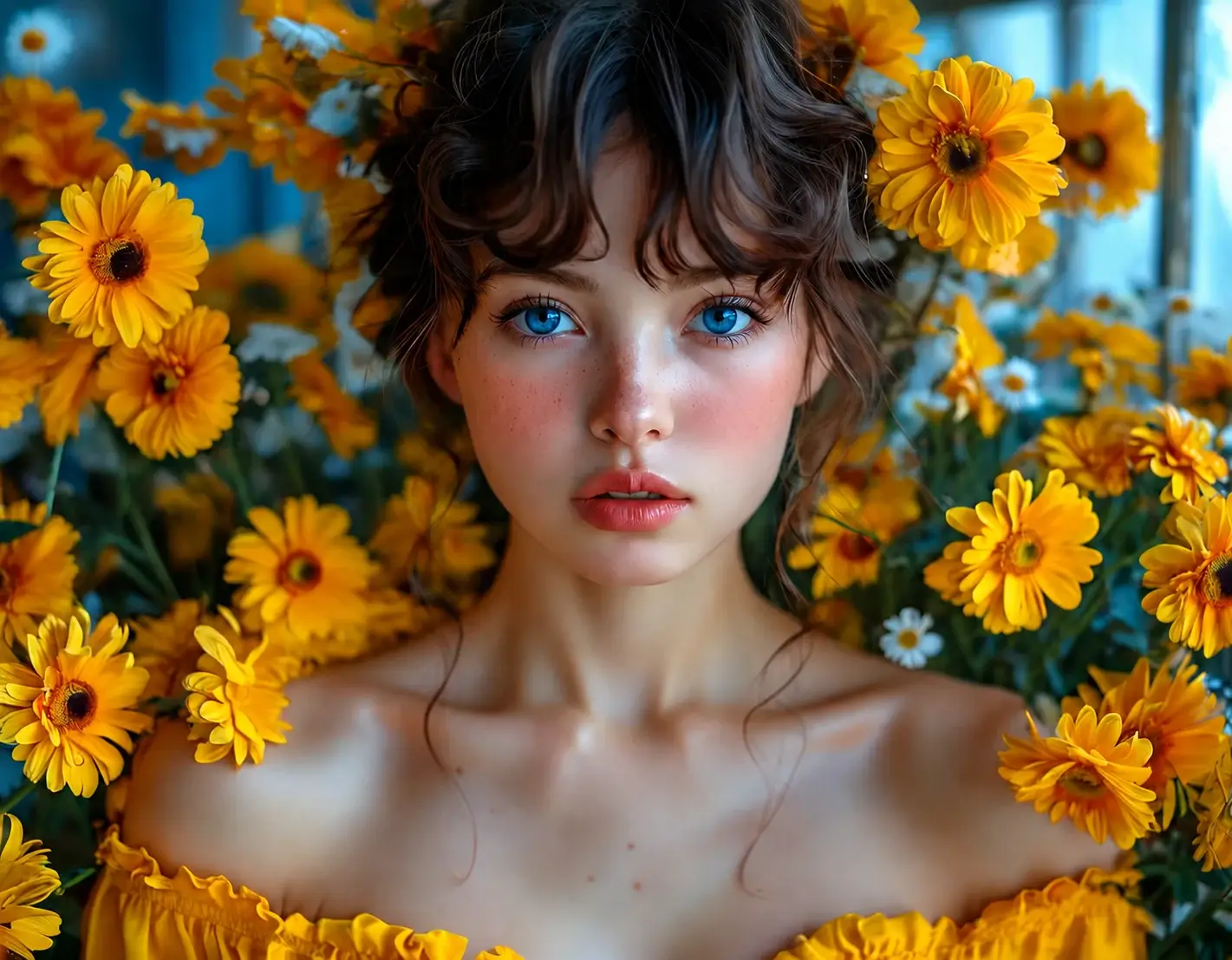 Before
After
Drag to compare
Before
After
Drag to compare
Upload a portrait and let AI edit the color of eyes with smooth, realistic blending. Try natural shades like blue, green, hazel, or gray, or explore bold creative looks in seconds.
Result
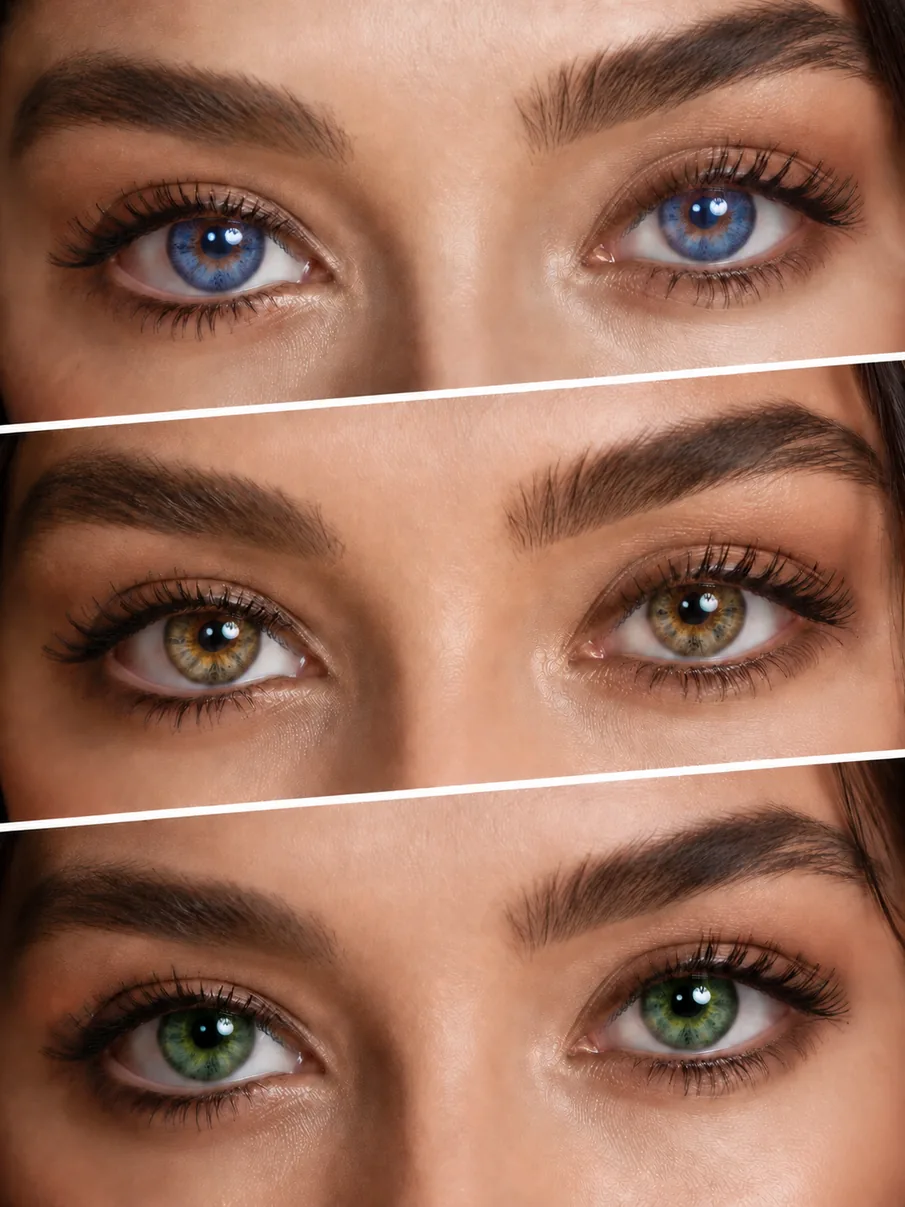
See how our AI eye color changer works across different photo styles, from natural portrait edits to bold creative looks.
Subtly change eye color in portraits for a fresh but realistic look. Try blue, green, hazel, or gray eyes while keeping the result polished and natural.
Try Natural Eye Color Edits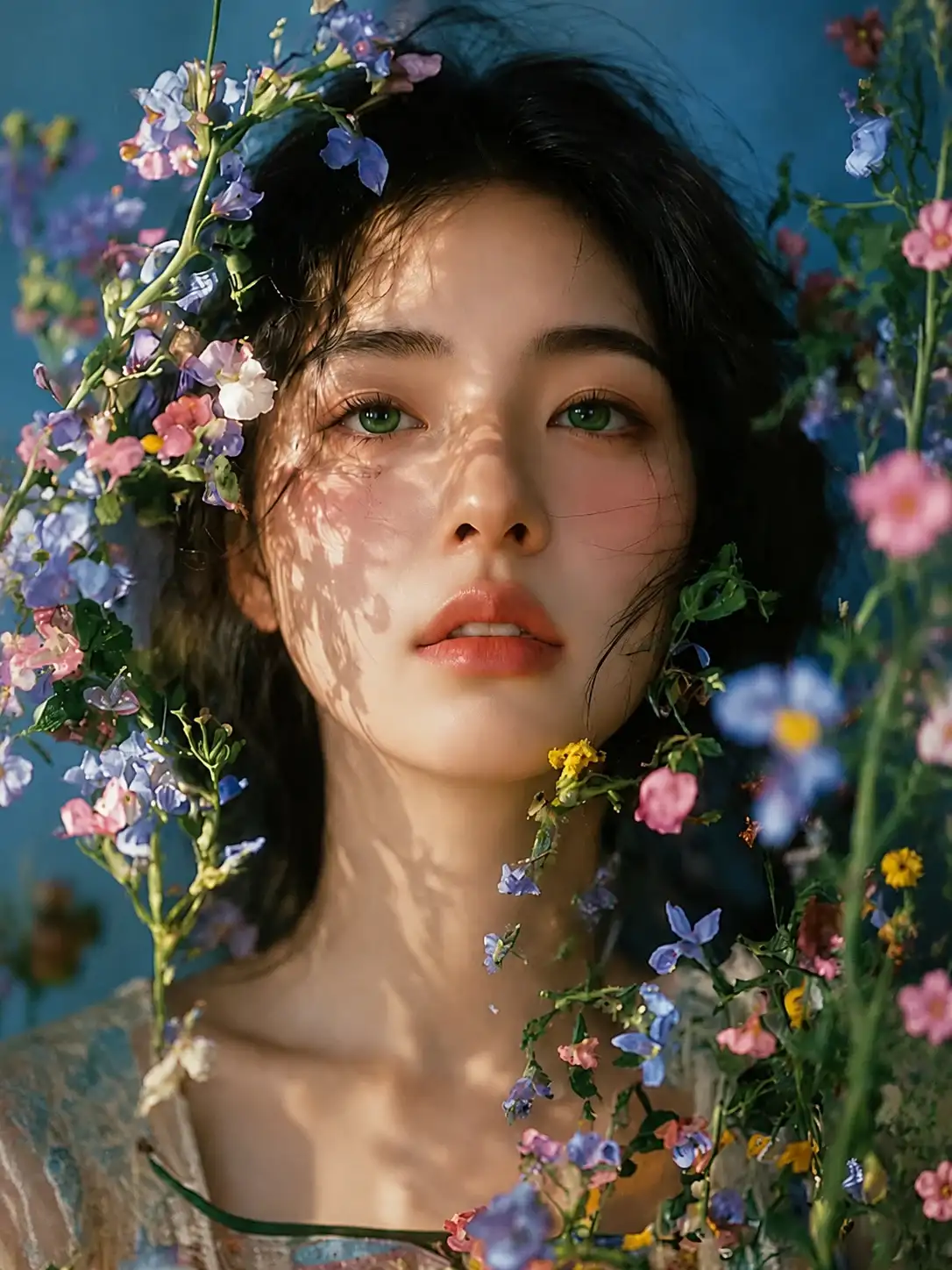
Edit eye color in photos with results that look natural, clean, and realistic. Our AI eye color changer is built to make eye edits feel believable while keeping the process fast and easy for anyone.
The tool automatically identifies the iris area, so you can change eye color more accurately without affecting the surrounding skin, makeup, or facial details.
Natural iris texture, shine, and light reflections are preserved during the edit, helping the new eye color look vivid and detailed instead of flat or overly artificial.
Each eye color change is blended to match the lighting, shadows, and overall tone of your photo. This helps the edited eyes look more realistic and less artificial in different shooting conditions.
Even if the original eyes are dark brown, you can still try blue, green, hazel, gray, or creative shades with clear and noticeable results.
Try blue, green, hazel, gray, brown, or creative fantasy shades in seconds. Whether you want a realistic eye color switch or a bold new style, you can explore different looks with ease.
Edit eye color online in just a few simple steps. Upload your image, choose a new eye shade, and get a natural-looking result in seconds.
Start with a clear portrait, selfie, or close-up image where the eyes are visible. The AI works best when the face and iris area can be seen clearly.
Pick the eye shade you want to try, such as blue, green, hazel, gray, brown, or a more creative fantasy color.
Let the AI change the eye color automatically, then preview the result and download your updated photo when you are happy with the look.
Yes. You can upload a photo and change eye color online without using complicated editing tools. It is a quick and easy way to try different eye color looks on portraits and selfies.
Yes. Our AI is designed to create realistic eye color changes by preserving iris texture, highlights, and the natural balance of the face. This helps the new eye color blend smoothly into the original photo.
Yes. You can try blue, green, hazel, gray, and other shades even on dark brown eyes. Results may vary depending on lighting, photo quality, and how clearly the eyes are visible.
Yes. It works well on selfies, portraits, and close-up face photos where the eyes are easy to see. Clear photos usually produce the most realistic results.
No. You do not need retouching skills or professional editing software. Just upload your photo, choose an eye color, and let the AI do the rest.
Yes. You can use it as a blue eye filter, an eye color filter, or an eye color editor to try different looks in your photo.
The tool is designed to focus on the iris area while keeping the rest of the face unchanged. This helps the final result look cleaner, more natural, and closer to the original photo.
Upload your photo and see how a new eye color can transform your look instantly.
Change Eye Color Now