
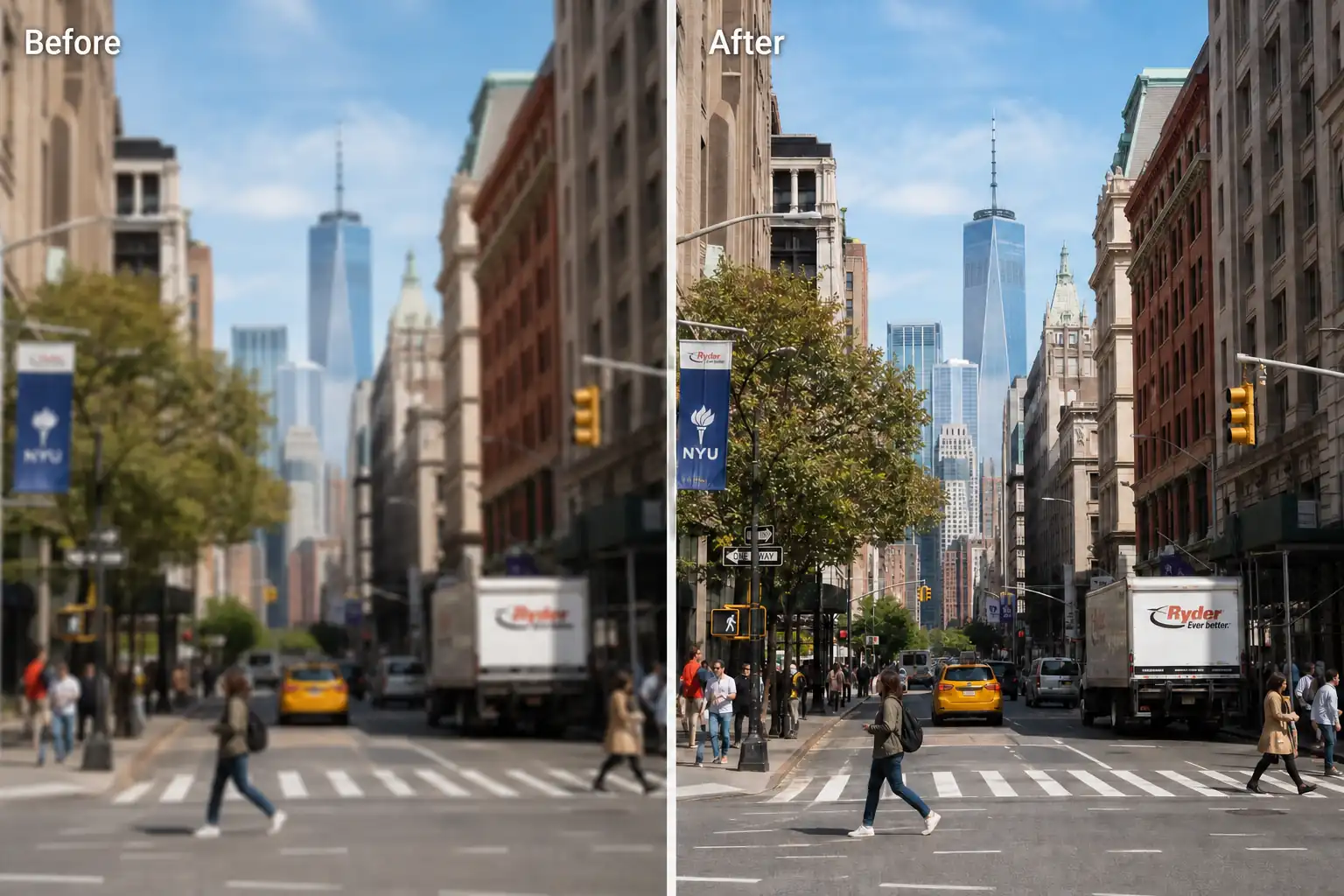
Blur and softness
Restore soft edges, textures, and important details in blurry or slightly out-of-focus photos. The result looks clearer and more defined while staying natural.
Enhance photo quality instantly with AI. Sharpen blurry photos, reduce noise, and restore natural details for portraits, old photos, and low-quality images online.
Result
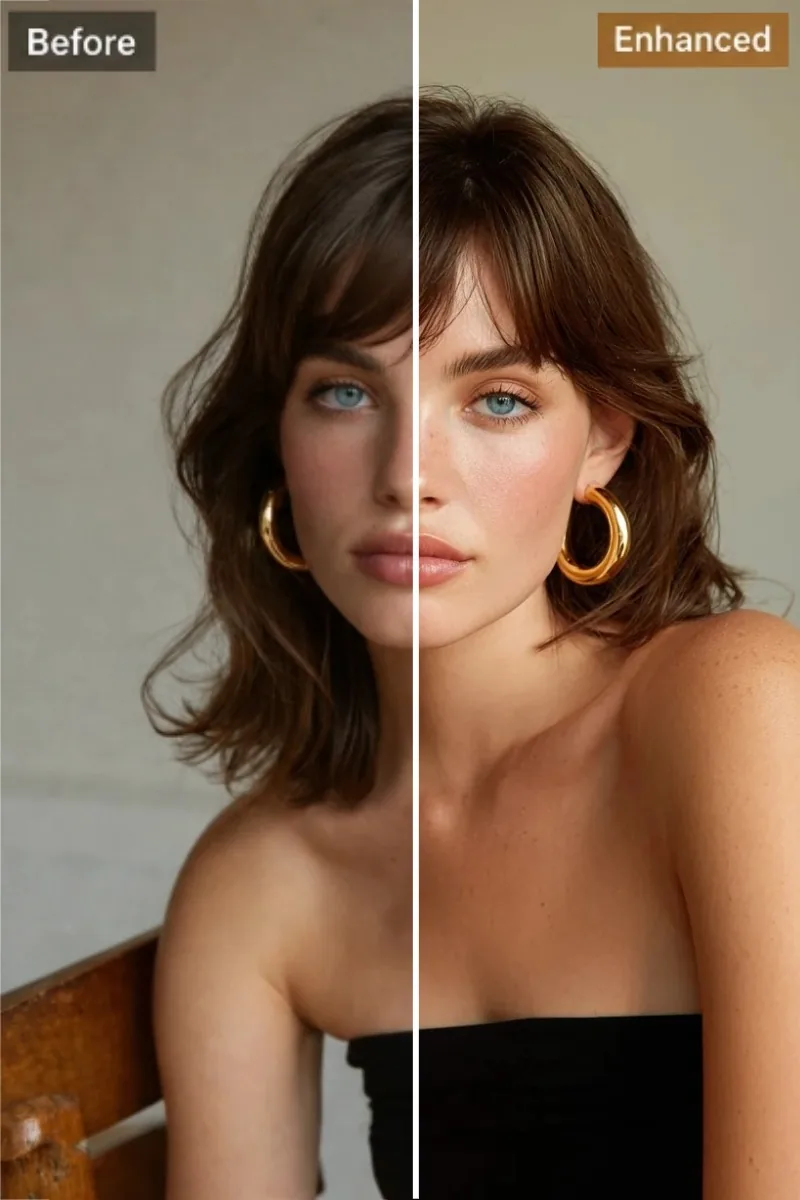
An AI photo enhancer improves the visual issues that make photos look blurry, dull, noisy, or low quality. It automatically cleans up common image problems and helps photos look sharper, cleaner, and more natural in seconds.
Restore soft edges, textures, and important details in blurry or slightly out-of-focus photos. The result looks clearer and more defined while staying natural.
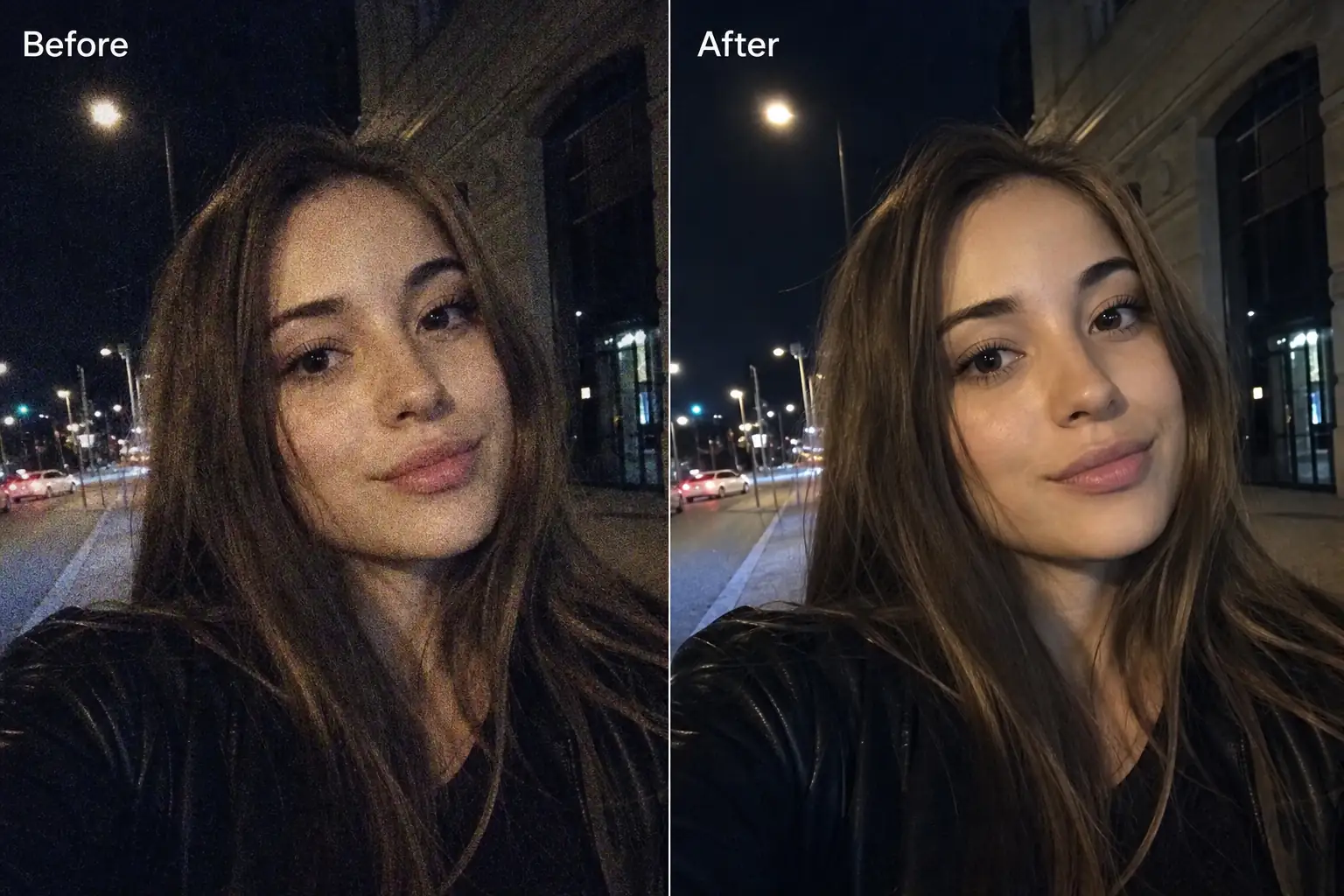
Reduce visible noise caused by low light, older devices, or compressed image files. Cleaner tones and smoother detail can make the entire photo look more polished.
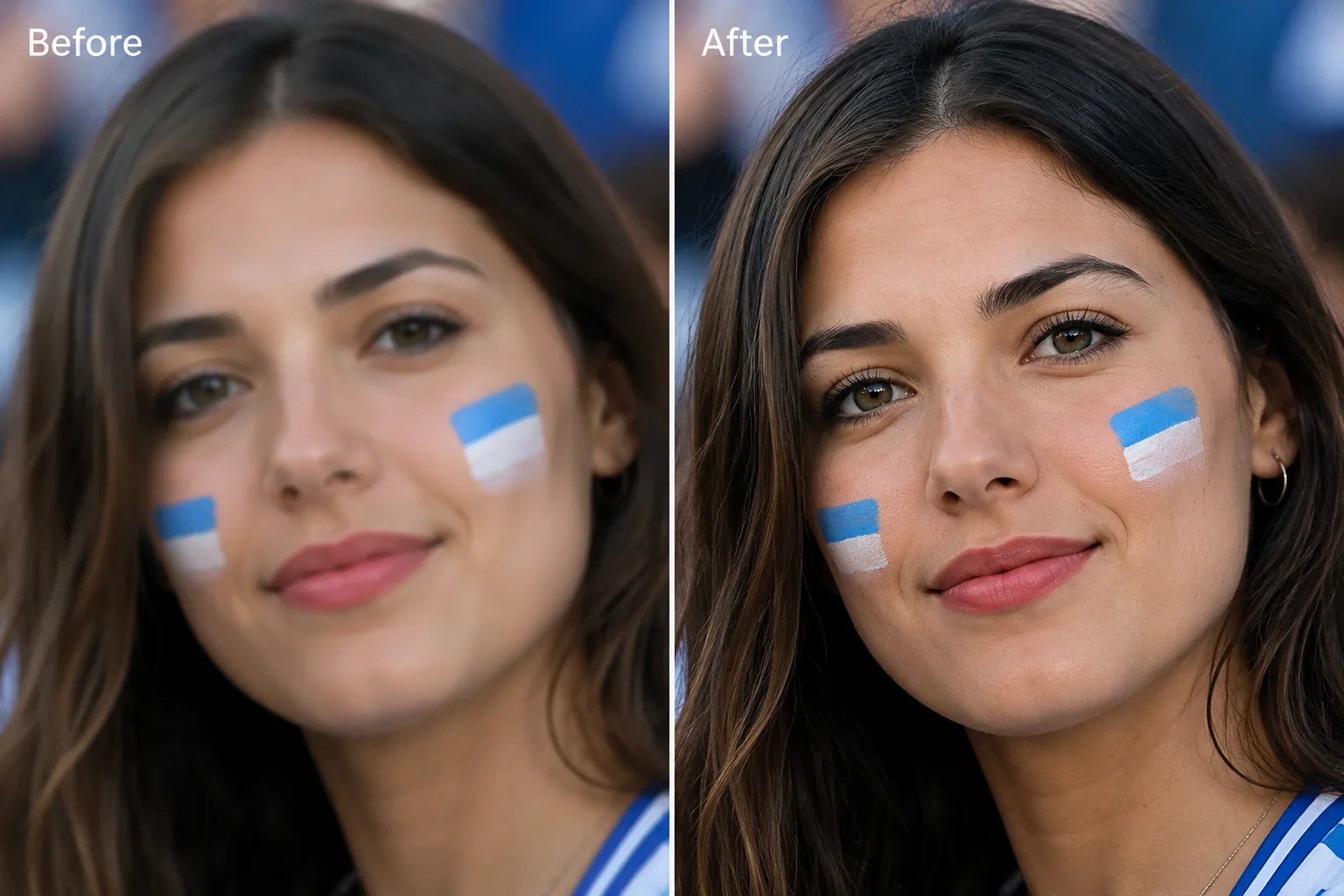
Bring back clearer eyes, facial contours, and skin texture in portraits that look soft or flat. AI enhancement improves definition while keeping people natural-looking.
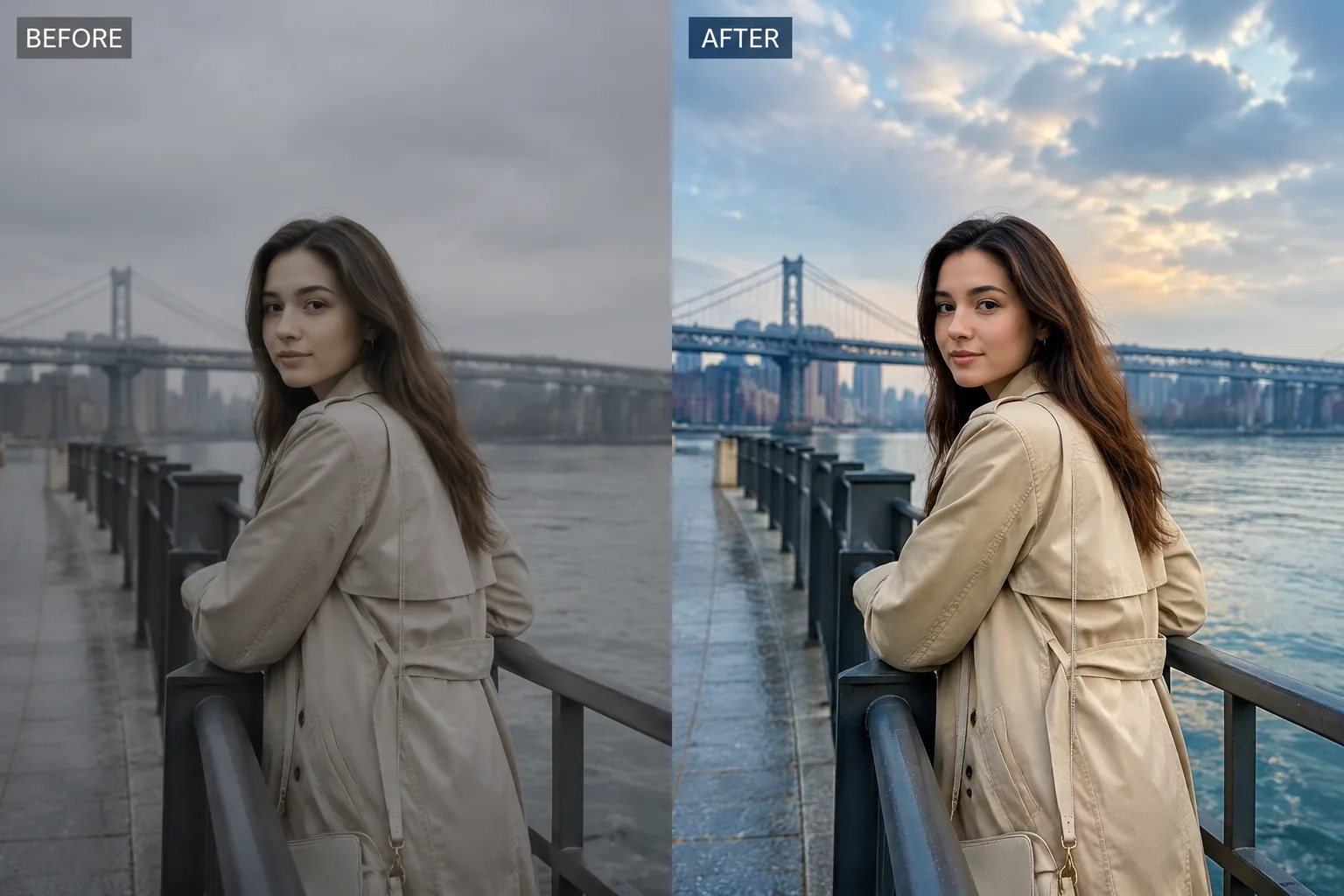
Improve washed-out tones, flat lighting, and weak contrast so photos look brighter, more balanced, and more visually appealing.
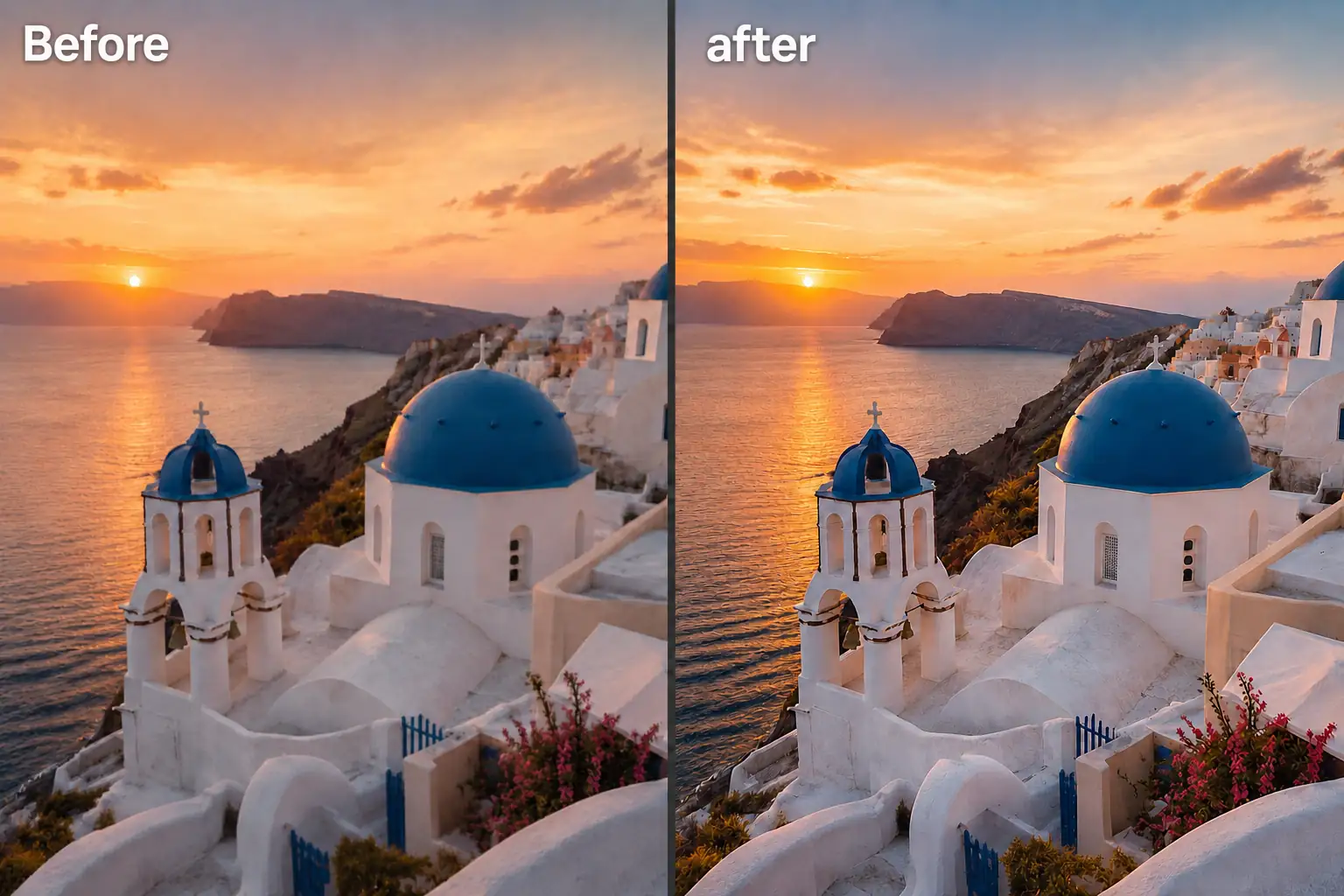
Clean up blocky artifacts and quality loss from screenshots, social media downloads, and heavily compressed images for a smoother, cleaner result.
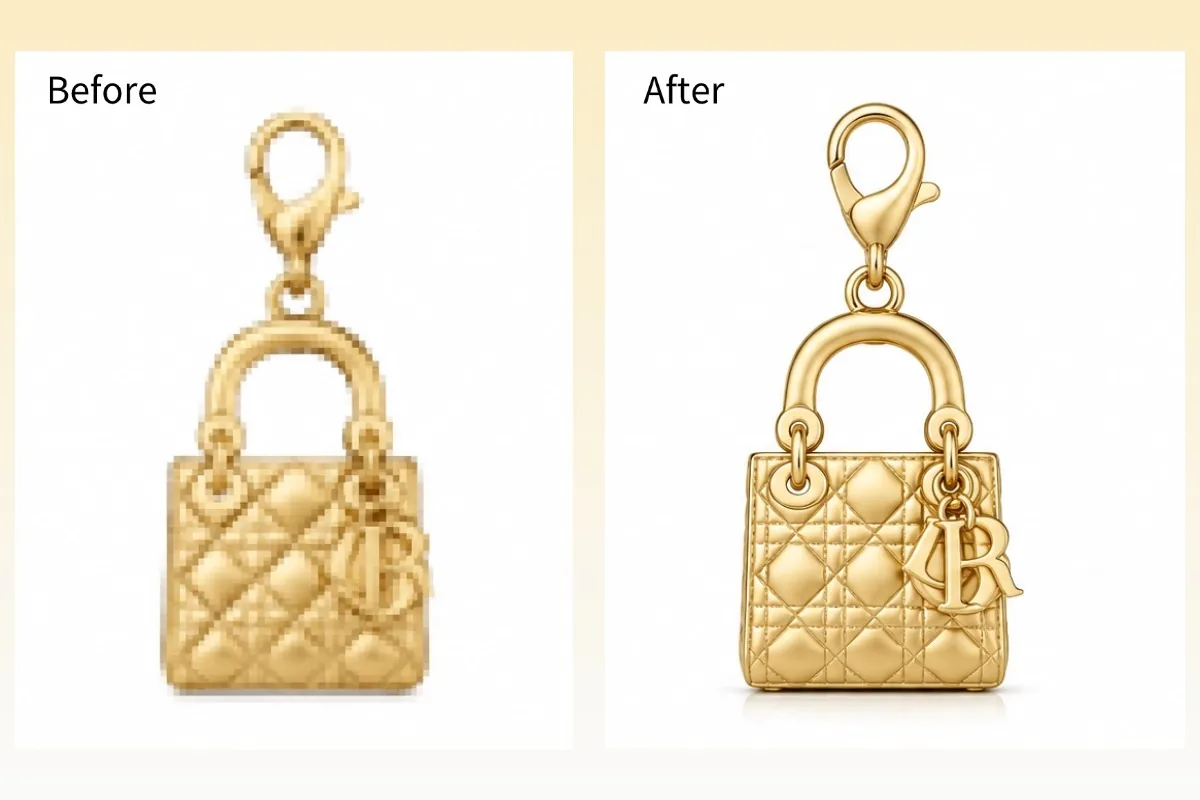
Improve small, pixelated, or low-resolution images with cleaner edges and better visual definition. This helps photos look sharper and more suitable for sharing, display, or light print use.
An AI photo enhancer works across different image types, from portraits and old photos to ecommerce images and social content. Whether you want sharper personal memories or cleaner professional visuals, it helps improve photo quality in seconds.
Make personal photos look more flattering and presentable for sharing, profiles, or keepsakes. Better facial definition and balanced lighting can help portraits feel more alive without looking overly edited.
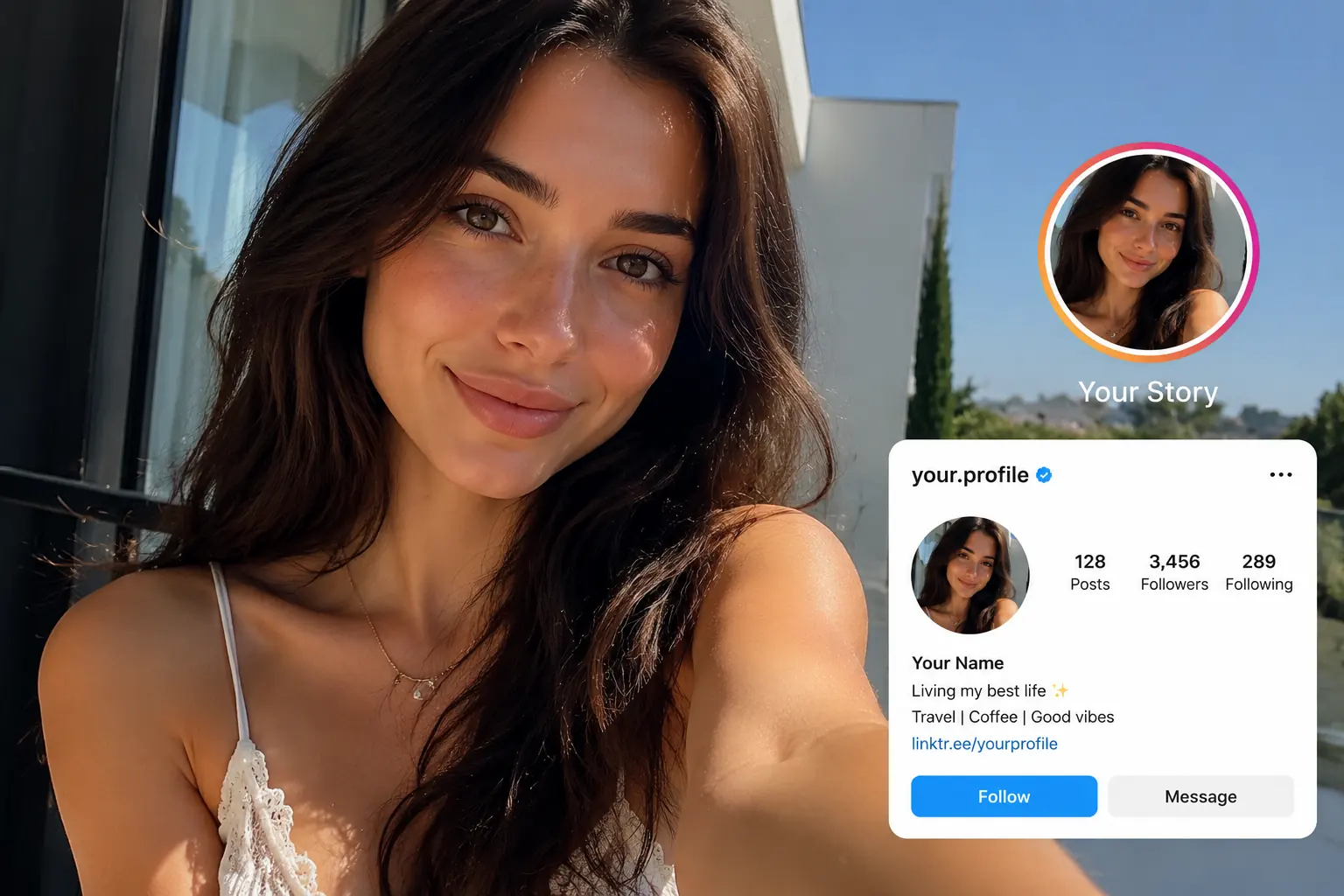
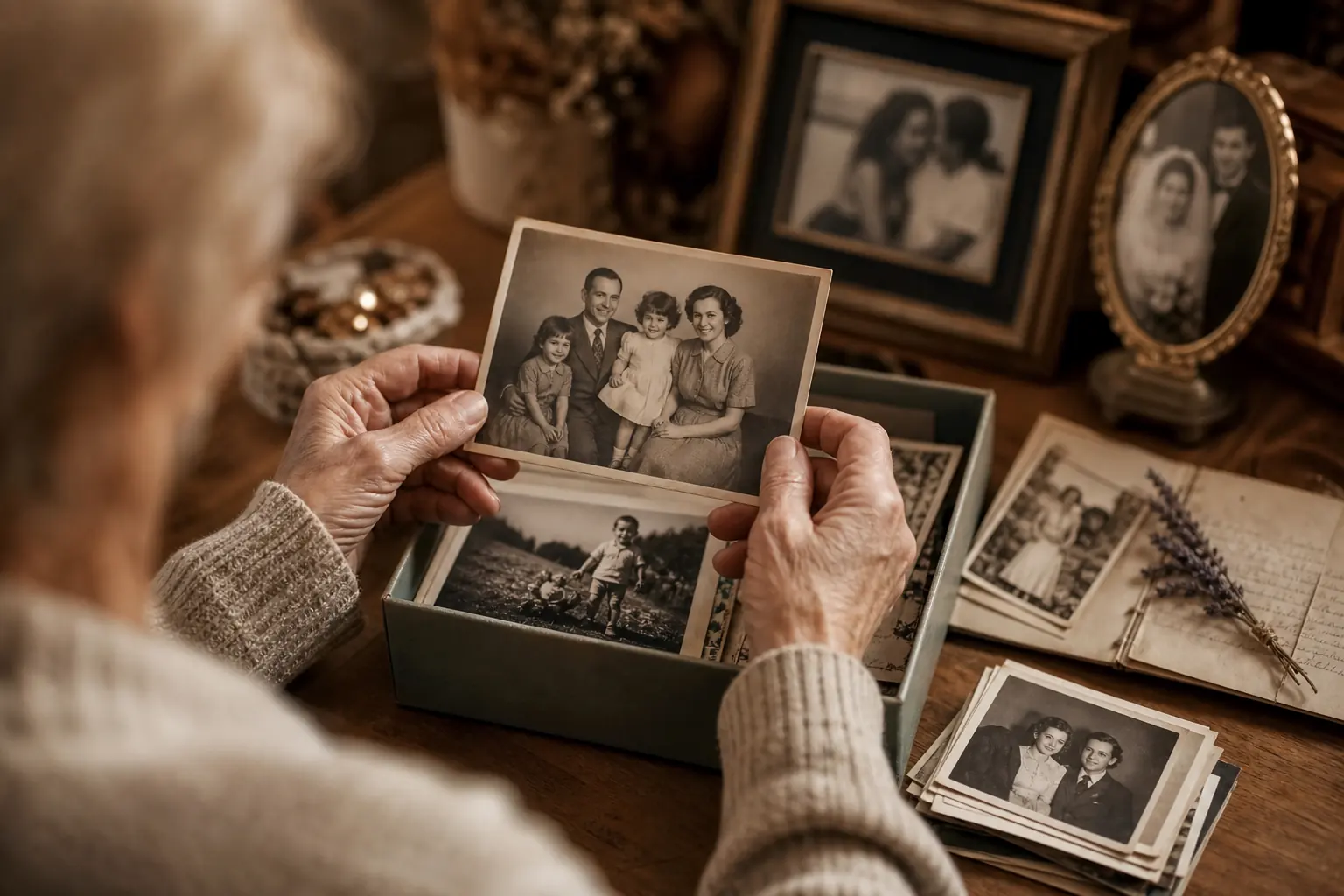
Preserve family memories by making aged or low-quality photos easier to view, save, and share. Restoration helps older images feel more complete and emotionally meaningful.
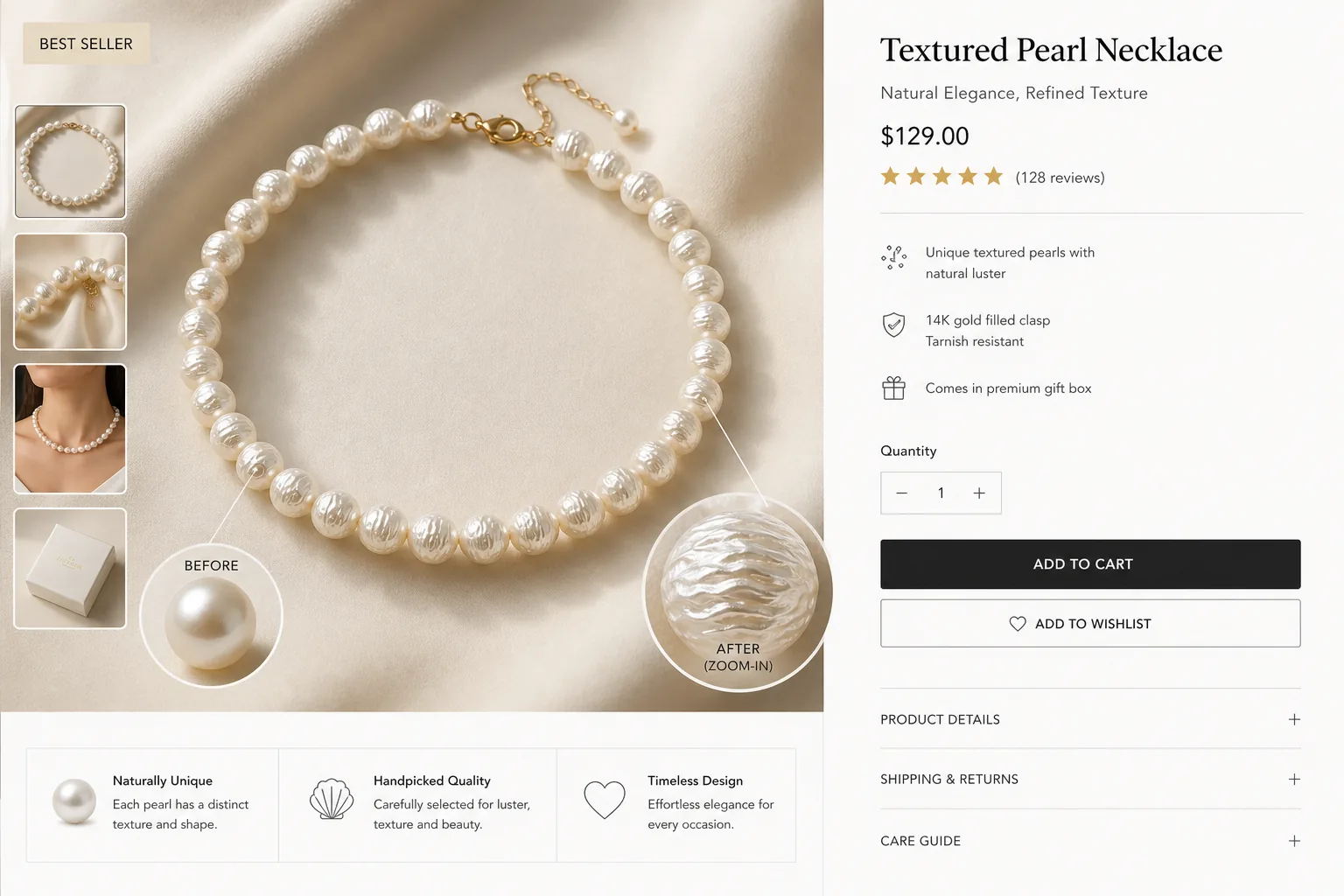
Help shoppers see textures, materials, and product finishes more clearly in listings and ads. Better-looking product images can build trust faster and support stronger first impressions.
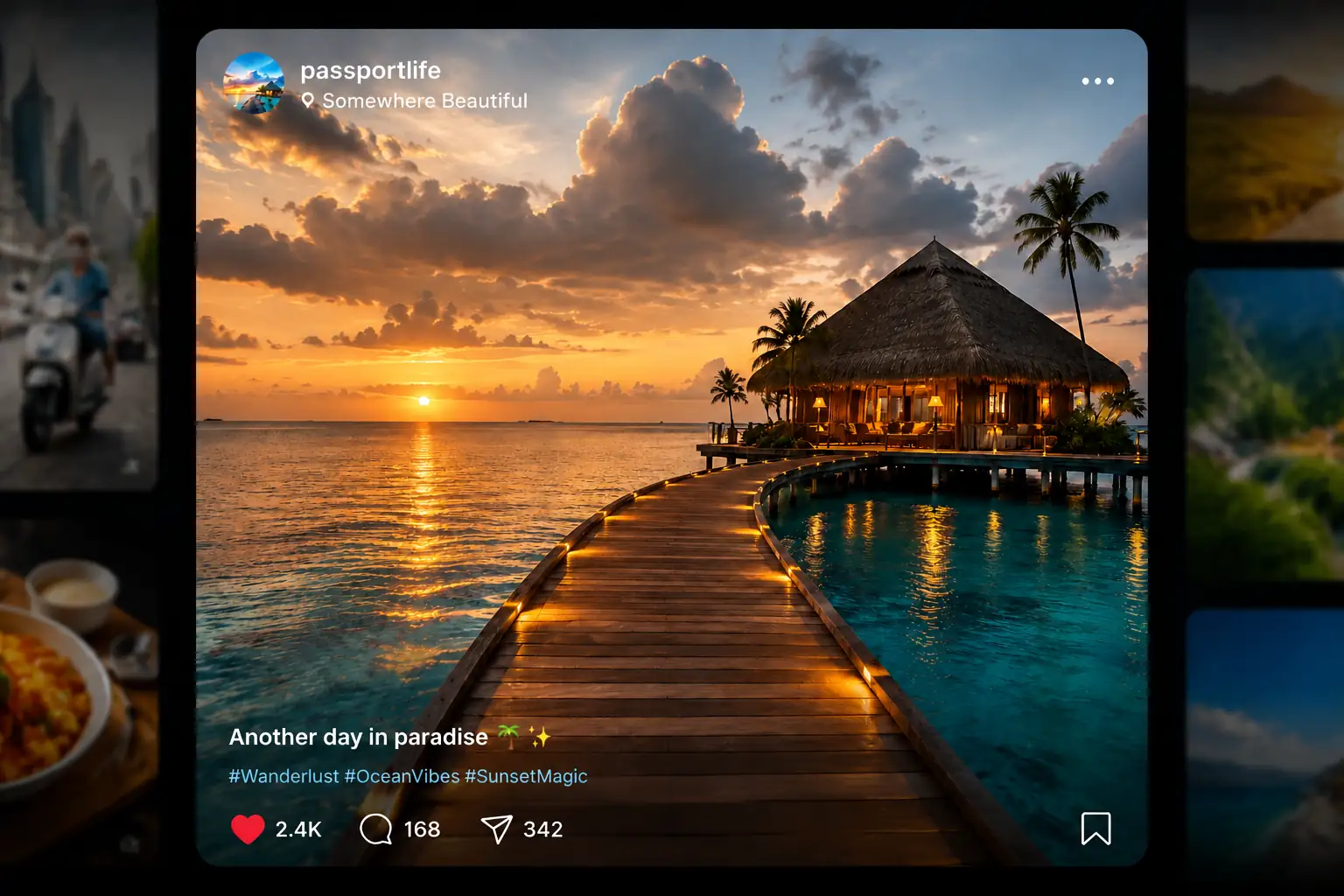
Create more scroll-stopping visuals for posts, stories, and thumbnails across social platforms. Cleaner, better-presented images help content stand out faster in busy feeds.
Prepare photos for flyers, posters, brochures, and other printed assets where poor image quality becomes more obvious. Cleaner visuals help materials look more reliable and production-ready.

Improving photo quality online only takes a few simple steps. Upload your image, let AI process it automatically, and download a clearer result in seconds.
Choose the image you want to improve from your device, whether it looks blurry, noisy, faded, or low quality.
After upload, the tool automatically enhances the image for you in just a few seconds, with no editing skills needed.
Check the enhanced result, then download a cleaner and more polished version when you are ready.
A great photo enhancer should do more than sharpen an image. It should improve quality naturally, work across different needs, and give you a fast, reliable way to make photos look better with minimal effort.
Improve blurry or low-quality photos while keeping faces, textures, and colors realistic instead of overprocessed.
Handle blur, noise, faded color, compression damage, and lost detail in one simple enhancement workflow.
Upload your image, let AI do the work, and get a clearer photo in seconds without complicated editing steps.
Enhance photo quality online for free and improve everyday images without expensive software or advanced editing skills.
Get cleaner, sharper images that look better for sharing, editing, presentations, or other professional uses.
Your uploaded images are processed securely, giving you more confidence when enhancing personal, work-related, or sensitive photos.
See how different users rely on AI enhancement to restore memories, improve social images, polish portraits, and upgrade product photography.
"I used it on several old family photos that looked faded and soft. The faces became much clearer, and the results still looked natural instead of over-edited."
Emma Collins
Family Archivist
"I take a lot of photos on my phone, especially at night, and many of them come out noisy or slightly blurry. This tool cleaned them up quickly and made them much better for sharing."

Jason Miller
Content Creator
"I tried it on a few portrait photos for my personal brand profiles. It improved facial details and overall clarity without making the skin look fake or overly processed."

Sofia Bennett
Marketing Consultant
"Some of my product photos looked dull after being compressed for upload. After enhancing them, they looked sharper, cleaner, and more professional on my storefront."

Daniel Carter
E-commerce Store Owner
Find quick answers about what an AI photo enhancer does, what kinds of images it can improve, and how to use it online.
An AI photo enhancer is a tool that improves image quality automatically. It helps make blurry, noisy, faded, or low-quality photos look clearer and more natural.
Upload your image to an AI photo enhancer, and the tool will improve common quality issues in just a few clicks. You can usually get a cleaner and clearer photo in seconds.
Yes, AI can sharpen soft details and improve overall clarity in many blurry photos. The result depends on the original image, but it can often make images look much more usable.
An AI photo enhancer can help reduce blur, noise, faded color, weak contrast, compression damage, and lost detail. It is designed to improve the issues that make photos look low quality.
You can enhance portraits, selfies, old photos, product images, social media pictures, and other everyday visuals. It works well for many image types that need better clarity and presentation.
Yes, you can use our AI photo enhancer for free online. Your uploaded images are also processed securely, so you can enhance personal or work-related photos with confidence.
Sharpen blurry images, improve photo quality, and get clearer results in just a few clicks with our AI photo enhancer.
Enhance Photo for Free