
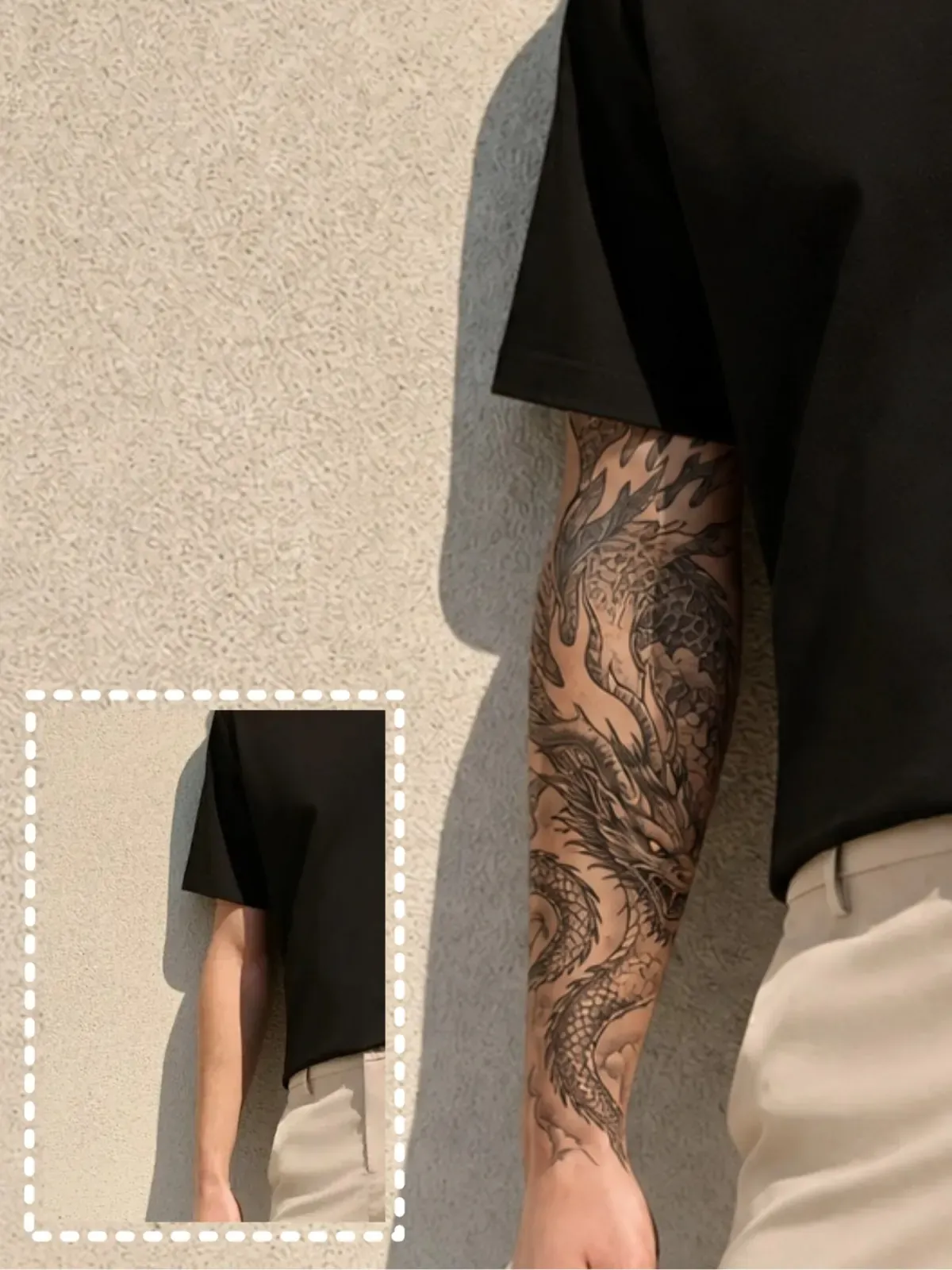
Dragon
Bold and powerful with a dramatic look.
Dragon tattoos create a striking appearance that naturally wraps around the arm or back, making them a popular choice for larger tattoo placements.
Upload a photo and preview realistic tattoos on your body before getting inked. Choose a tattoo style and instantly see a natural-looking tattoo that blends seamlessly with your skin.
Result
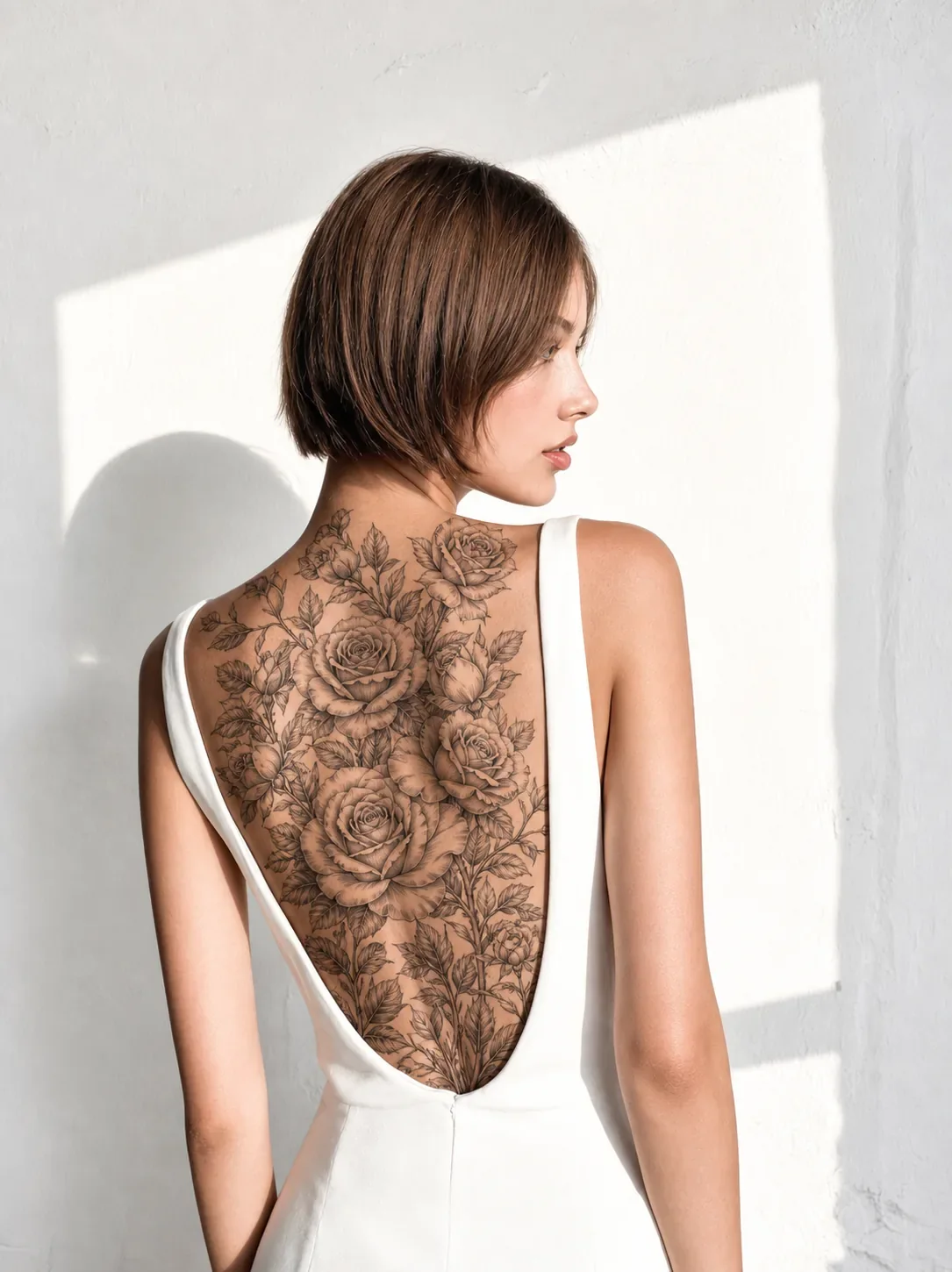
Browse realistic tattoo previews created from real photos. Explore popular tattoo styles and see how they look on different body areas before choosing your own.
Bold and powerful with a dramatic look.
Dragon tattoos create a striking appearance that naturally wraps around the arm or back, making them a popular choice for larger tattoo placements.
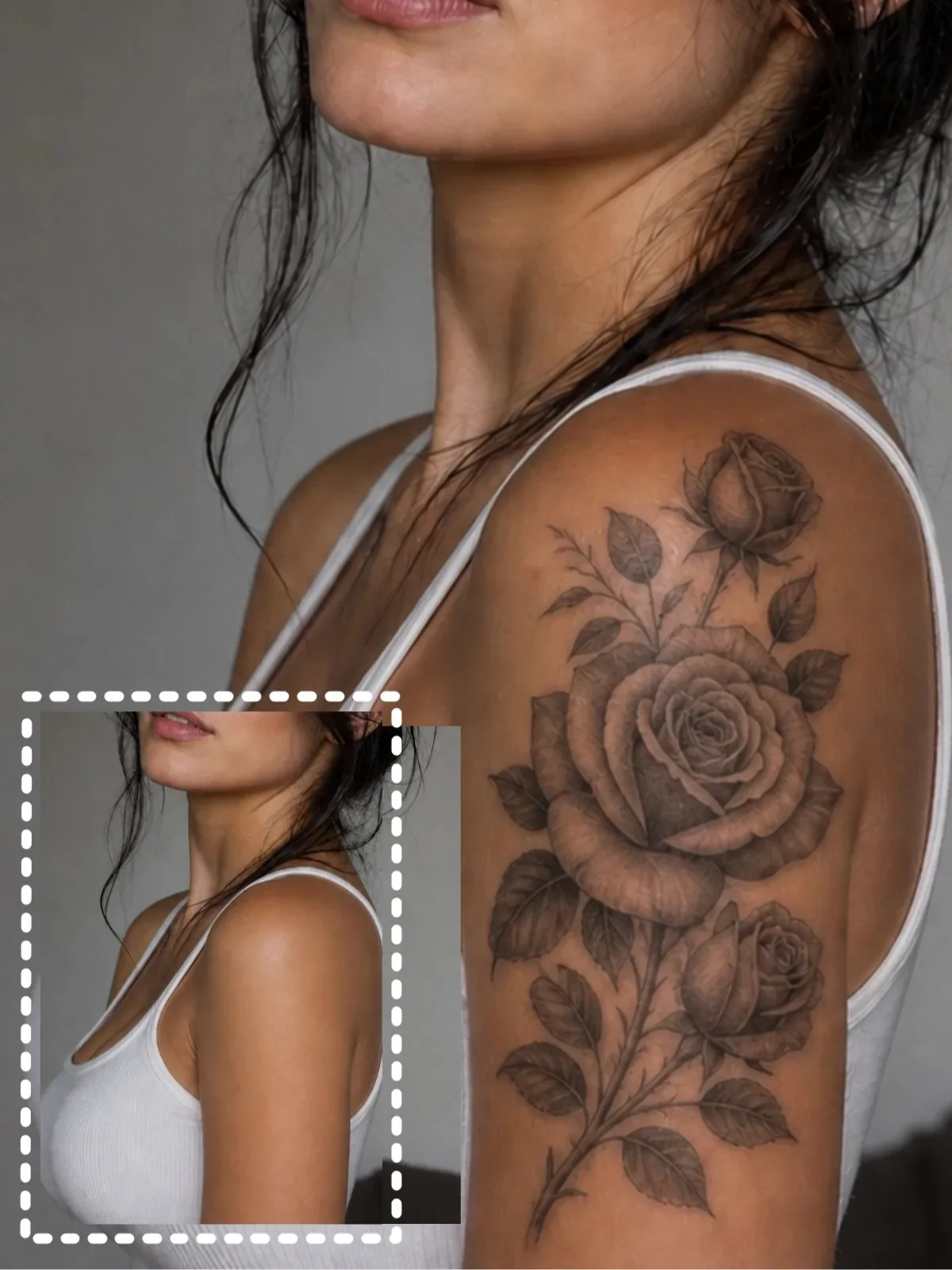
Classic, elegant, and always in style.
Rose tattoos work well in both bold and minimal designs, adding a timeless look to areas like the shoulder, wrist, or ankle.
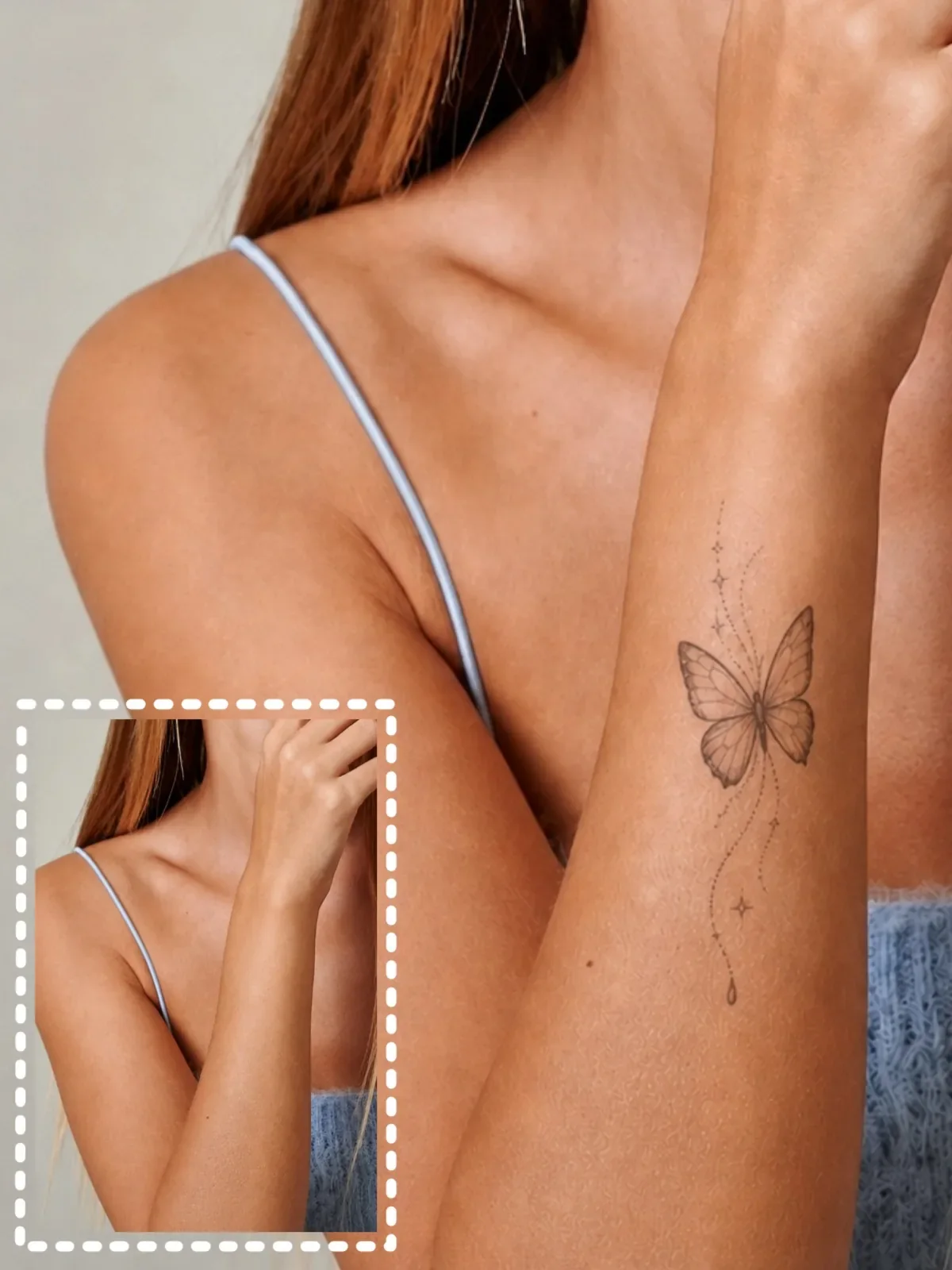
Light, delicate, and effortlessly stylish.
Butterfly tattoos are perfect for smaller placements, creating a soft and elegant look on the wrist, shoulder, or collarbone.
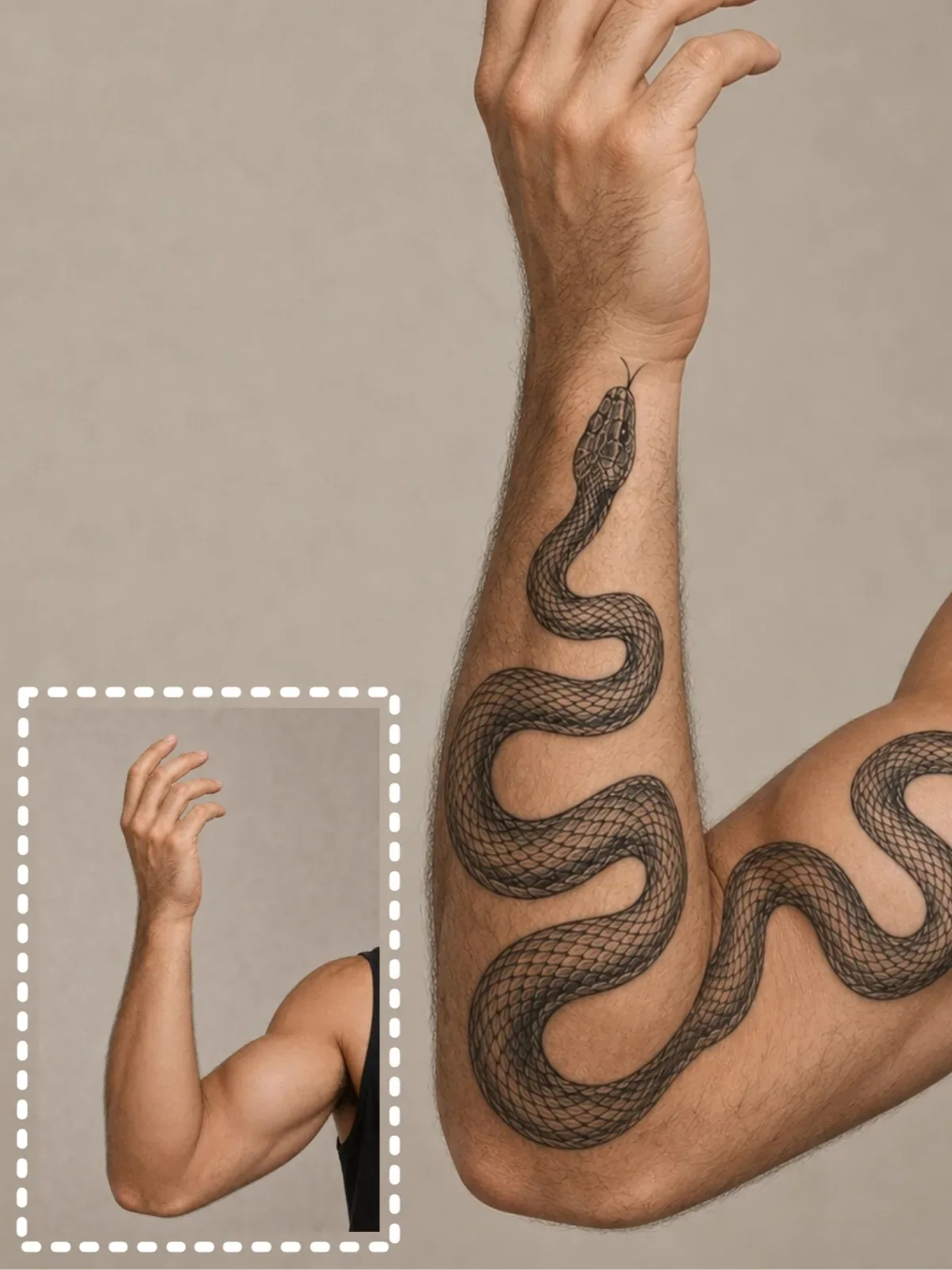
Dynamic designs that follow your body's shape.
Snake tattoos naturally flow along the arm or leg, creating a bold tattoo that complements the body's natural contours.
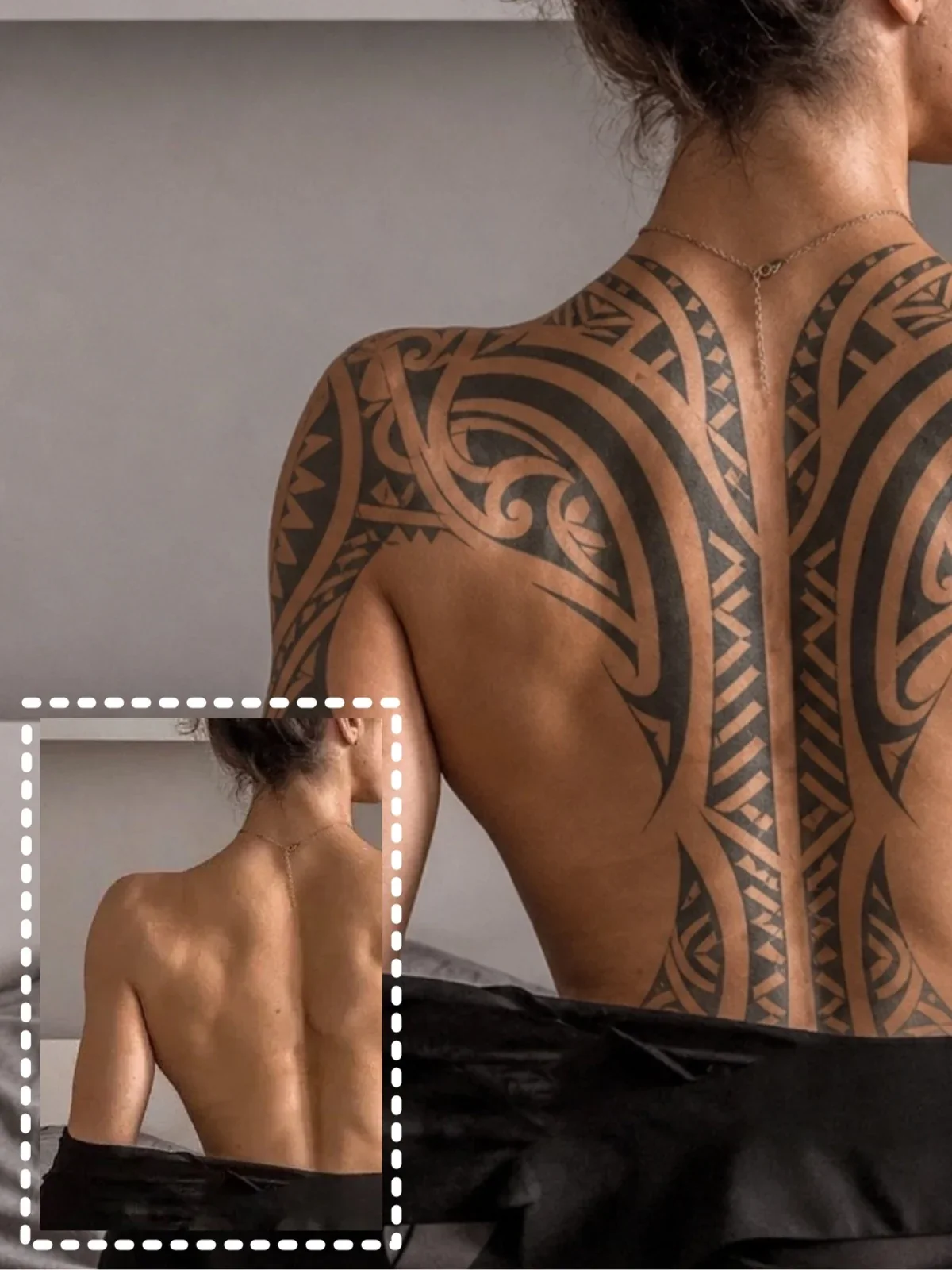
Strong patterns with a timeless tattoo style.
Tribal tattoos feature bold black lines and geometric shapes that stand out on the upper arm, shoulder, or chest.
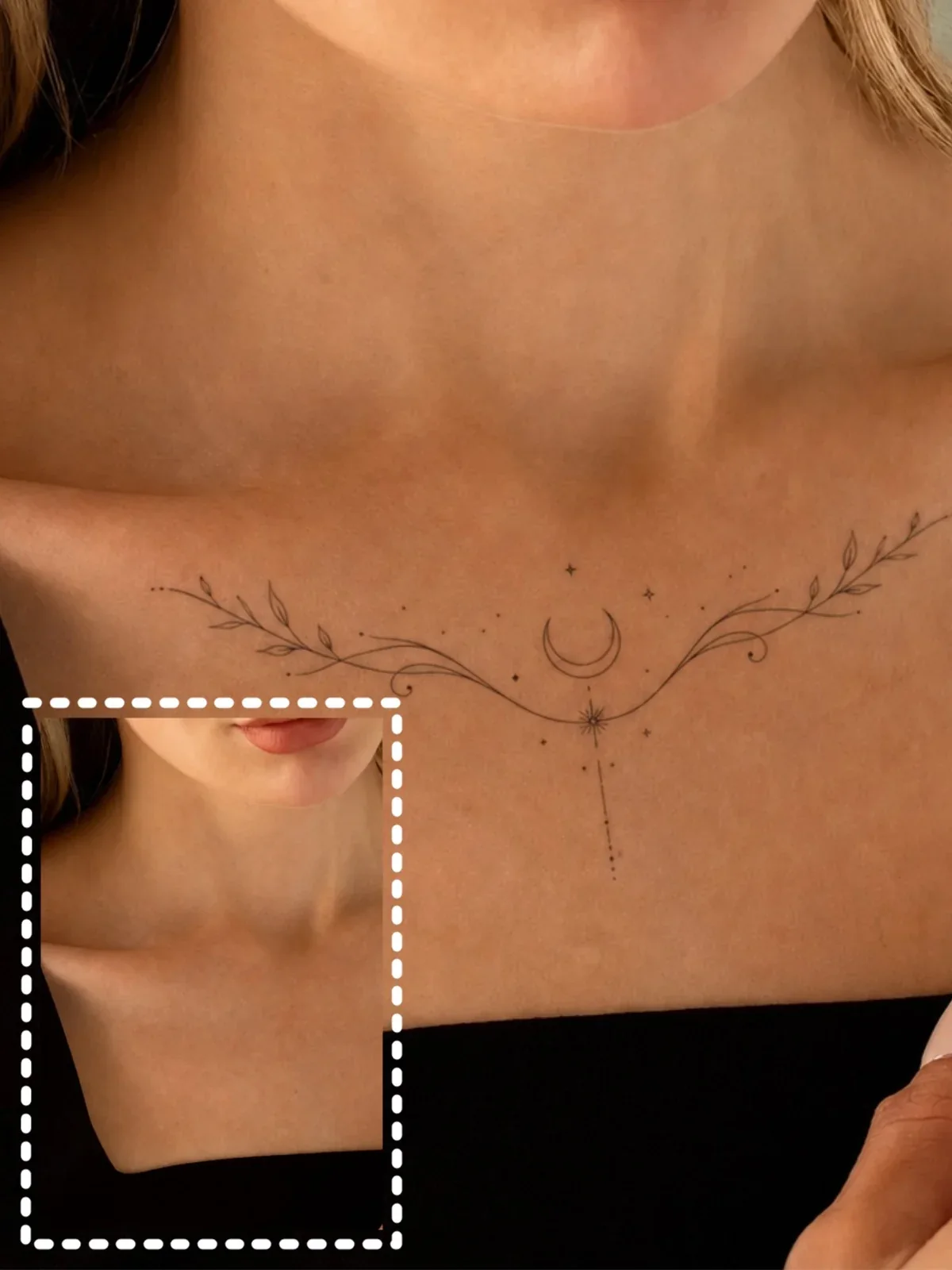
Clean, modern, and easy to wear.
Fine line tattoos offer a subtle, understated look that's ideal for small placements and everyday style.
Thinking about getting a tattoo? Upload a photo of the body area you want to tattoo, explore different tattoo styles, and preview realistic results before making a permanent decision.
Getting your first tattoo is a big decision. Upload a photo of the body area you want to tattoo, choose a style, and instantly see how it looks on your skin before booking an appointment or visiting a tattoo studio.
Preview Your Tattoo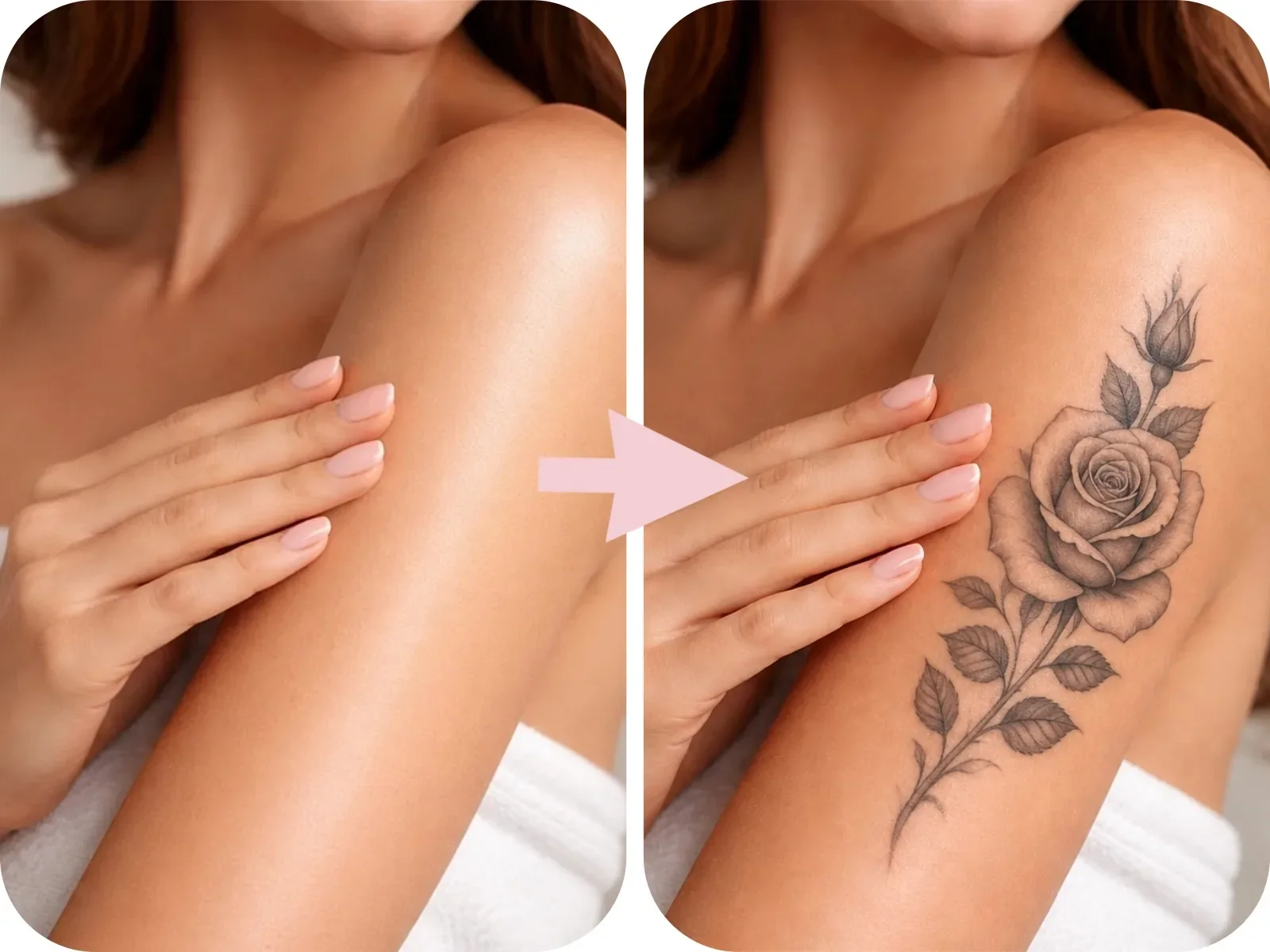
A Dragon, Rose, Butterfly, Tribal, or Fine Line tattoo can completely change your look. Try different preset tattoo styles on the same photo and compare them side by side before choosing your favorite.
Compare Tattoo Styles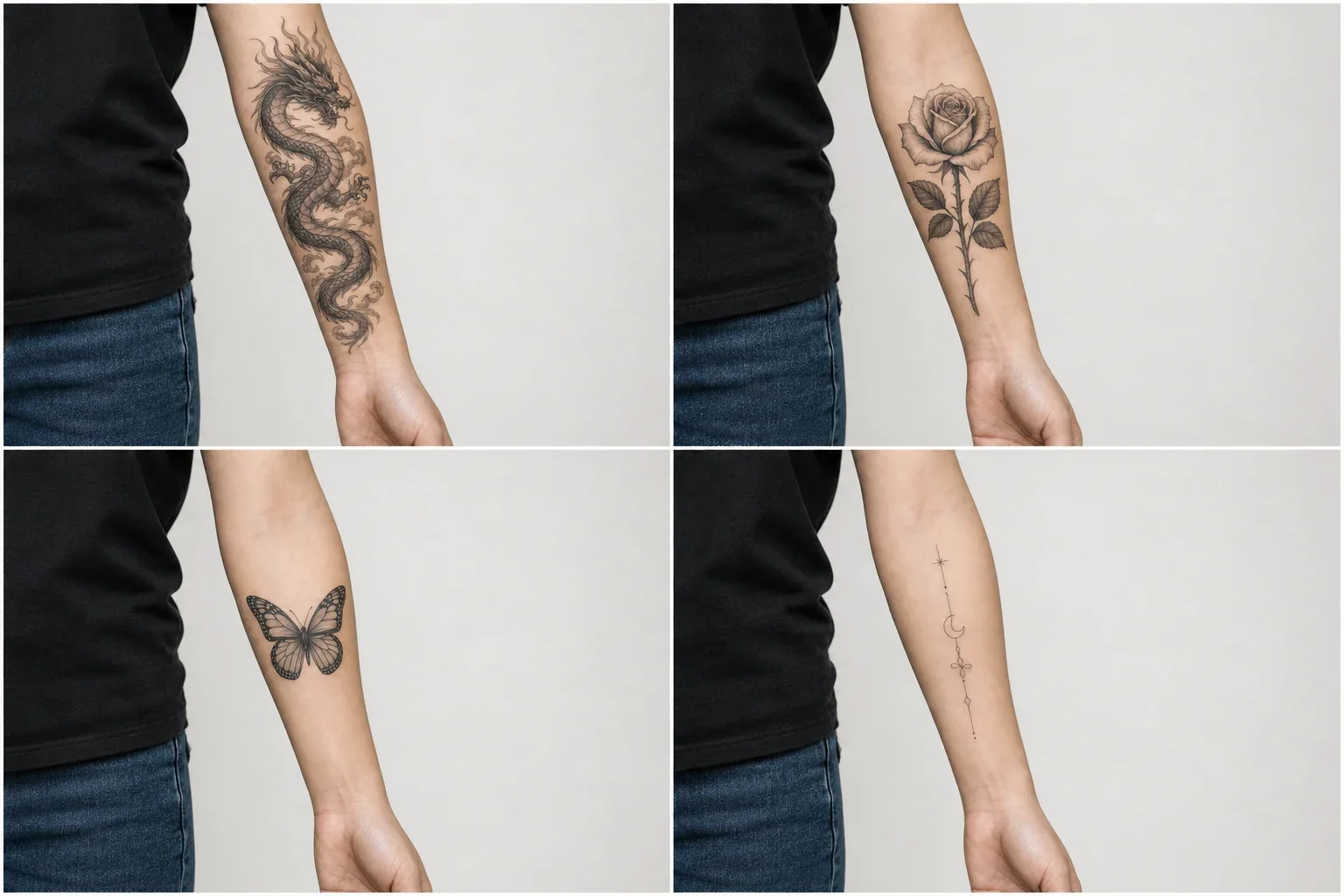
Some tattoos look better on the forearm, while others suit the shoulder, back, or leg. Upload a photo of the body area you want to tattoo and preview different tattoo styles to find the placement that feels right.
Try Different Placements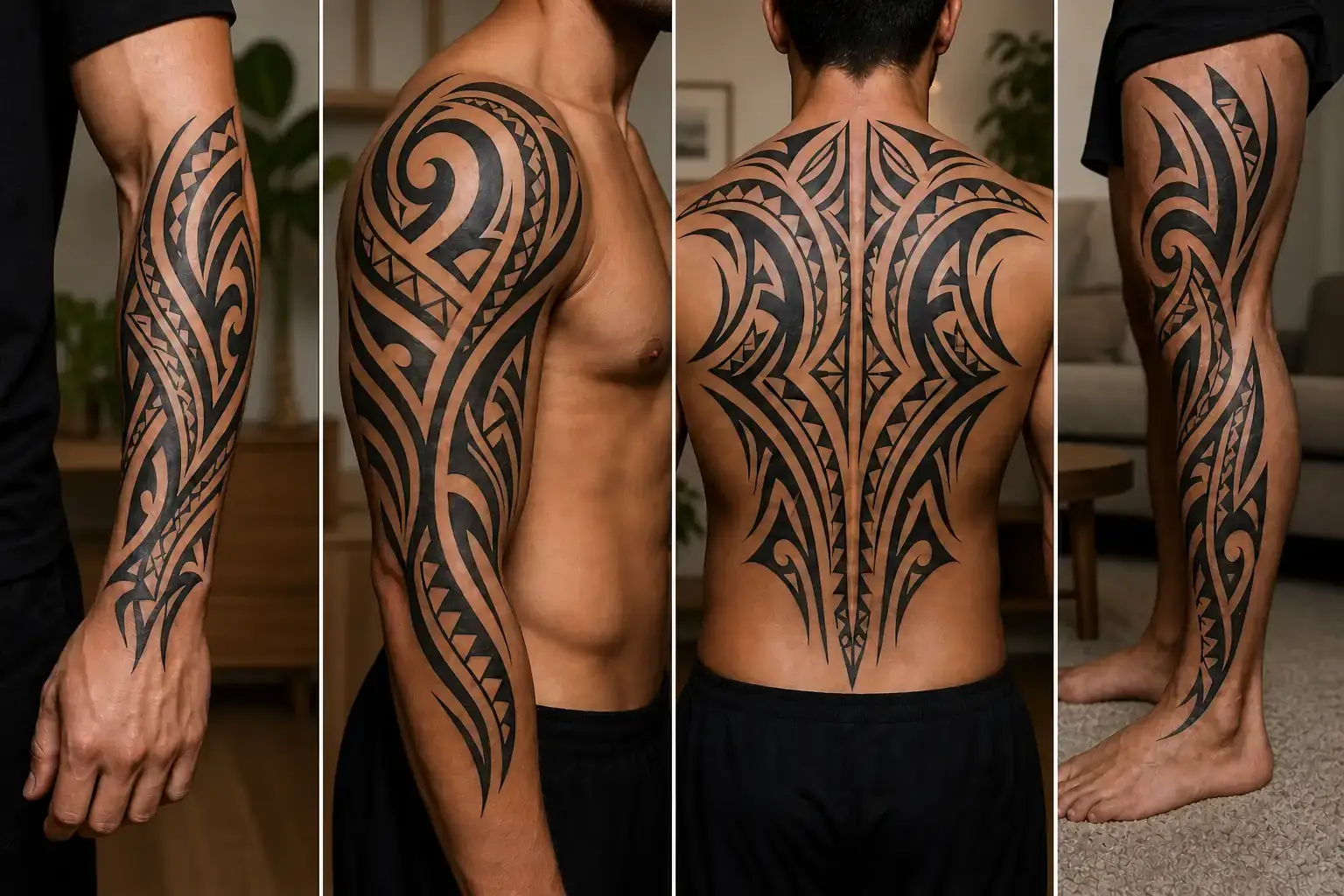
Not every tattoo feels right the first time. Try different tattoo styles, compare multiple looks, and explore new ideas on your own photo before deciding on the design you'll wear permanently.
Explore More Designs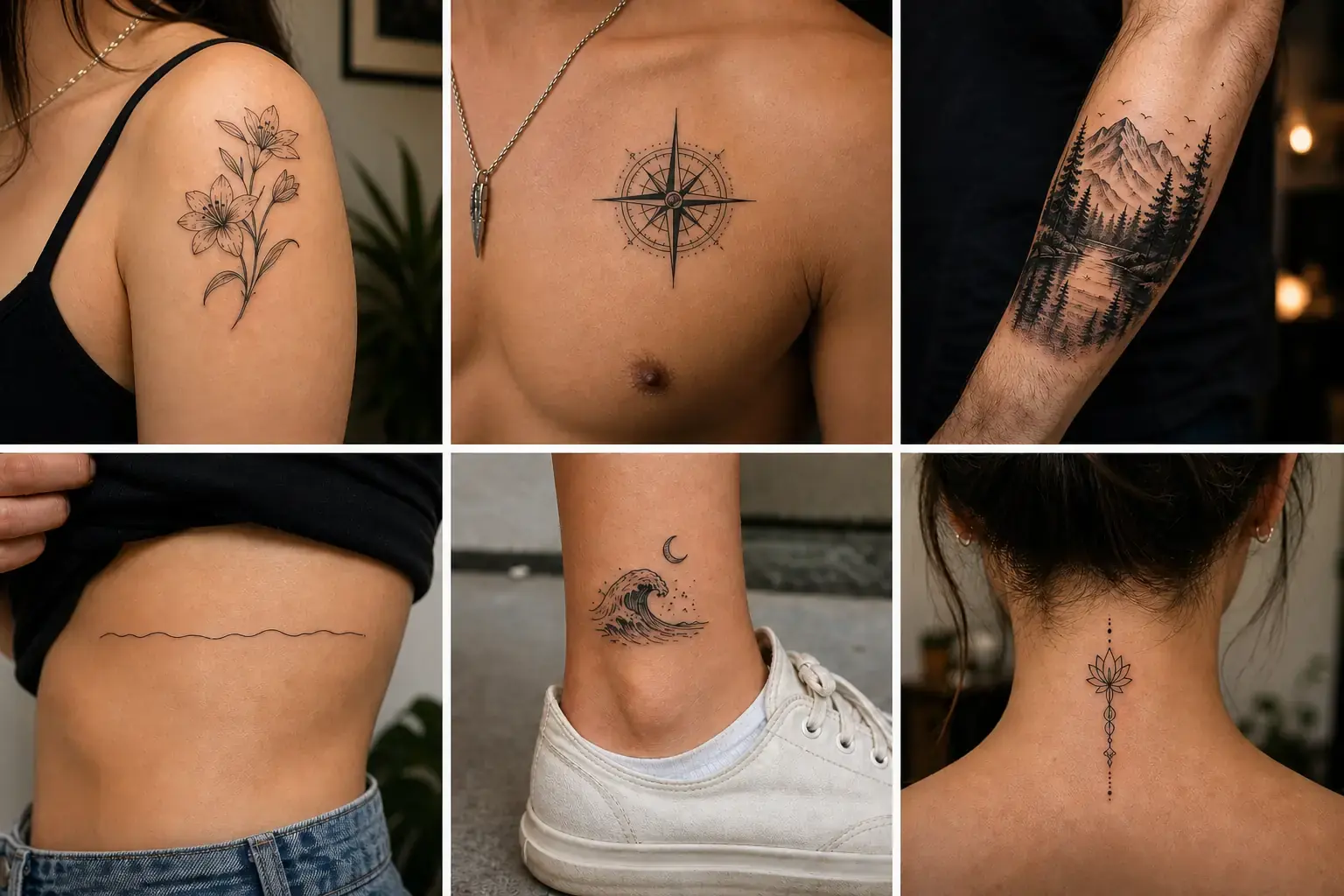
Preview realistic tattoo designs on your own photo in just a few clicks. Compare different styles and see how they look before making a permanent decision.
AI naturally blends each tattoo with your skin, matching your photo's lighting, perspective, and contours for a realistic preview.
Choose from popular tattoo styles like Dragon, Rose, Butterfly, Snake, Tribal, and Fine Line to quickly explore different looks.
Upload your photo, choose a tattoo style, and generate a realistic preview in seconds. No editing skills required.
Your photos are processed securely and used only to generate your tattoo preview. They are never shared without your permission.
Create a realistic tattoo preview in three simple steps.
Upload a clear photo of the body area where you'd like to preview a tattoo.
Select a preset tattoo design, such as Dragon, Rose, Butterfly, Snake, Tribal, or Fine Line.
AI places the tattoo on your photo and creates a realistic preview in seconds. Download your favorite result when you're ready.
See how users are previewing tattoo designs on their own photos and making more confident decisions before getting inked.
"I was debating between a dragon and a snake tattoo. Seeing both designs on my own arm made the choice much easier."
Michael Carter
Verified User
"The tattoo blended naturally with my skin, making it easy to imagine the final result. I even shared the preview with my tattoo artist before booking."
Olivia Bennett
Art Enthusiast
"It was my first tattoo, so I wanted to see how it would look before committing. The preview only took a few seconds and looked surprisingly realistic."
Ethan Brooks
Creative Director
Continue transforming your photos with more AI-powered editing and style tools from MindPic.
Preview popular tattoo designs on your own photo and see how they look before making a permanent decision.