
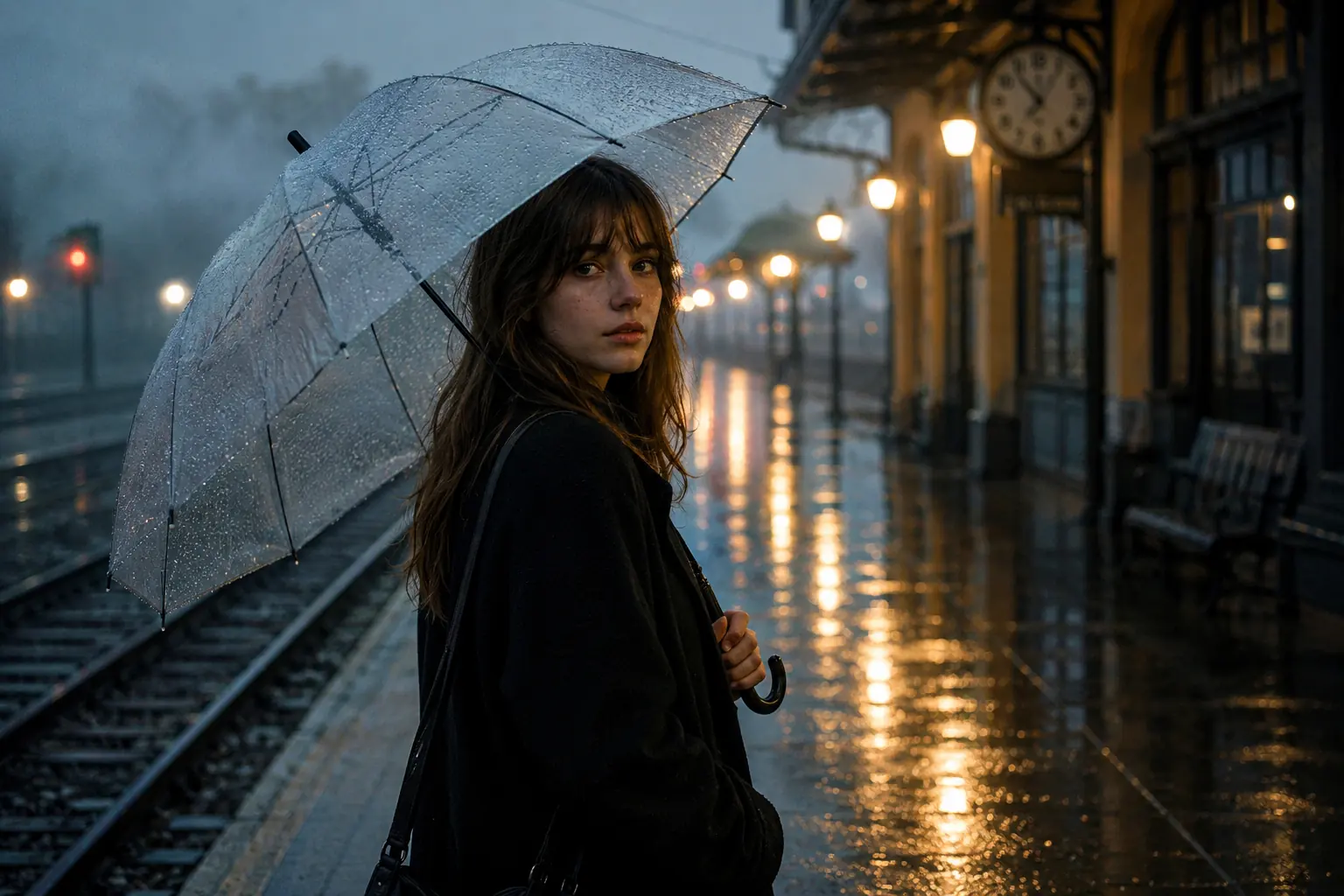
A cinematic portrait of a young woman at a rainy train platform, clear umbrella, glowing station lights, and moody reflections
Just describe what you imagine, and MindPic turns it into striking AI images fast. No design skills needed. Built for ads, social posts, concepts, and more.
Result
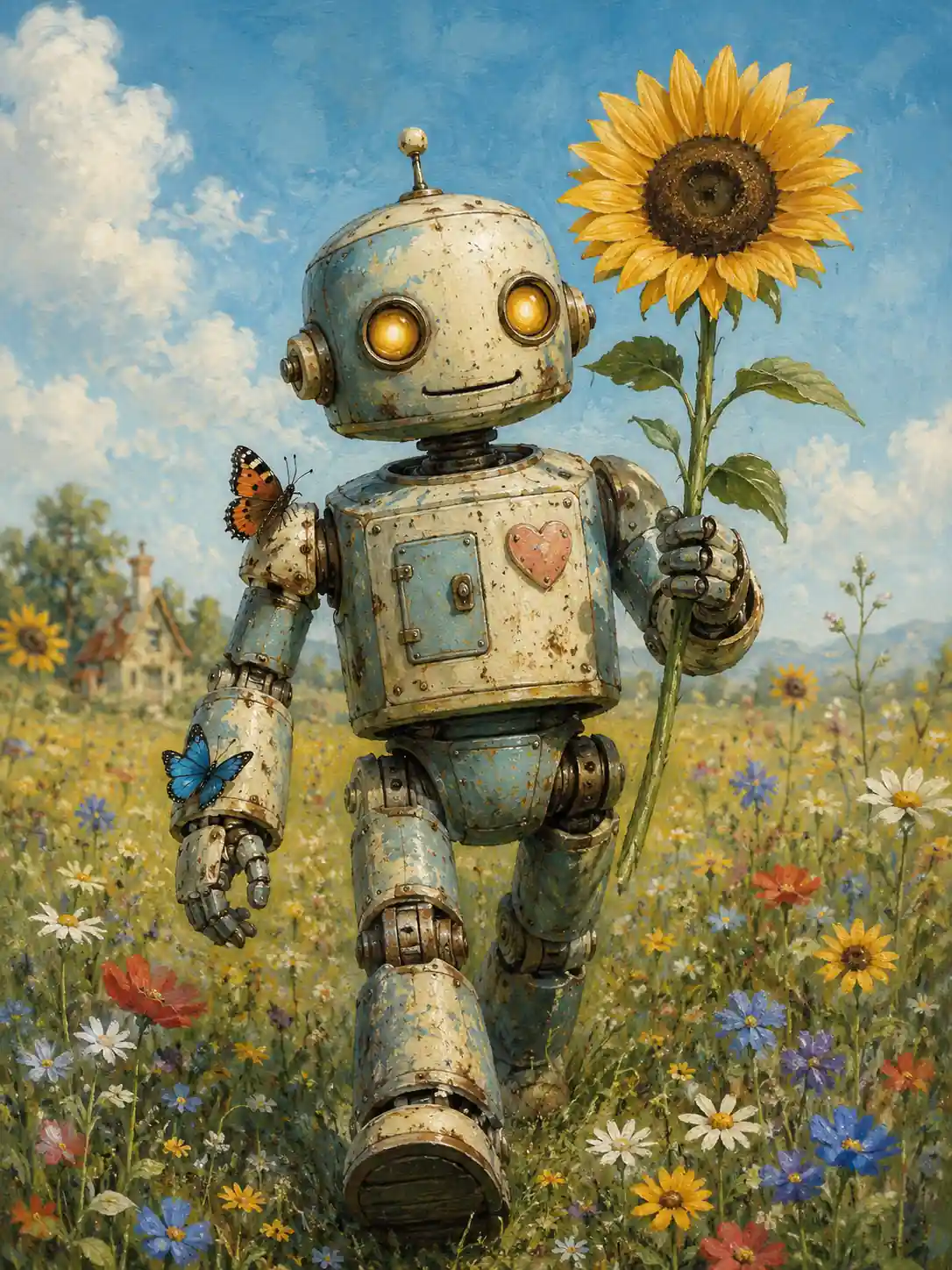
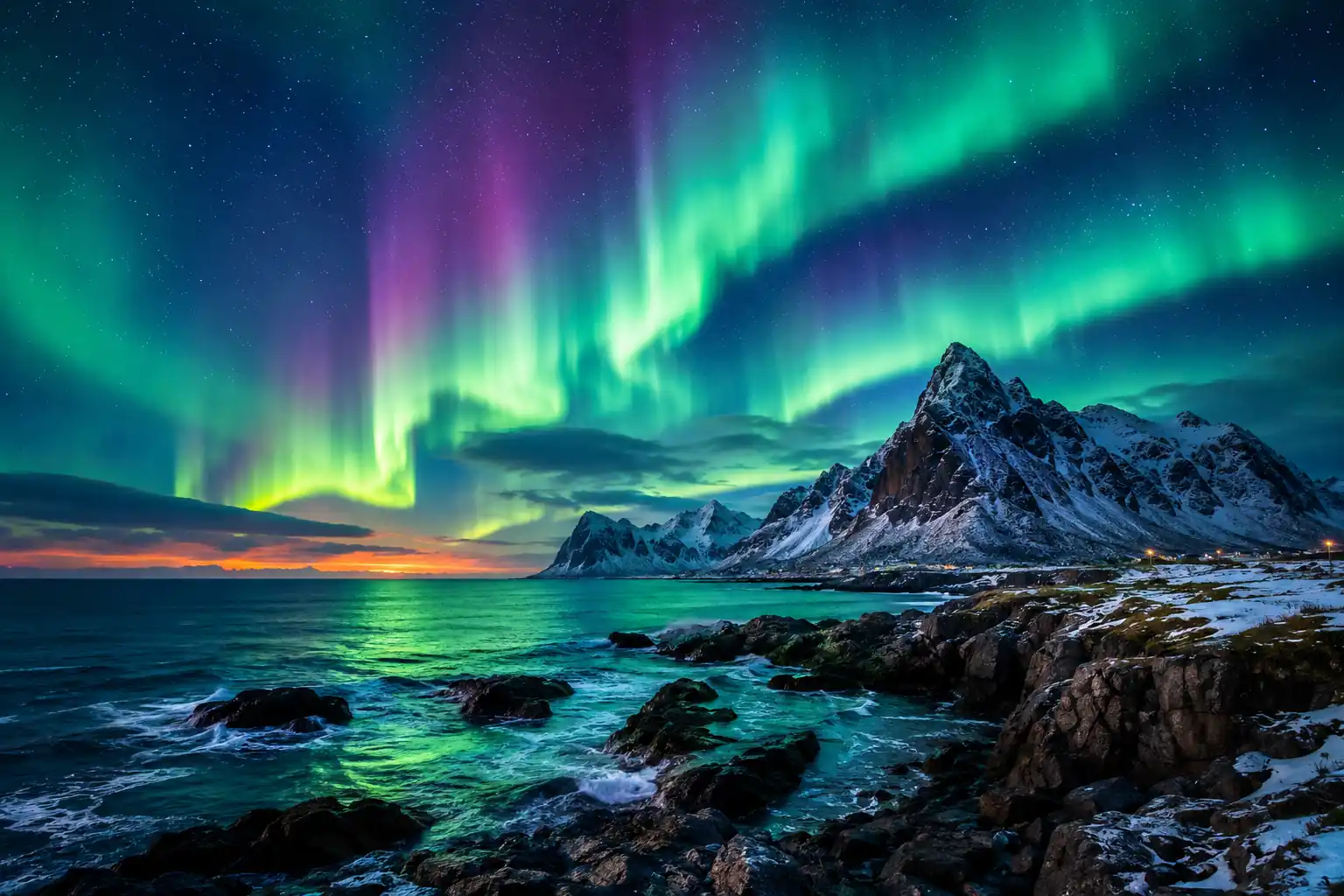
See how MindPic turns simple text into polished visuals with style, detail, and variety. From everyday ideas to bold concepts, every result is made to stand out.
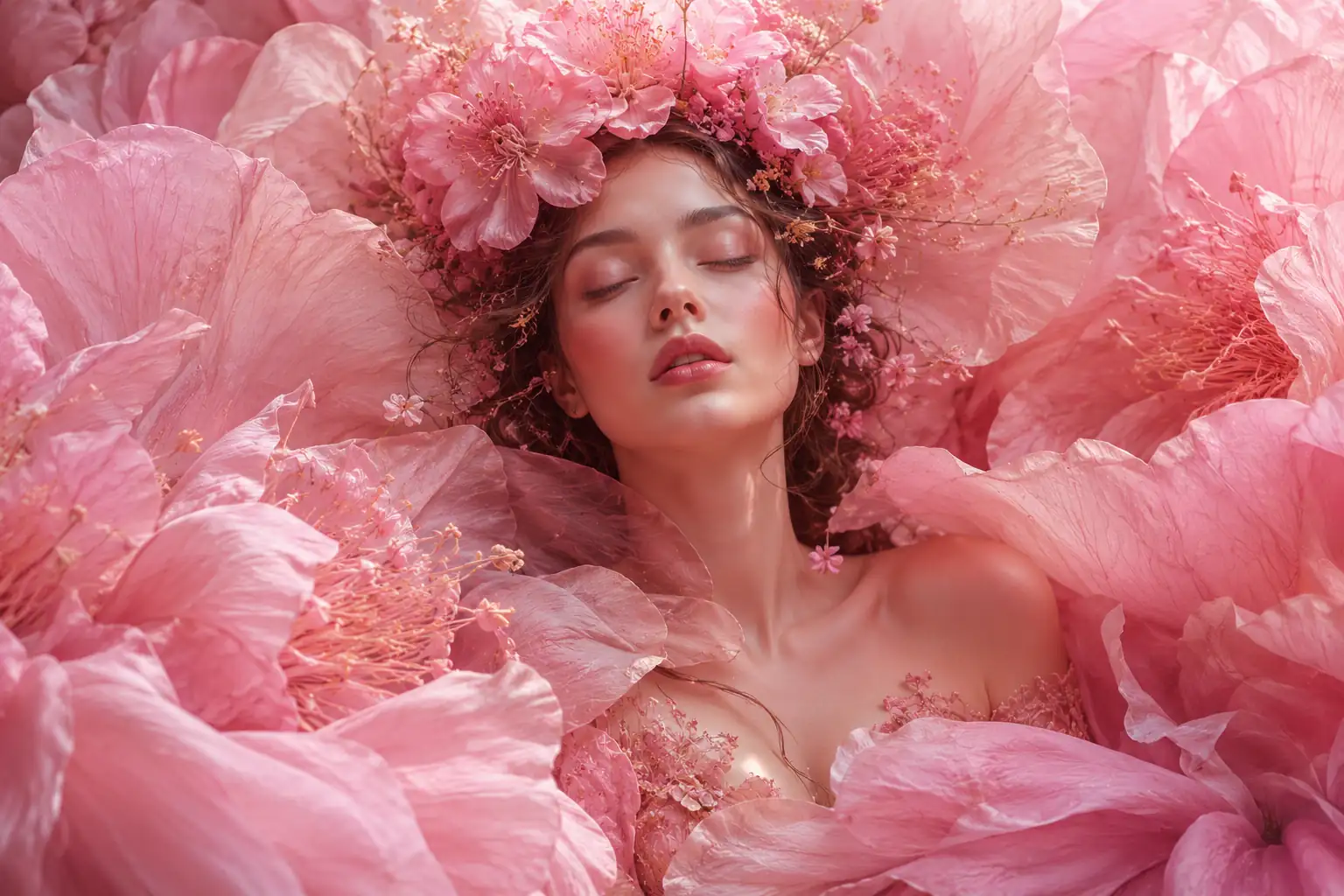

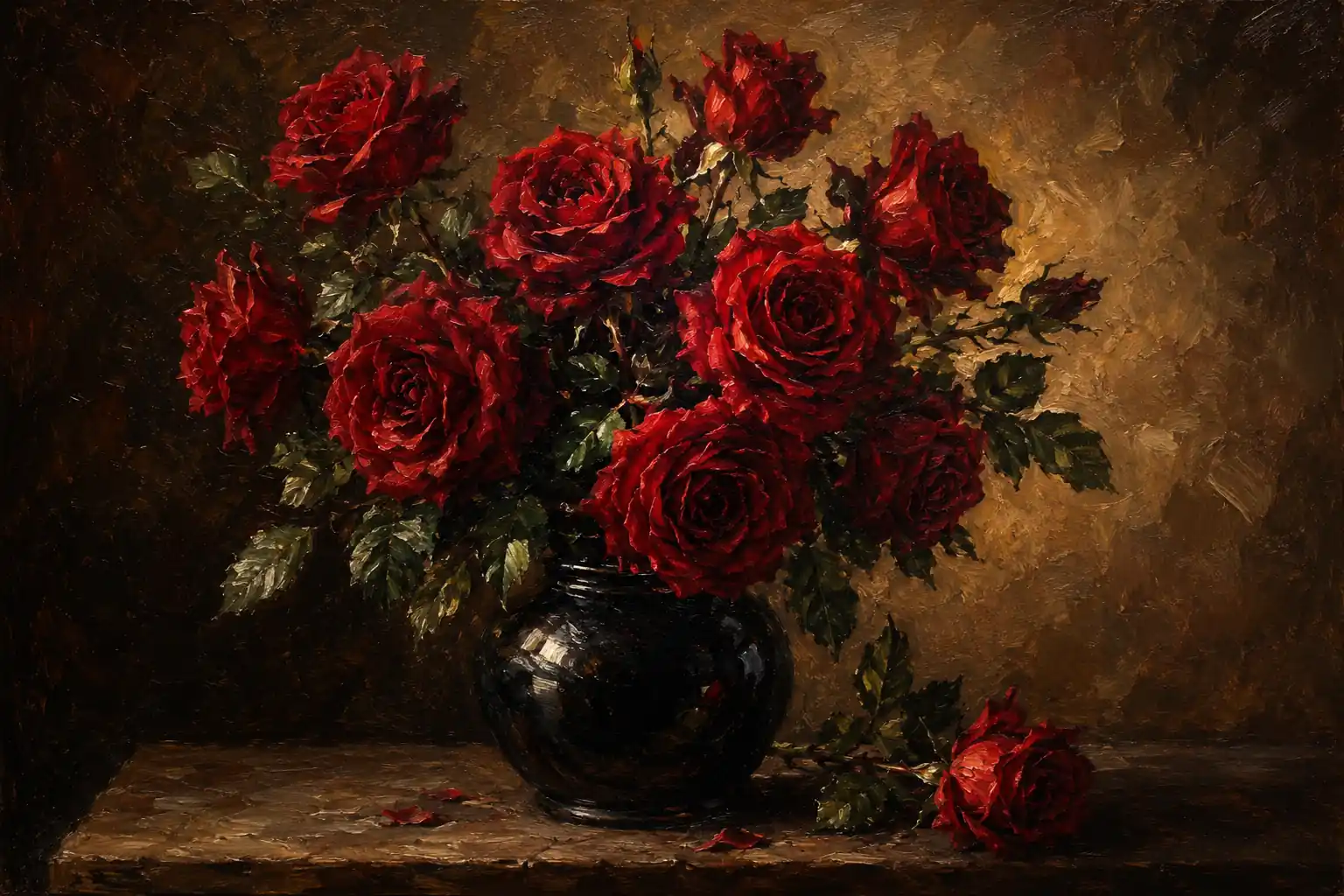
Write a prompt, choose your settings, and generate images in seconds with a workflow that feels simple from start to finish.
Describe the image you want in clear, specific words. The more detail you give, the better the result.
Choose the aspect ratio, model, and number of images to match your needs.
Click generate to turn your idea into an image, then tweak and recreate until it looks right.
MindPic helps you create images for the creative tasks that come up every day. From content creation and visual brainstorming to campaign drafts and concept testing, you can turn a simple prompt into something useful in seconds.
When an idea is still vague, a quick image can help you shape it faster. Turn a short prompt into a visible draft for a poster, ad concept, character, product scene, or campaign direction, so you have something real to react to.
Visualize Your Idea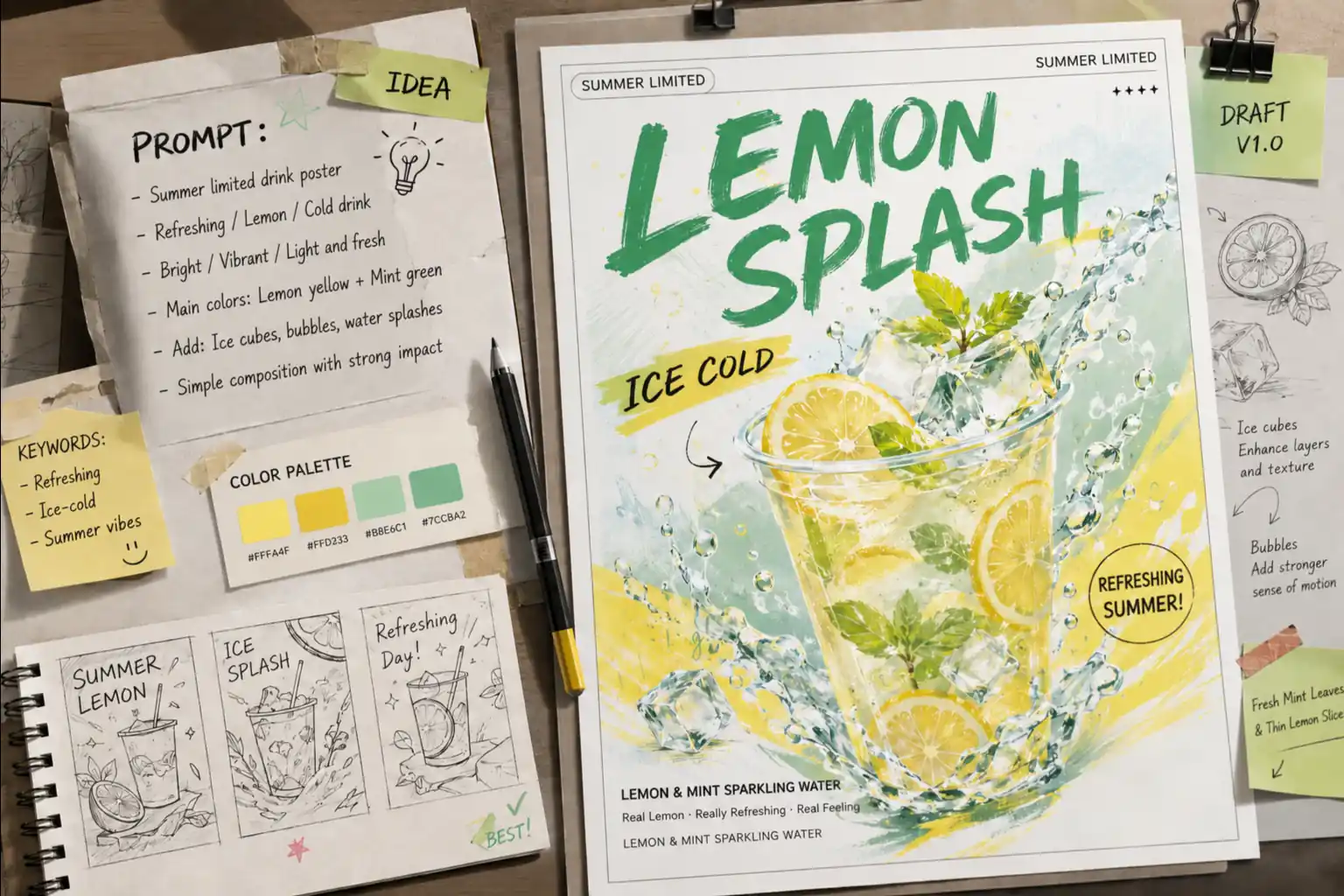
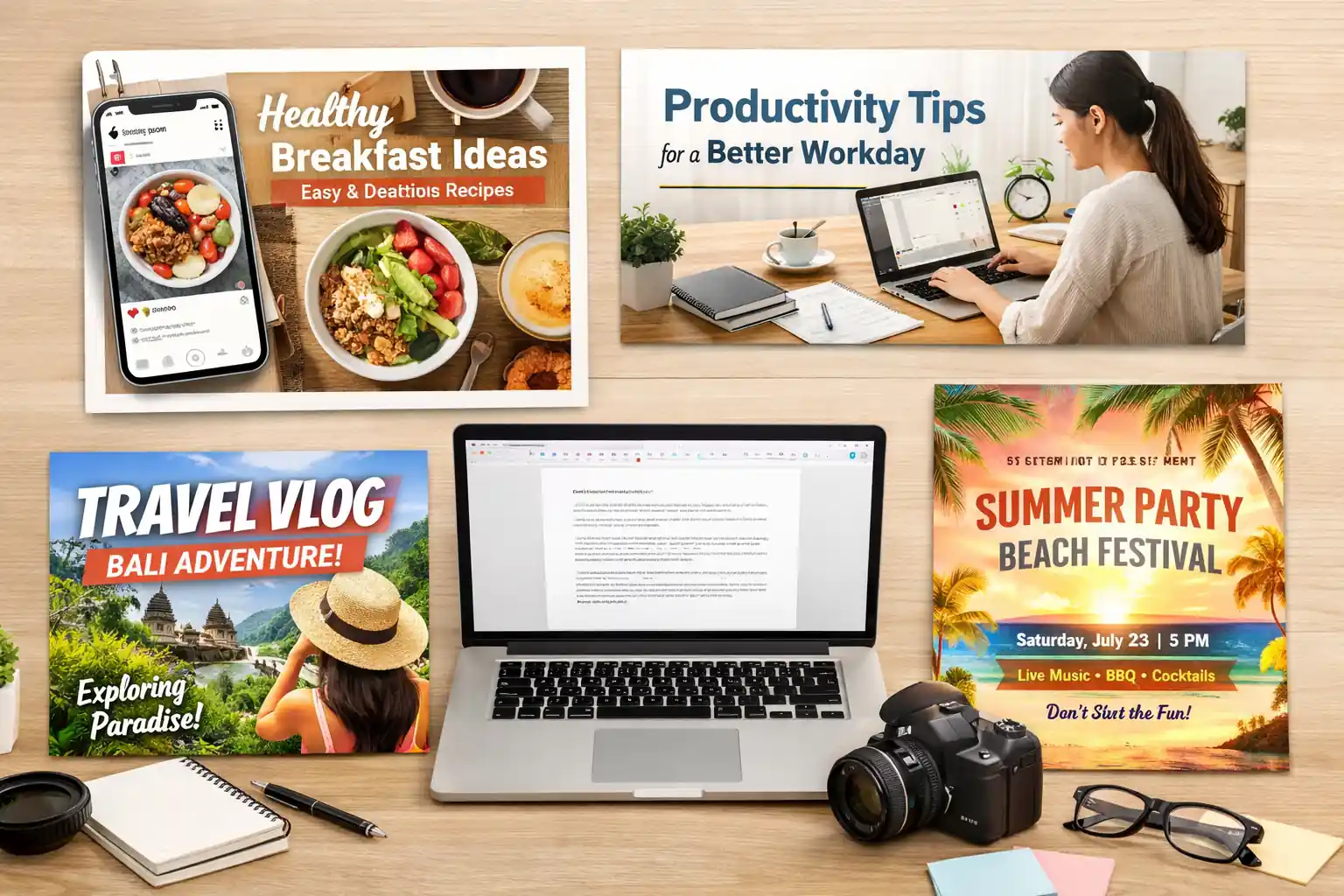
Create custom visuals for social posts, blog covers, posters, and video thumbnails without relying on generic stock images. When the image fits the topic, the content feels more complete, polished, and ready to publish.
Create Content ImagesA clear visual helps people understand your direction faster than words alone. Use AI-generated images to present campaign ideas, landing page concepts, event themes, or product directions in a way that is easier to pitch, discuss, and approve.
Create a Pitch Visual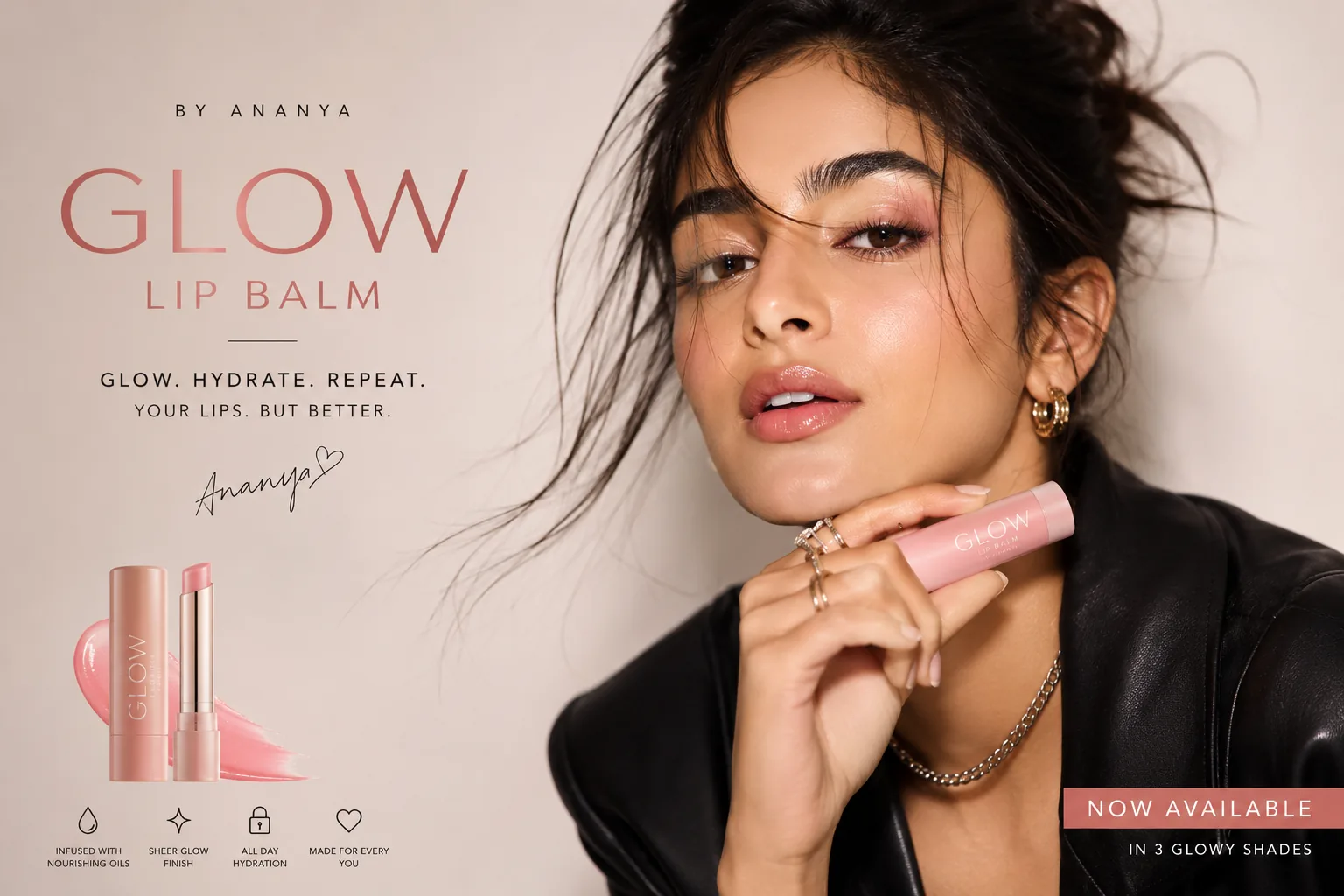
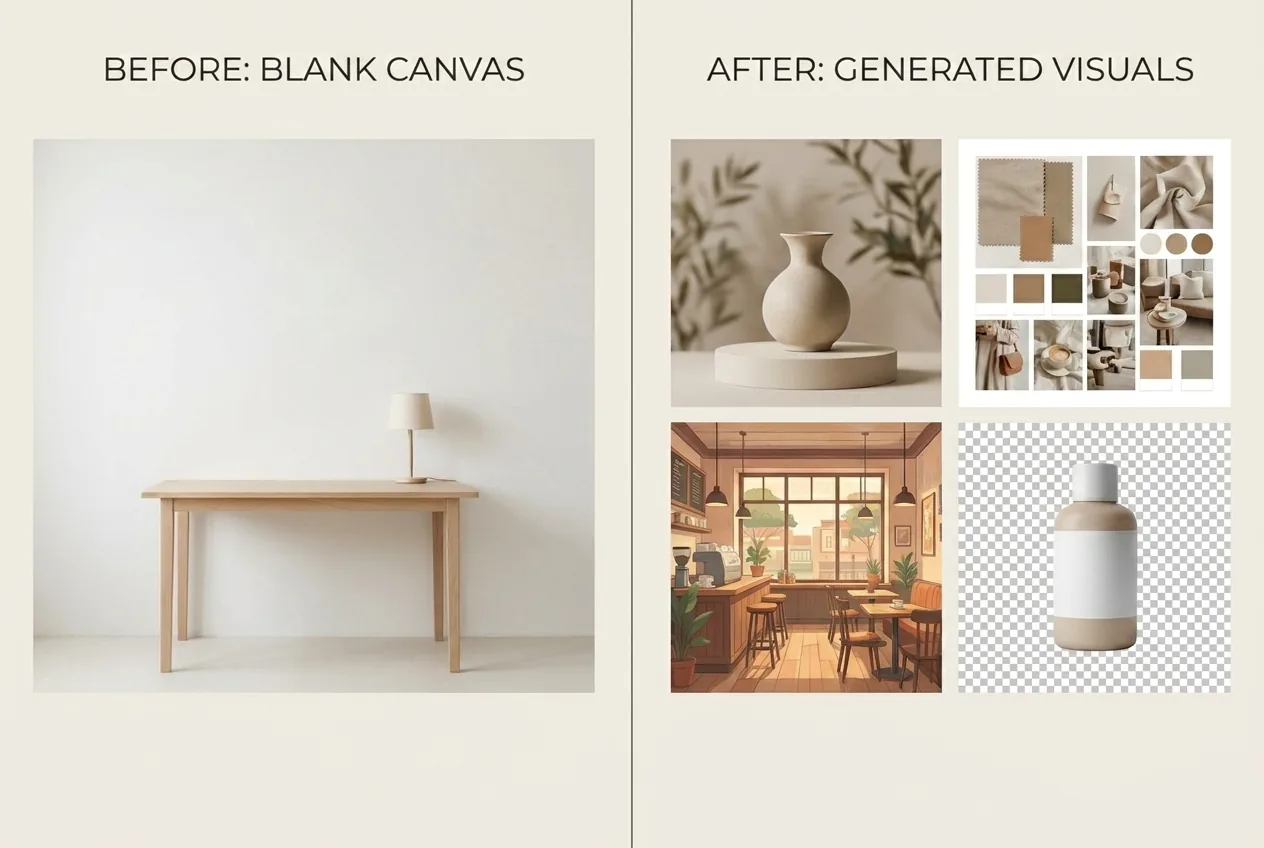
If you do not have photos, design assets, or time for a shoot, start from text instead. Generate the background scene, concept illustration, product-style visual, or mood image you need and move forward without waiting on resources.
Generate from TextExplore different looks before committing to one. Try different styles, layouts, colors, and moods for a post, ad, or brand visual, then compare the results and choose the direction that works best.
Explore More Styles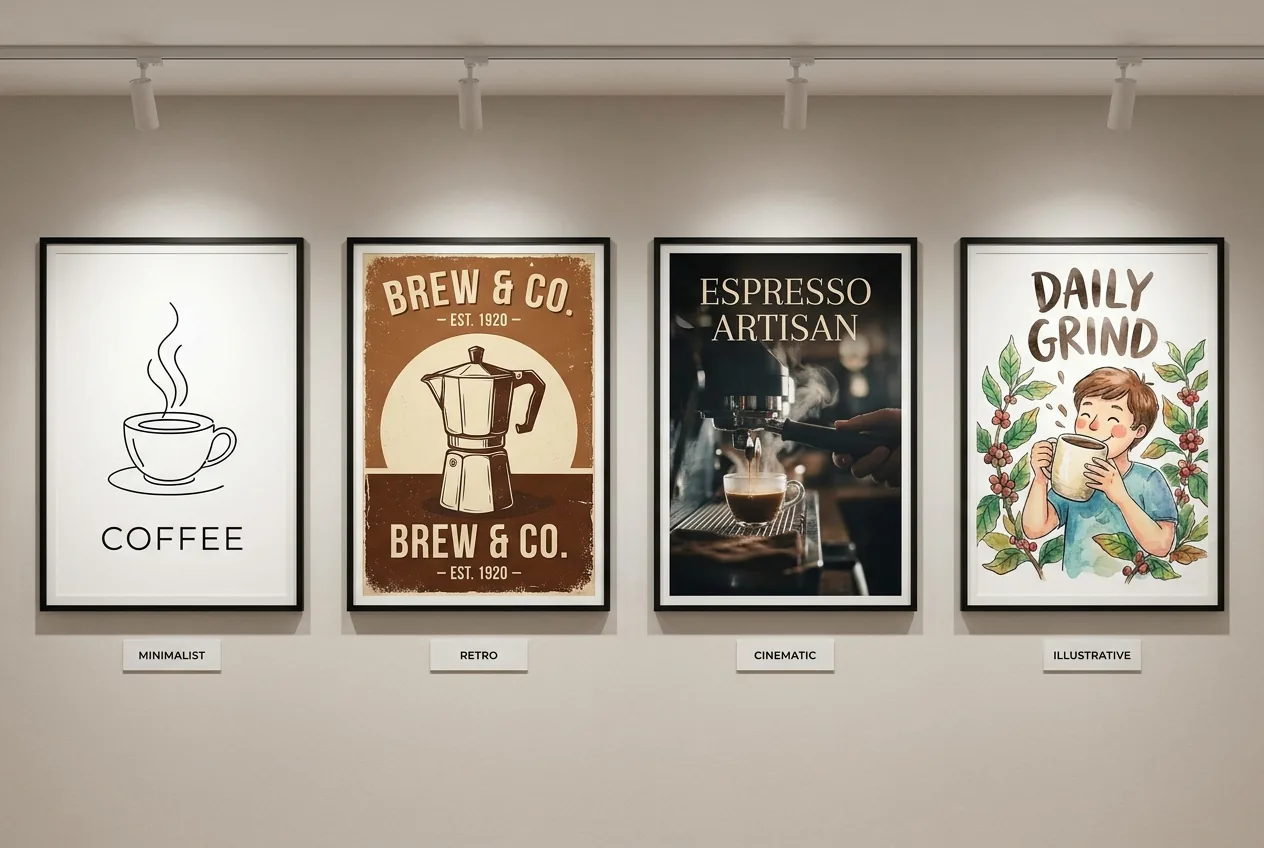
From content creators to marketers and founders, people use MindPic to turn rough ideas into usable visuals in minutes.
“MindPic helps me turn half-formed ideas into visuals I can actually post. It saves me time every week, especially when I need something custom and fast.”
“We use it to explore campaign directions before moving into full production. It makes early-stage ideas much easier to share and discuss with the team.”
“I do not always have the budget or time for a shoot, so being able to generate product-style visuals from text has been incredibly useful.”
“What I like most is how quickly I can test different moods and compositions. It is a practical tool for getting unstuck and showing clients options.”
“I use MindPic when I need a blog cover or social image that feels more original than stock photos. It makes the content look much more complete.”
“I like that I can turn a quick idea into something visual before I overthink it. It helps me move faster when I need options for content or brand work.”
Create with MindPic for free. No sign-up required. Just type your prompt and turn your ideas into images in seconds.
Generate Images Now