

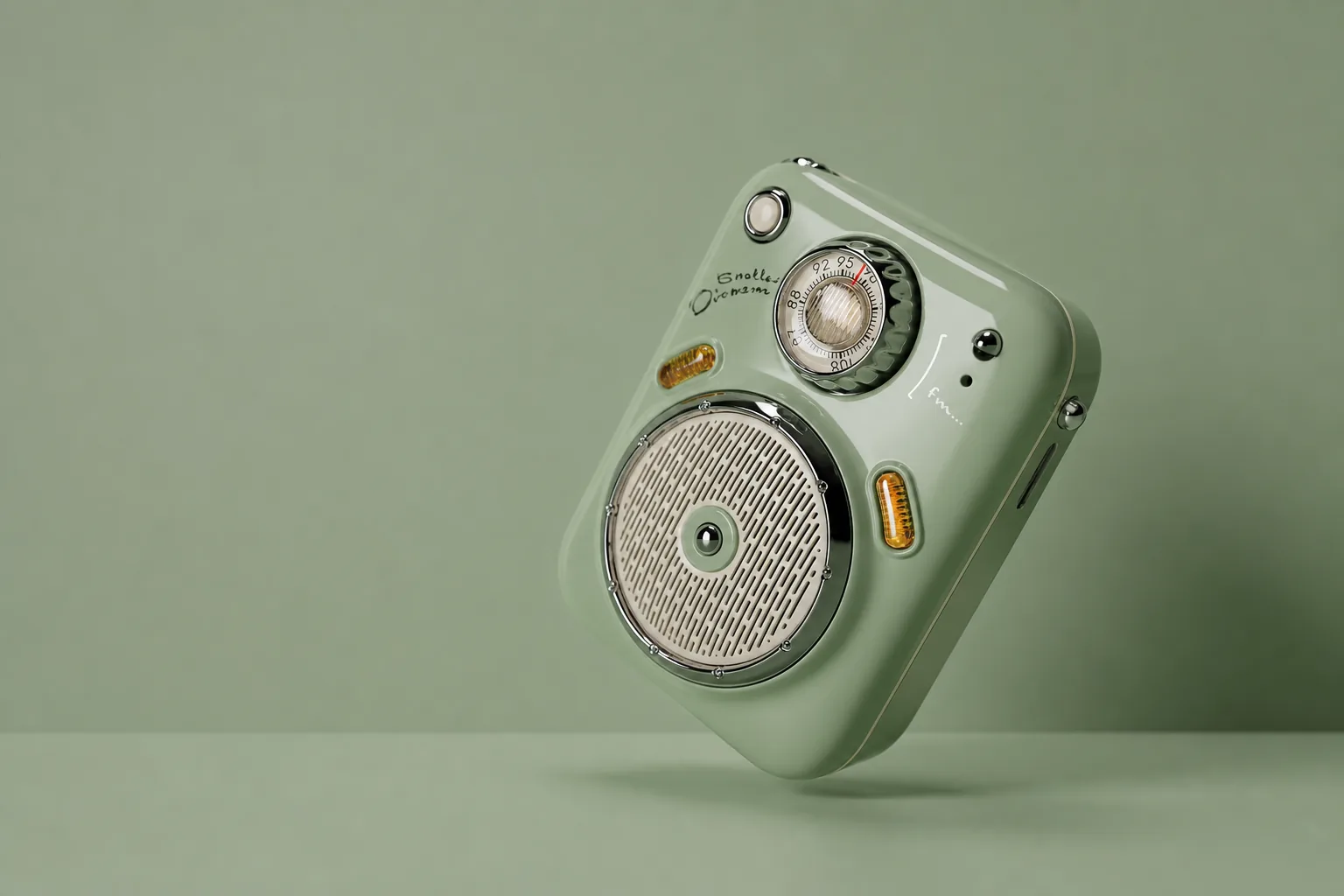
Remove logos, text, timestamps, and other unwanted watermarks from your images automatically. Upload one image and let AI restore a clean, natural-looking photo in just seconds.


Upload an image with a watermark, and AI will automatically detect and remove logos, text, timestamps, and other unwanted marks. In just seconds, you'll get a clean image with natural-looking details preserved.
Result
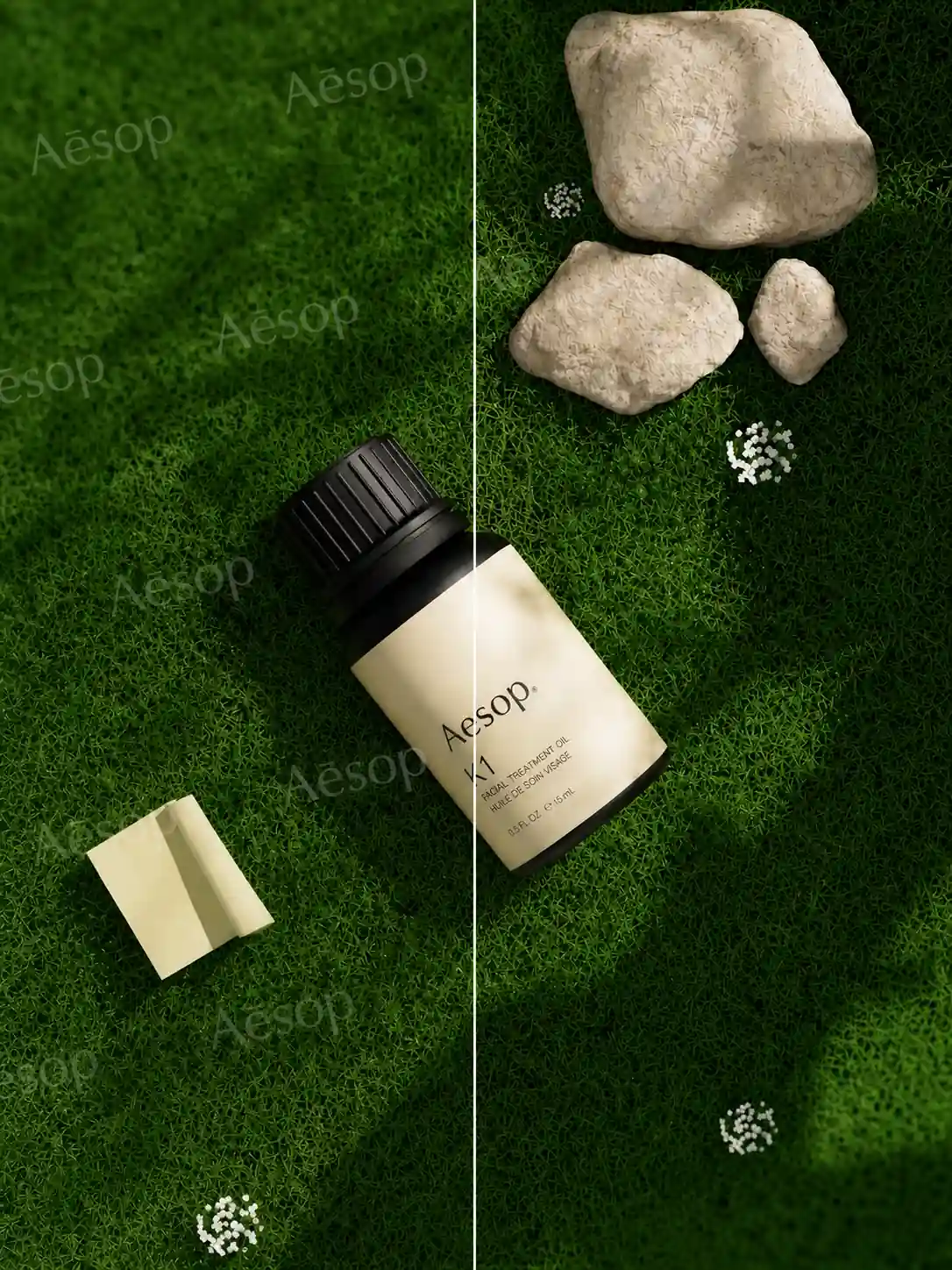
Compare before-and-after examples across different image types. See how AI removes logos, text, timestamps, and other unwanted watermarks while preserving image quality and natural details.
Remove unwanted watermarks quickly and naturally with AI. MindPic automatically detects watermarks, restores the hidden background, and preserves image quality - all in just a few seconds.
AI automatically detects logos, text, timestamps, and other common watermarks, so there's no need to manually select or erase them yourself.
AI intelligently reconstructs the area hidden beneath the watermark, creating clean, natural-looking results that blend seamlessly with the rest of the image.
Maintain sharp details, natural colors, and realistic textures after watermark removal, so your images look clean without appearing blurry or over-edited.
Your uploaded images are processed securely and used only for watermark removal. We never share your photos, giving you peace of mind every time you upload.
Whether you're editing product photos, social media images, travel pictures, or creative designs, MindPic removes unwanted watermarks and restores a clean, natural-looking result in seconds.

Remove brand logos, text, or promotional watermarks from product images to create cleaner visuals for online stores, catalogs, presentations, or marketing materials. AI intelligently restores the covered areas, keeping the product details sharp and natural.
Remove Product Watermarks
Remove timestamps, camera marks, or unwanted text from personal photos while preserving natural details. Whether it's a travel memory, a family photo, or an old picture, restore a cleaner version that's ready to save or share.
Clean Up Your Photos
Remove logos, text, or watermarks from downloaded images to create cleaner visuals for inspiration, mood boards, presentations, or everyday projects. AI restores the hidden background for a more natural-looking result.
Clean Up Images
Remove distracting watermarks from mockups, blog graphics, presentations, and other design assets to create cleaner visuals for creative projects. The restored image blends naturally, helping your work look polished and ready to share.
Clean Your DesignRemove unwanted watermarks in three simple steps. Upload your image, let AI do the work, and download a clean result in seconds.
Upload an image with a logo, text, timestamp, or other watermark.
AI automatically detects and removes the watermark while restoring the hidden area naturally.
Preview the result and download your clean, watermark-free image.
Answers to common questions about AI watermark removal, supported formats, image quality, and appropriate image usage.
An AI watermark remover automatically detects and removes unwanted watermarks from images using artificial intelligence. Instead of simply erasing the watermark, it reconstructs the covered area to create a cleaner, more natural-looking result.
MindPic can remove many common image watermarks, including logos, text, timestamps, brand marks, and other visible overlays. Results may vary depending on the size, position, and complexity of the watermark.
MindPic is designed to preserve image quality while removing watermarks. AI restores the hidden areas as naturally as possible, although results may vary depending on the original image and watermark.
Yes. You can try the AI Watermark Remover for free. Some advanced features or higher usage limits may require a premium plan.
MindPic supports popular image formats, including JPG, JPEG, PNG, and WEBP. Simply upload your image, and AI will handle the watermark removal automatically.
Removing watermarks should only be done for images you own or have permission to edit. Please respect copyright laws and make sure you have the legal right to modify any image before removing its watermark.
Upload your image and let AI automatically remove unwanted watermarks while restoring the hidden areas naturally. No editing skills required - just upload, remove, and download your clean image.