
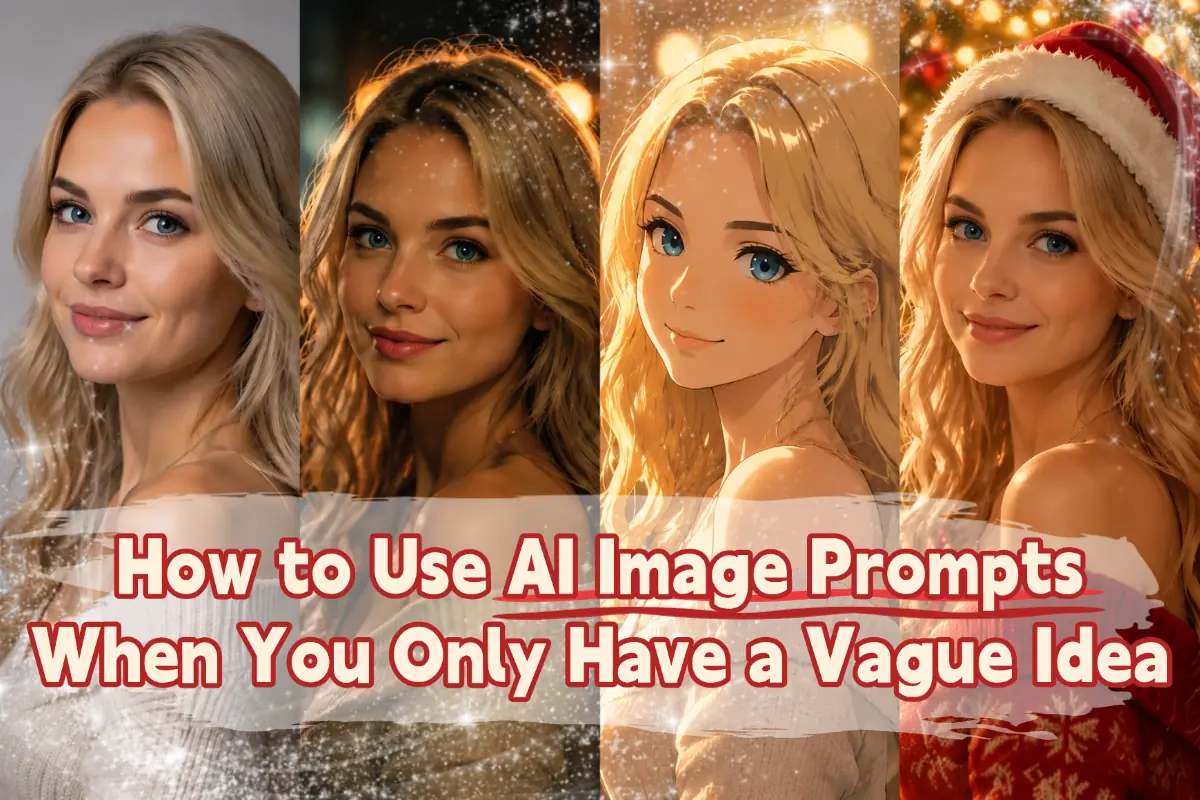
How to Use AI Image Prompts When You Only Have a Vague Idea
Most AI image prompt guides assume you already know exactly what you want to create. In real life, that is often not the case. Many people only have a rough idea. You may want a better profile photo, a more eye-catching product image, or an anime-style version of a selfie, but you may not know the exact style, lighting, or mood you want yet.
The good news is that you do not need a perfect prompt to get a good result. A simple idea is often enough to begin. You can let AI generate a few different directions first, choose the one you like most, and then improve it step by step. This is often faster, easier, and more natural for beginners.
This guide will show you an easy way to do that. You will also find simple prompts you can copy, use, and adjust for your own images.
A Simple Way to Work with AI: Explore, Pick, Improve
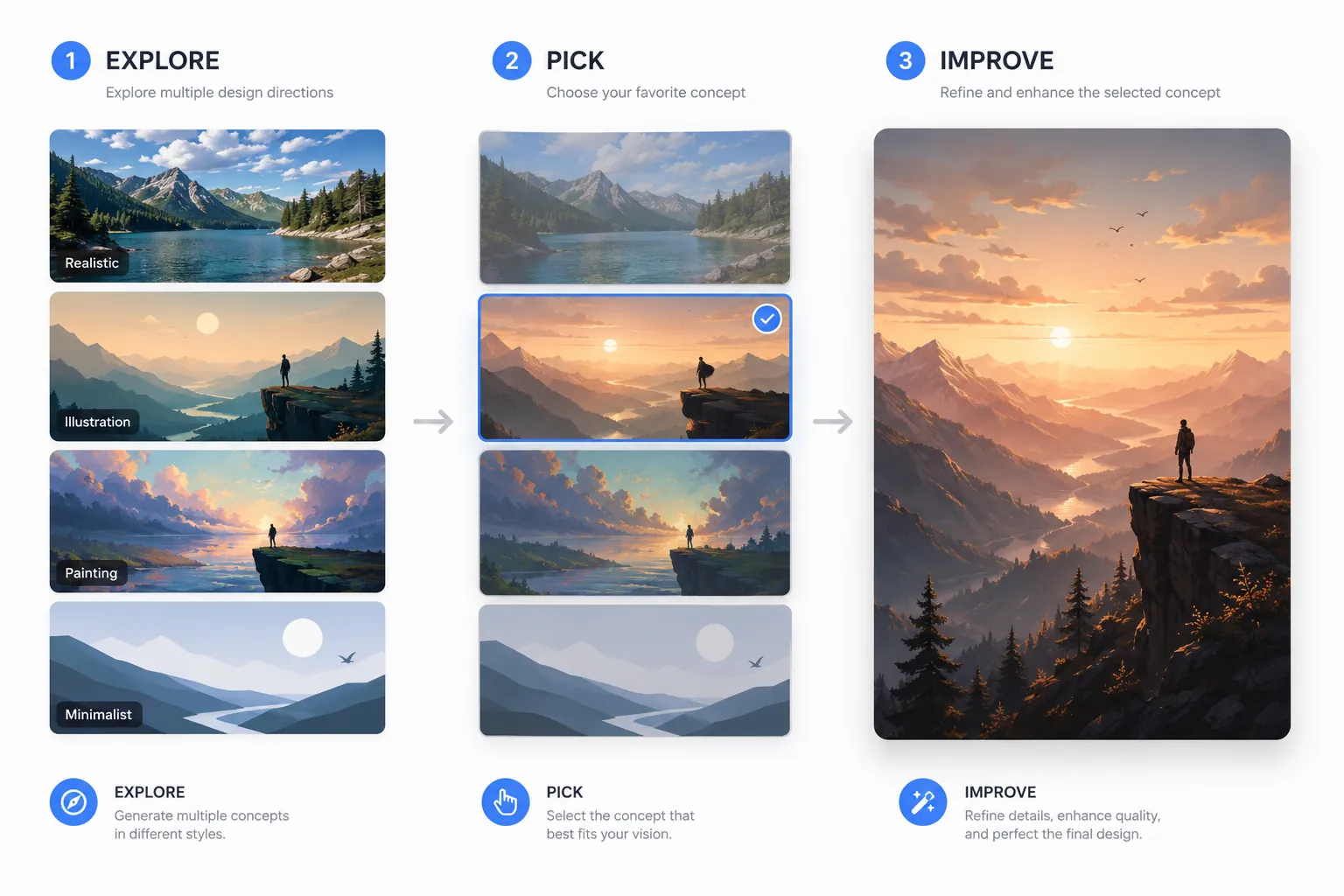
If you do not know exactly what kind of image you want, the easiest way to use AI is to keep the process simple: explore, pick, and improve.
First, explore. Start with a short prompt and let AI try a few different directions. At this stage, you do not need to control every detail or guess the best style right away. The goal is simply to see what looks good.
Next, pick. Look at the results and choose the version that feels closest to what you want. It does not need to be perfect. Just pick the one with the best overall look, mood, or style, and use that as your starting point.
Then, improve. Once you find a direction you like, ask AI to make small changes. You can change the background, adjust the lighting, improve the colors, or make the image look more realistic.
For most people, this feels much more natural than trying to write one perfect prompt from the start. This works especially well with image to image AI when you already have a photo and want to explore a few different directions before choosing one to refine.
Easy Prompts You Can Copy and Paste
These simple prompts can be used in many AI text to image tools, especially when you want to start with a loose idea and see what styles or directions the model suggests. You do not need to start with a long or detailed prompt. In many cases, a short and simple instruction is enough to get a useful result.
The prompts below are meant to help you begin, especially when you only have a general idea and want AI to take the first step for you. You can copy them as they are, or change a few words to fit your own image.
Better Profile Photos
● Create a better profile photo from this image with a polished and natural look.
● Turn this selfie into a more professional profile picture with clean lighting and a simple background.
● Create a friendly and high-quality headshot from this photo.
● Make this portrait look more confident, natural, and visually appealing.
Anime-Style Images
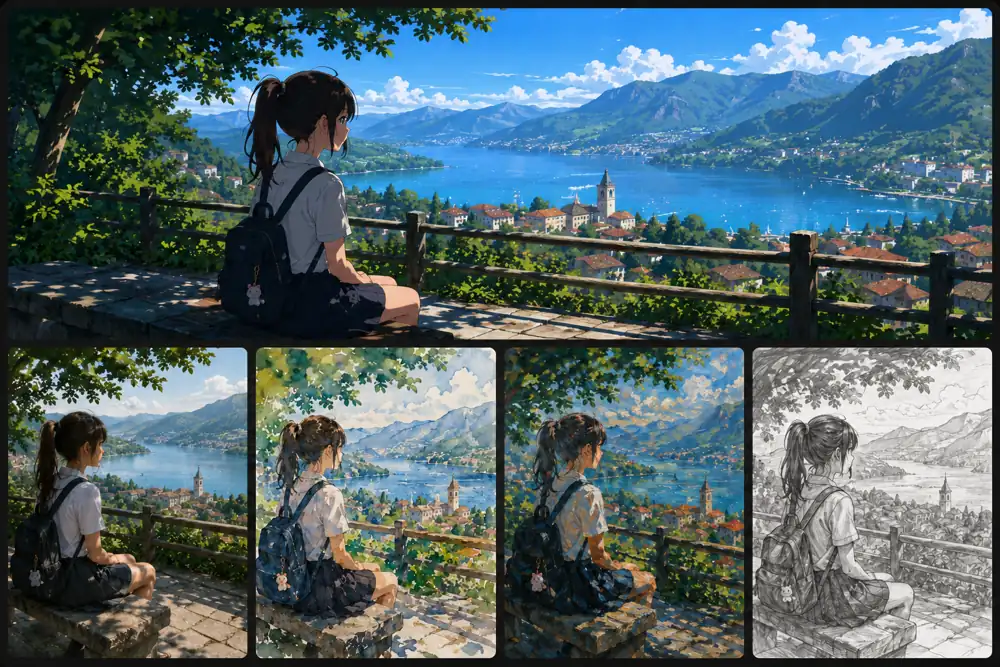
● Turn this photo into an anime-style image with a creative and expressive look.
● Create an anime version of this selfie while keeping the face recognizable.
● Transform this image into anime art with a polished background and stronger visual impact.
● Restyle this portrait as anime art with a soft and cinematic feel.
Holiday Photos
● Turn this photo into a festive holiday image with seasonal details and warm lighting.
● Create a Christmas-themed version of this portrait with a joyful and cozy atmosphere.
● Make this image look fun and spooky for Halloween with creative details and dramatic lighting.
● Transform this photo into a soft and romantic Valentine’s Day image.
Product Images
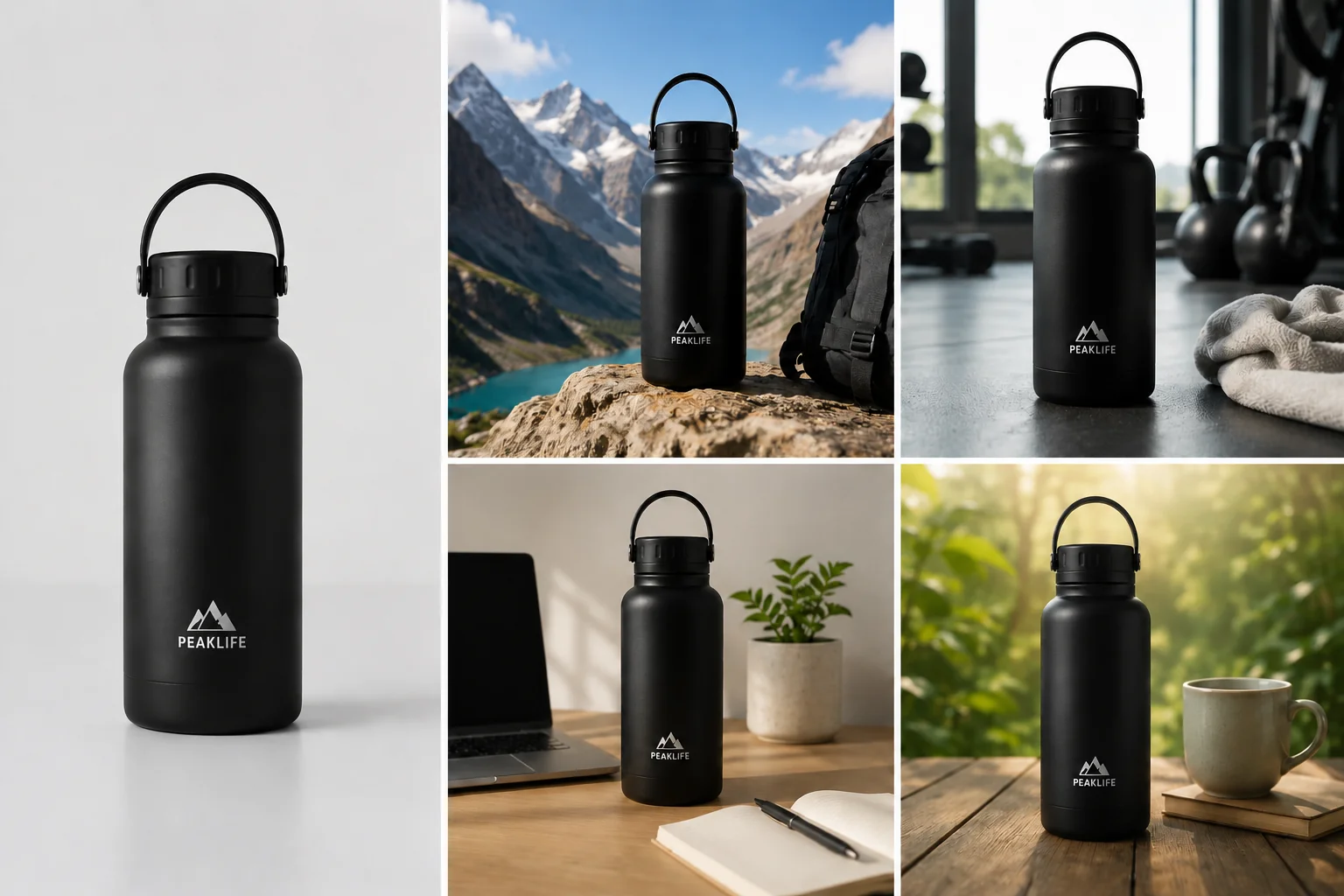
● Turn this product photo into a more premium-looking ad image with professional lighting.
● Create a cleaner and more eye-catching ecommerce image from this product photo.
● Make this product look more polished and high-end for an online store.
● Transform this image into a stylish product ad with a more professional feel.
Social Media Posts
● Create a more eye-catching version of this image for social media.
● Turn this photo into a stylish Instagram-ready image with a modern look.
● Make this image feel more bold, trendy, and visually engaging.
● Create a brighter and more scroll-stopping version of this photo for a social post.
Everyday Photos
● Make this photo look more stylish and visually appealing while keeping it natural.
● Turn this everyday image into something more polished with better lighting and composition.
● Create a more cinematic version of this photo with richer mood and cleaner visuals.
● Improve this image so it looks cleaner, more modern, and more striking.
If you are not uploading a photo, you can replace phrases like “this image” or “this selfie” with a short description of the person, product, or scene you want to create.
You do not need to use these prompts exactly as written. The easiest way to get better results is to start with one simple prompt, see what AI gives you, and then ask for small changes.
How to Ask for Small Changes
You do not need to write a brand-new prompt every time. If the first image is already close to what you want, the easiest next step is to ask for one small change instead of starting over.
For example, you can say:
- Make it brighter.
- Change the background.
- Keep the same face.
- Make it more realistic.
- Try a softer
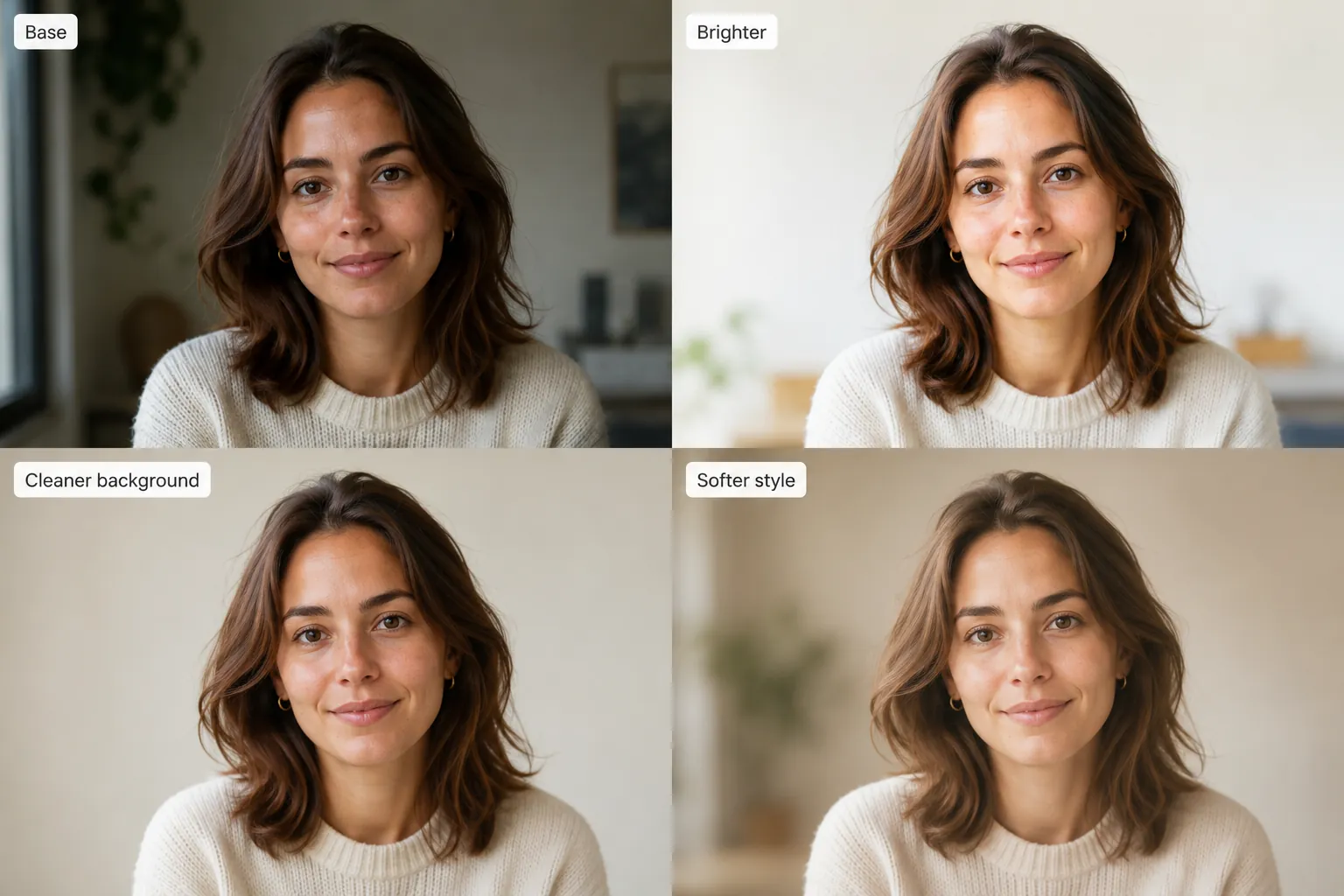
If you want a little more control, you can be slightly more specific:
- Keep the same face, but make the lighting softer.
- Change the background to something cleaner and more modern.
- Make it look more realistic and less like digital art.
- Try a warmer color tone.
- Keep the overall style, but make it feel more professional.
This approach is usually easier than rewriting the whole prompt. When you change one thing at a time, it is easier to see what works, keep what you like, and move closer to the image you want.
A Few Tips for Better Results
You do not need to overthink your prompt. When you are still exploring ideas, a simple prompt is often the best place to start.
A few small habits can make the process much easier:
➢ Start simple, then change one thing at a time.
➢ Keep the version you like best, even if it is not perfect yet.
➢ When you ask for the next edit, tell AI what you want to keep, such as the face, pose, mood, or overall style.
The goal is not to get the perfect image in one try. The goal is to get a little closer with each version until you find one that feels right.
Conclusion
You do not need a perfect prompt to get a great image.
If you only have a vague idea, start simple, let AI explore a few directions, and then improve the version you like best.
This makes the process easier, especially for beginners who are still figuring out what they want.